


 Password Manager
 Identity Theft Protection

 Team / Business
 Enterprise
 Government
 MSP
MSP


Nearly 60 percent of American businesses face critical data breaches due to cloud misconfigurations. For IT managers working with remote teams, choosing the right secure cloud storage solution is not just about convenience—it directly impacts how protected and efficient your organization can be. This guide walks you through actionable steps to assess your needs and strengthen your security, helping you safeguard sensitive information while keeping workflows running smoothly across borders.
Quick Summary
| Key Insight | Explanation |
|---|---|
| 1. Assess Data Storage Needs | Conduct an internal audit of current data to determine types, volumes, and compliance requirements for effective cloud storage planning. |
| 2. Implement Strong Security Measures | Use granular user permissions and advanced security protocols like multi-factor authentication to protect sensitive data from cyber threats. |
| 3. Utilize Passwordless Authentication | Shift to passwordless multi-factor authentication for enhanced security and improved user experience while preventing password-related vulnerabilities. |
| 4. Encrypt Data Prior to Upload | Apply encryption for sensitive information before uploading to the cloud to safeguard against unauthorized access during transmission. |
| 5. Monitor Cloud Storage Activities | Regularly audit and monitor storage activities to quickly identify and respond to potential security incidents or breaches effectively. |
Step 1: Assess organizational cloud storage requirements
Understanding your organization’s cloud storage requirements is like creating a strategic roadmap for secure and efficient data management. This critical first step helps you align technology infrastructure with business goals while preventing potential security gaps and performance bottlenecks.
Start by conducting a comprehensive internal audit that examines your current data landscape. Structured cloud management frameworks recommend analyzing several key dimensions. First, catalog all existing data types your organization handles: structured databases, unstructured files, multimedia content, and sensitive records. Identify the volume, growth rate, access patterns, and regulatory compliance needs for each data category.
Next, evaluate your technical infrastructure and future scalability requirements. Review your current storage systems, network bandwidth, security protocols, and anticipated expansion needs. Use cloud storage design questionnaires to systematically map out functional characteristics like data retrieval speed, redundancy requirements, and budget constraints. Consider factors such as geographic distribution of data centers, encryption standards, and compatibility with existing IT systems.
Pro tip: Create a detailed spreadsheet tracking each data category’s storage requirements, including projected growth rates, access frequencies, and compliance mandates to streamline your cloud storage strategy.
Here’s a summary of major data types and considerations when assessing cloud storage requirements:
| Data Type | Key Considerations | Compliance Needs |
|---|---|---|
| Structured databases | Growth rate, query speed | GDPR, PCI DSS |
| Unstructured files | Access frequency, storage size | Internal policies |
| Multimedia content | Bandwidth, scalability | Copyright, privacy laws |
| Sensitive records | Security protocols, encryption | HIPAA, SOX, GDPR |
Step 2: Implement robust security configurations
Securing your cloud storage environment requires a strategic and multilayered approach to protect sensitive organizational data from potential cyber threats. Your goal is to create a resilient security framework that prevents unauthorized access while maintaining smooth operational workflows.
Cloud operations best practices recommend starting with comprehensive access control configurations. Begin by implementing granular user permissions that follow the principle of least privilege. This means each team member receives only the minimum access rights necessary to perform their specific job functions. Use role based access control systems that allow you to define precise permission levels across different user groups such as administrators, managers, and standard employees.
Next, focus on technical security measures that enhance your cloud storage protection. Secure cloud architecture involves integrating multiple security layers including advanced encryption protocols, multi factor authentication, and continuous vulnerability monitoring. Configure end to end encryption for data transmission and storage, establish robust network segmentation to isolate potential breach points, and implement automated security scanning tools that can detect and respond to potential vulnerabilities in real time.

Pro tip: Conduct quarterly comprehensive security audits and penetration testing to proactively identify and address potential configuration weaknesses before they can be exploited by malicious actors.
Step 3: Integrate passwordless multi-factor authentication
Transitioning to passwordless multi-factor authentication represents a significant leap forward in securing your organization’s digital infrastructure. This approach eliminates traditional password vulnerabilities while providing a more robust and user friendly authentication mechanism.
Passwordless authentication technologies leverage advanced public key cryptography to create secure, device specific credentials that are nearly impossible to compromise. Begin by selecting a WebAuthn compatible authentication platform that supports biometric verification methods such as fingerprint scanning, facial recognition, or hardware security keys. Configure the system to require multiple authentication factors unique to individual users such as a registered device, biometric data, and time limited access tokens.
Implement a phased rollout strategy that allows gradual user adaptation. Start with a pilot group of tech savvy employees who can provide feedback and help troubleshoot initial implementation challenges. Develop comprehensive training materials that explain the new authentication process, highlighting the enhanced security benefits and streamlined user experience. Ensure your chosen solution integrates seamlessly with existing identity management systems and provides comprehensive logging and auditing capabilities to track authentication attempts and potential security events.
Pro tip: Select authentication methods that balance robust security with user convenience, prioritizing solutions that offer multiple verification pathways to accommodate different user preferences and accessibility needs.
Compare authentication methods and their strengths for cloud security:
| Method | Security Strength | User Experience | Typical Use Cases |
|---|---|---|---|
| Password-based | Weak against phishing | Familiar, less secure | Legacy systems |
| Passwordless MFA | Strong cryptography | Fast, user friendly | Corporate cloud platforms |
| Biometric verification | High, device specific | Convenient, inclusive | Mobile & remote access |
| Hardware security key | Resistant to phishing | Portable, robust | Admins, privileged access |
Step 4: Encrypt sensitive data prior to upload
Protecting your organization’s critical information begins with robust encryption strategies implemented before data ever reaches cloud storage. This proactive approach ensures maximum security and minimizes potential vulnerabilities during data transmission and storage.
Client side encryption protocols provide the strongest defense mechanism for sensitive organizational data. Select an encryption tool that supports advanced encryption standard (AES) 256 bit encryption and enables complete data transformation before cloud upload. Implement a comprehensive encryption workflow that includes creating strong encryption keys, establishing secure key management procedures, and using asymmetric encryption techniques that separate public and private encryption components.
Carefully develop a systematic approach to encryption that covers different data categories. Classify your organizational data based on sensitivity levels and apply corresponding encryption strengths. International data protection standards recommend creating encryption policies that address personally identifiable information, financial records, and proprietary business documents. Ensure your encryption process includes metadata protection, file name encryption, and comprehensive logging mechanisms to track all encryption activities and maintain a clear audit trail.
Pro tip: Regularly rotate encryption keys and maintain offline backups of encryption key materials to prevent potential single points of failure in your data protection strategy.
Step 5: Verify secure file access and sharing protocols
Ensuring robust file access and sharing protocols is critical for maintaining the confidentiality and integrity of your organization’s cloud stored data. Your goal is to create a comprehensive system that protects sensitive information while enabling efficient collaboration.
Cloud data management best practices emphasize implementing granular access control mechanisms. Begin by developing a detailed access governance framework that assigns precise permission levels based on user roles and organizational hierarchy. Configure your cloud storage platform to support role based access controls that allow you to define exact read write modify and share permissions for each user group or individual team member. Implement time limited access tokens and automatic permission expiration for temporary collaborators or external contractors.
Establish a comprehensive monitoring and auditing system that tracks all file access and sharing activities in real time. Create automated alerts for suspicious access attempts unauthorized sharing or unusual file modification patterns. Develop a centralized dashboard that provides visibility into file access logs including detailed information such as user identity timestamp location and specific actions performed. Regularly conduct access permission reviews to ensure that current permissions align with organizational changes and maintain the principle of least privilege.
Pro tip: Implement mandatory quarterly access rights recertification processes to systematically validate and update user permissions preventing unauthorized data access through outdated access credentials.
Step 6: Monitor and audit cloud storage activity
Establishing a comprehensive monitoring and auditing strategy is essential for maintaining the security and compliance of your cloud storage infrastructure. Your objective is to create a proactive system that provides real time visibility into data access and potential security risks.
Cloud operations best practices emphasize implementing advanced monitoring mechanisms that go beyond simple log tracking. Configure your cloud storage platform to generate detailed activity logs that capture every significant event including user logins file modifications access attempts and permission changes. Utilize machine learning powered analytics tools that can establish baseline behavioral patterns and automatically flag anomalous activities such as unusual access times unexpected geographic locations or abnormal data transfer volumes.
Develop a comprehensive incident response workflow that defines clear protocols for investigating and addressing potential security events. Create tiered alert systems that categorize potential threats based on severity and automate initial response actions. Advanced cloud monitoring research suggests implementing multi dimensional forensic analysis capabilities that provide contextual insights into potential security incidents. Establish a centralized dashboard that offers real time visualization of storage activity aggregating data from multiple sources to provide holistic security intelligence.
Pro tip: Configure automated weekly security reports that summarize critical activity metrics and potential anomalies to ensure consistent oversight without manual intervention.
Empower Your Secure Cloud Storage Workflow Today
Addressing the challenges of protecting sensitive data in the cloud requires more than basic encryption or simple password protection. This article highlights key pain points such as complex access controls, the need for robust encryption, passwordless multi-factor authentication, and continuous monitoring to prevent unauthorized access and data breaches. Organizations aiming for efficient data protection must adopt a multilayered security strategy that simplifies user access while enhancing overall security posture.
At LogMeOnce, we understand these goals deeply. Our comprehensive cybersecurity solutions are designed to seamlessly integrate passwordless MFA, encrypted cloud storage, and powerful identity management features. You gain control with granular permissions, advanced encryption standards, and real-time monitoring — all tailored for organizations that value both convenience and impenetrable security. Discover how our tools can transform your cloud storage security by visiting LogMeOnce. Explore the benefits of passwordless authentication that reduces attack surfaces and boosts user adoption. Protect your sensitive data effortlessly with our encrypted cloud storage solutions.
Are you ready to eliminate vulnerabilities in your cloud storage workflow with proven technology trusted by enterprises and governments alike

Experience the power of next-generation cloud security now at LogMeOnce. Start your free trial and take the first step toward truly secure and efficient data protection.
Frequently Asked Questions
What are the key steps in a secure cloud storage workflow?
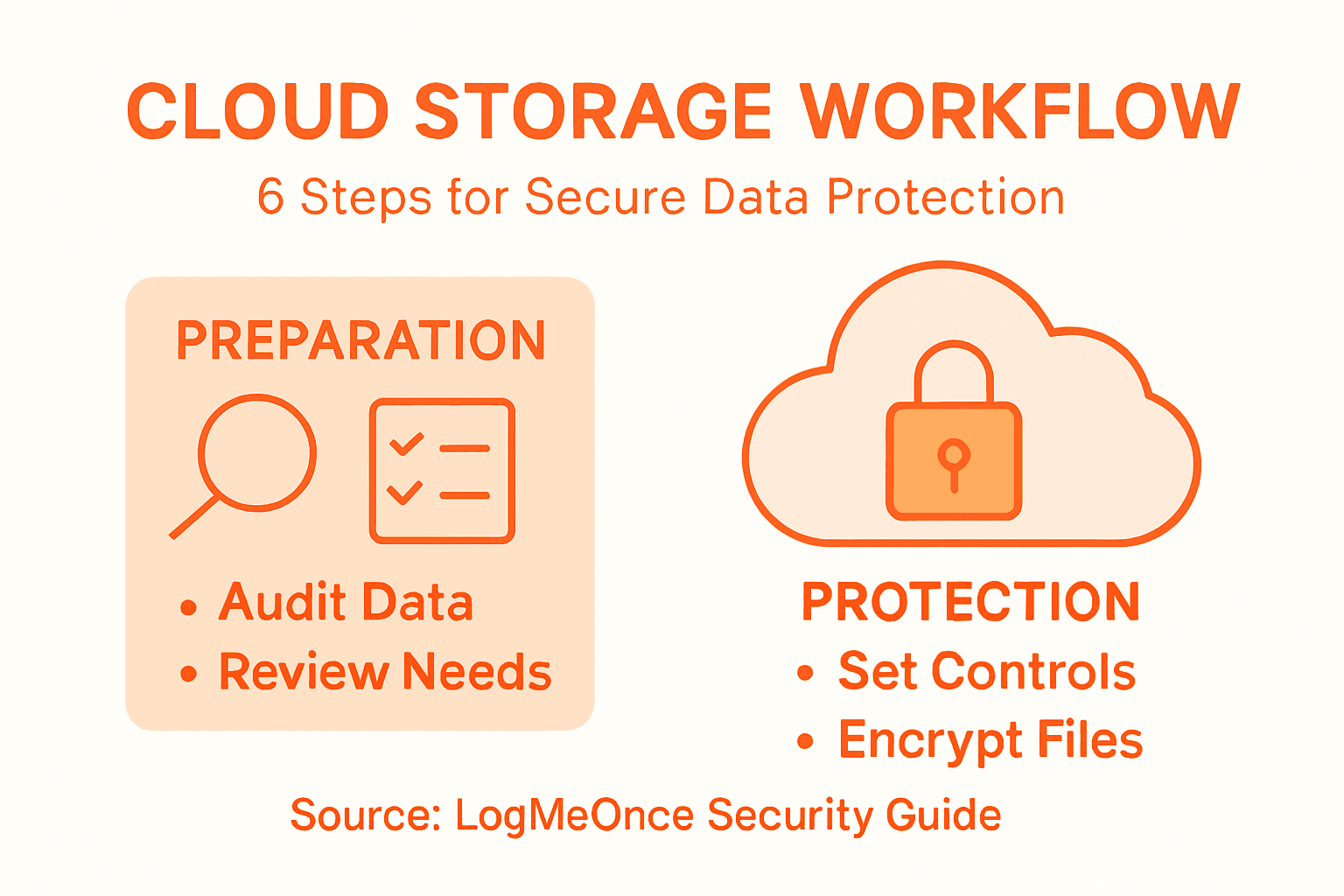
To create a secure cloud storage workflow, start by assessing your organization’s storage requirements, implementing robust security configurations, and integrating passwordless multi-factor authentication. Follow this by encrypting sensitive data prior to upload, verifying secure file access and sharing protocols, and monitoring and auditing cloud storage activity.
How can I ensure sensitive data is protected before storing it in the cloud?
You can protect sensitive data by using strong encryption strategies before uploading it to cloud storage. Implement client-side encryption with strong encryption standards, like AES 256-bit, to transform the data completely before upload.
What measures should I take to control access to cloud stored data?
To control access, develop a detailed access governance framework specifying permission levels based on user roles. Configure your cloud storage platform to use role-based access controls, ensuring that each user has the minimum access rights necessary for their job.
How often should I conduct security audits for cloud storage?
Conduct comprehensive security audits at least quarterly to identify and address potential configuration weaknesses. This regular assessment helps maintain a robust security posture and reduce risks associated with unauthorized access.
What is the importance of monitoring cloud storage activity?
Monitoring cloud storage activity is crucial for identifying potential security risks and ensuring compliance. Establish a system that tracks user logins, file modifications, and access attempts, enabling you to respond quickly to any suspicious activities.
How can I implement a passwordless multi-factor authentication system?
To implement passwordless multi-factor authentication, select a compatible platform that supports biometric verification methods. Gradually roll out the system, starting with a pilot group to gather feedback, and provide training materials to ensure understanding of the new authentication process.
Recommended
- How to Protect Your Information While Using the Cloud – LogMeOnce
- 5 Reasons Cloud Encryption is Important for Every Business
- Cloud Data Storage FAQs: Can the Cloud Be Hacked? – LogMeOnce
- Encryption for Cloud Storage – LogMeOnce


