


 Password Manager
 Identity Theft Protection

 Team / Business
 Enterprise
 Government
 MSP
MSP


Over half of american organizations face rising threats from password-related breaches, putting both data security and user trust at risk. For IT security managers, the pressure is on to strengthen defenses without complicating workflows. This guide walks you through each critical phase of moving toward passwordless authentication, equipping you with practical steps to spot weaknesses, select suitable methods, and deliver a seamless login experience.
Quick Summary
| Key Insight | Explanation |
|---|---|
| 1. Assess current infrastructure | Thoroughly evaluate existing authentication systems to identify strengths and weaknesses. Document vulnerabilities and current capabilities for strategic planning. |
| 2. Choose suitable methods | Select passwordless authentication strategies that enhance security while maintaining user convenience. Consider biometric options and their compatibility with current systems. |
| 3. Integrate with identity systems | Ensure smooth integration of passwordless authentication with existing identity management solutions. Use open standards for interoperability and security. |
| 4. Streamline user onboarding | Develop a user-friendly enrollment process for passwordless methods. Provide clear guidance and support to ease the transition for users. |
| 5. Validate authentication processes | Conduct comprehensive testing of the authentication workflow to ensure security and reliability. Include diverse user scenarios in the test plan for thorough evaluation. |
Step 1: Assess current authentication infrastructure
Securing your organization starts with a comprehensive evaluation of your existing authentication systems. Your goal is to identify vulnerabilities, understand current capabilities, and map out a strategic path toward passwordless authentication.

Begin by conducting a detailed inventory of all authentication methods currently in use across your infrastructure. This includes examining password policies, multi-factor authentication implementations, access management protocols, and user authentication workflows. NIST guidelines for authentication security recommend thoroughly documenting each authentication mechanism with specific attention to credential storage, transmission protocols, and verification processes.
Carry out a systematic vulnerability assessment using frameworks recommended by cybersecurity experts. The CISA Identity and Access Management Best Practices guide suggests creating a comprehensive matrix that captures authentication risks, potential weak points, and compliance gaps. Pay special attention to areas like password complexity requirements, password reset mechanisms, session management, and potential points of compromise.
Pro tip: Engage a third party security consultant to conduct an independent assessment and provide an unbiased evaluation of your current authentication infrastructure.
Step 2: Select passwordless authentication methods
Choosing the right passwordless authentication strategy requires a careful evaluation of your organization’s security needs, user experience requirements, and technical infrastructure. Your objective is to select methods that provide robust protection while maintaining seamless access for authorized users.
Comprehensive threat analysis and authentication guidelines recommend exploring multiple authentication technologies such as biometric verification, cryptographic keys, and registered device authentication. These approaches offer significant advantages over traditional password systems by reducing the risks associated with credential theft and unauthorized access. When evaluating options, consider factors like user adoption complexity, integration capabilities with existing systems, and the specific security requirements of different user groups within your organization.
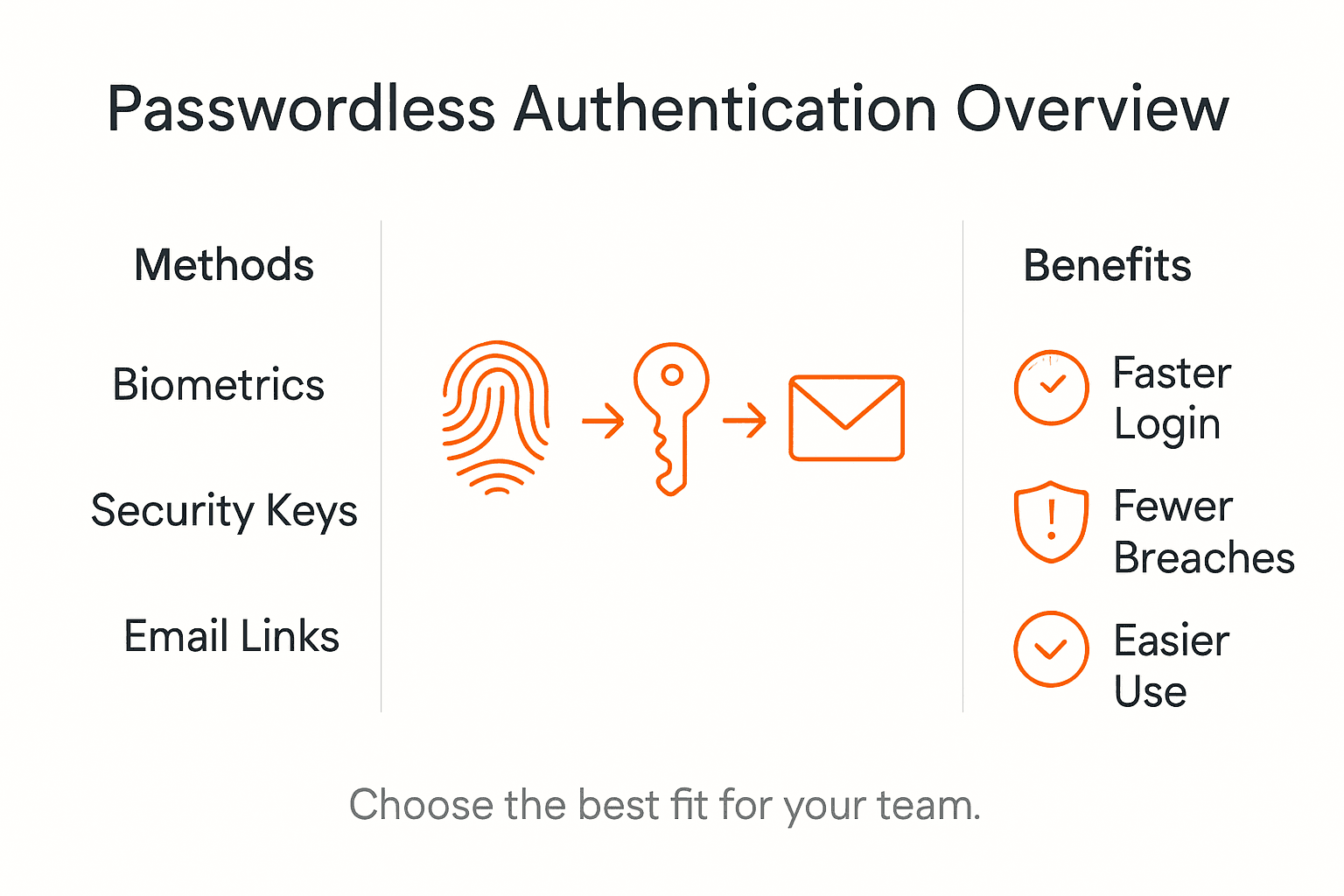
The IEEE systematic review of passwordless authentication methods suggests a multi-factor approach that combines different authentication technologies. This might include leveraging biometric authentication like fingerprint or facial recognition, hardware security tokens, or cryptographic protocols that validate user identity through device registration and secure key exchange. Prioritize solutions that offer adaptive authentication mechanisms which can dynamically adjust security levels based on contextual risk factors such as user location, device characteristics, and access patterns.
Pro tip: Conduct pilot testing with a small user group to validate the selected passwordless authentication method before full organizational deployment.
Here’s a side-by-side comparison of common passwordless authentication methods and their business impact:
| Method | Security Benefits | User Experience | Integration Considerations |
|---|---|---|---|
| Biometric Verification | Difficult to forge, reduces credential theft | Fast and convenient | May require new devices or hardware |
| Hardware Security Tokens | Robust against phishing, offers strong identity | Portable but needs management | Needs USB/NFC compatibility, token distribution |
| Cryptographic Keys | Encrypted credentials, resistant to replay | Seamless via devices | Requires device registration and key lifecycle |
| Temporary Access Pass | Limits risk in onboarding | Streamlines setup | Integrates with specific platforms only |
Step 3: Integrate with identity management solutions
Successfully implementing passwordless authentication requires a strategic approach to integrating with existing identity management frameworks. Your primary goal is to create a seamless and secure authentication ecosystem that enhances both security and user experience across your organization.
Comprehensive passwordless authentication policy frameworks recommend leveraging established standards like Security Assertion Markup Language (SAML), OAuth, and OpenID Connect to facilitate smooth integration. These protocols enable organizations to maintain existing identity management infrastructures while introducing advanced authentication mechanisms that eliminate traditional password vulnerabilities. Focus on selecting solutions that provide robust interoperability, ensuring your passwordless authentication can communicate effectively with current user directories and access management systems.
The integration guide for passwordless authentication systems highlights the importance of adopting open standards that support flexible authentication mechanisms. This approach allows you to implement technologies such as biometric validation, hardware security tokens, and cryptographic key authentication while maintaining compatibility with existing identity management platforms. When integrating, prioritize solutions that offer granular access controls, comprehensive logging capabilities, and the ability to support multi-factor authentication across different user groups and access levels.
Pro tip: Create a detailed mapping of your current identity management architecture before initiating passwordless authentication integration to identify potential compatibility challenges.
Step 4: Configure user enrollment and onboarding
Configuring a smooth and secure user enrollment process is critical to successfully implementing passwordless authentication across your organization. Your objective is to create an intuitive onboarding experience that minimizes friction while maintaining robust security protocols.
Microsoft Entra ID documentation highlights the Temporary Access Pass (TAP) as an innovative approach to streamlining user enrollment for passwordless authentication methods. This time-limited passcode mechanism allows organizations to securely introduce users to new authentication technologies like FIDO2 security keys and biometric registrations. Design your enrollment workflow to include clear user communication, step-by-step guidance, and multiple authentication method options to accommodate diverse user preferences and technical capabilities.
When developing your user onboarding strategy, focus on creating a comprehensive yet straightforward registration process. Implement progressive enrollment techniques that allow users to gradually add and validate different authentication factors. This might include initial registration through a secure portal, followed by hardware token or biometric method activation. Develop clear documentation and user support resources that explain each step of the passwordless authentication enrollment, ensuring users understand the security benefits and practical implementation of the new system.
Pro tip: Develop a pilot group of tech-savvy employees to test and provide feedback on the user enrollment process before full organizational deployment.
Step 5: Test and verify authentication workflow
Validating your passwordless authentication implementation requires a comprehensive and methodical testing approach that ensures security, reliability, and user experience across multiple scenarios. Your goal is to create a robust verification process that confirms the effectiveness of your new authentication system.
Laboratory exercises for passwordless authentication verification recommend a structured testing methodology aligned with NIST 800-63-4 assurance levels. Develop a comprehensive test plan that includes scenarios such as initial user registration, login attempts using different authentication methods, edge case handling, and security key validation. Focus on simulating real world authentication scenarios that cover various user devices, network conditions, and potential security challenges.
When conducting your verification process, create multiple test groups that represent different user profiles and technical capabilities. This approach allows you to validate the authentication workflow across diverse environments and user scenarios. Include specific test cases that evaluate biometric authentication, hardware security key registration, multi factor authentication interactions, and fallback mechanisms. Systematically document each test scenario, recording performance metrics, user experience feedback, and any potential security vulnerabilities discovered during the testing phase.
Pro tip: Create a comprehensive test matrix that includes both automated and manual verification steps to ensure thorough coverage of your passwordless authentication workflow.
The following table summarizes key steps and their objectives for successful passwordless authentication implementation:
| Implementation Step | Primary Objective | Key Challenge |
|---|---|---|
| Assess Infrastructure | Identify vulnerabilities | Outdated legacy systems |
| Select Authentication | Match security to user needs | User adoption and training |
| Integrate Identity Systems | Ensure interoperability | Compatibility with protocols |
| User Enrollment | Simplify onboarding process | Balancing ease and security |
| Test & Verify | Confirm reliability and trust | Covering all user scenarios |
Strengthen Your Security with Seamless Passwordless Authentication Today
Implementing a passwordless authentication workflow can be complex as you face challenges like outdated systems, user adoption hurdles, and integration with existing identity platforms. This article highlights critical steps such as assessing your current infrastructure, selecting the right passwordless methods, and ensuring smooth user onboarding to overcome these barriers while boosting security and user experience.
Don’t let password vulnerabilities put your organization at risk Secure your digital identity with LogMeOnce’s comprehensive solutions designed specifically to simplify passwordless MFA implementation. Our flexible platform supports biometric authentication, hardware security tokens, and cryptographic keys — all built to integrate seamlessly with your identity management systems.

Ready to transform your authentication processes with cutting-edge security and effortless user experience? Explore how LogMeOnce can help you implement passwordless authentication workflows tailored for businesses of all sizes. Visit LogMeOnce now and take advantage of our free trial to strengthen your defenses immediately. Learn more about securing your identity at LogMeOnce Solutions and start eliminating password weaknesses today.
Frequently Asked Questions
How do I assess my current authentication infrastructure for passwordless methods?
To assess your current authentication infrastructure, start by conducting a detailed inventory of all existing authentication methods in use. Create a matrix highlighting vulnerabilities, compliance gaps, and areas needing improvement, and evaluate the effectiveness of your current password policies and multi-factor authentication systems.
What are the most common passwordless authentication methods available?
Common passwordless authentication methods include biometric verification, hardware security tokens, and cryptographic keys. Choose a method that aligns with your organization’s security needs and user experience requirements, while also considering integration capabilities with your current systems.
How can I integrate passwordless authentication with existing identity management solutions?
To integrate passwordless authentication with your identity management solutions, focus on adopting open standards like SAML, OAuth, and OpenID Connect. Map your current identity management architecture and ensure that the new methods work seamlessly with existing user directories and access management systems.
What steps should I take to configure user enrollment for passwordless authentication?
Start by designing a smooth user enrollment process that includes clear guidance for users. Implement progressive enrollment techniques, allowing users to gradually add and validate different authentication factors while providing clear documentation and support resources for each step.
How can I effectively test my passwordless authentication workflow?
Effectively test your passwordless authentication workflow by creating a comprehensive testing plan that simulates real-world scenarios. Include a variety of user profiles and devices in your testing groups and systematically document performance metrics and user feedback to identify potential vulnerabilities and areas for improvement.
Recommended
- How Much Weak Passwords Costing Your Company – LogMeOnce
- Say Goodbye to Passwords with LogMeOnce PasswordLess Authentication


