


 Password Manager
 Identity Theft Protection

 Team / Business
 Enterprise
 Government
 MSP
MSP


Step by Step Password Security for Complete Protection

Did you know that nearly 81 percent of data breaches are linked to weak or reused passwords? Strong password habits are no longer just an option with threats on the rise every day. By understanding where your current password practices fall short, you set the stage for real digital safety. Taking a close look at your login strategies today could make all the difference in protecting your online life tomorrow.
Quick Summary
| Key Point | Explanation |
|---|---|
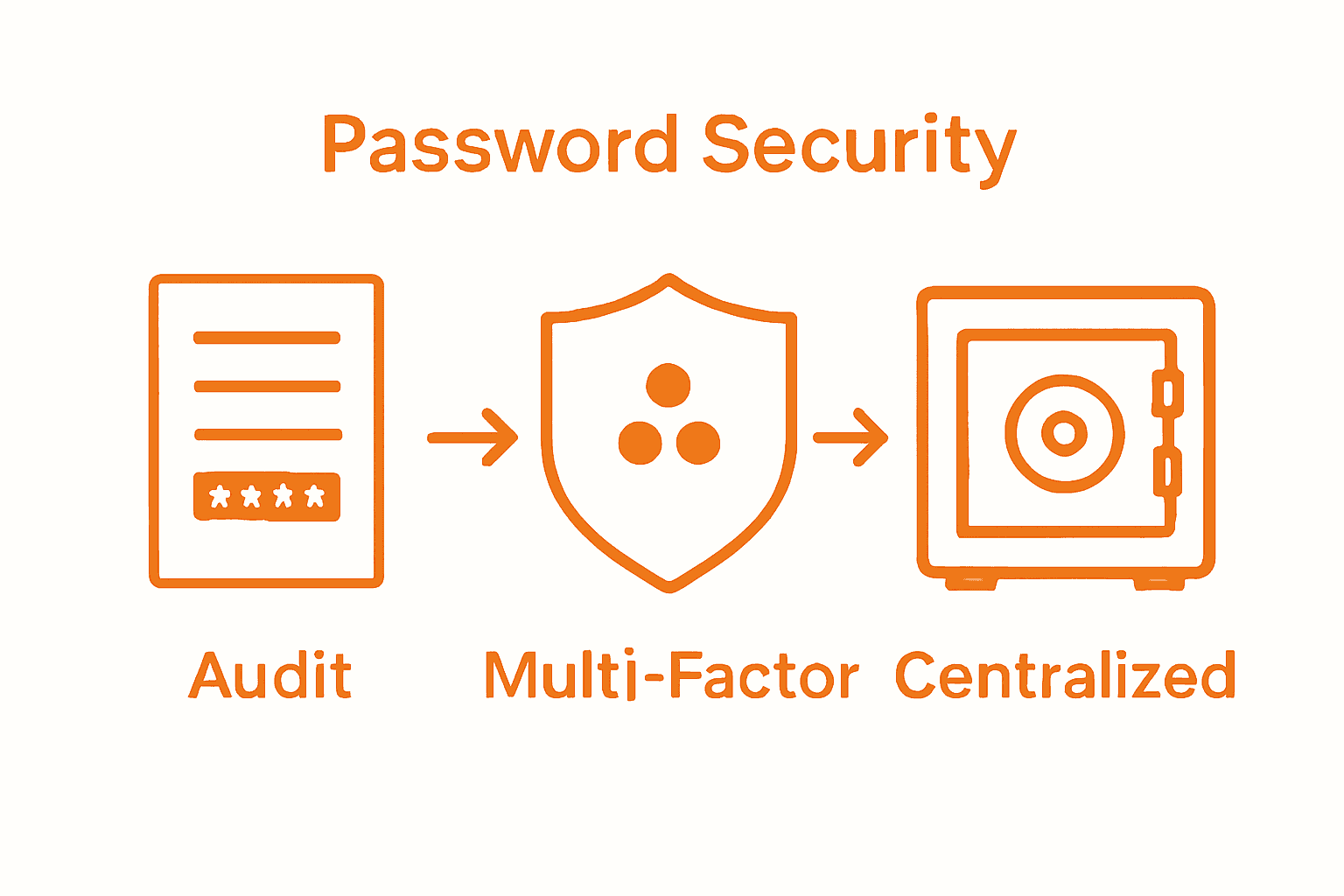
| 1. Conduct a Password Audit | Start by listing all your accounts and assessing your current password practices for vulnerabilities. |
| 2. Create Strong Passwords | Use at least 12 characters with a mix of letters, numbers, and symbols, avoiding personal information. |
| 3. Enable Multi-Factor Authentication | Add an extra layer of protection by using authentication methods like SMS or authenticator apps. |
| 4. Use a Password Manager | Choose a secure password manager to simplify password storage and ensure each account has a unique password. |
| 5. Monitor and Update Regularly | Regularly review your passwords for updates or breaches, changing them every 90 days to maintain security. |
 |
|
Step 1: Assess Current Password Practices
Assessing your current password practices is the critical first step in building robust digital security. This process will help you identify vulnerabilities and create a strategic roadmap for improving your overall password protection strategy.
Start by conducting a comprehensive password audit across all your digital accounts. Open a spreadsheet and list every account you own personal and professional. Include websites, applications, work systems, email addresses, cloud storage, and financial platforms. For each entry, document your current password strategy.
As the Password Hashing Competition highlighted, understanding your password infrastructure is crucial for preventing potential breaches. Evaluate each password based on these key criteria:
Here’s a summary of key criteria to assess during your password audit:
| Criteria | What to Look For | Best Practice |
|---|---|---|
| Length | Number of characters | At least 12 characters |
| Complexity | Mix of letters, numbers, symbols | Use upper, lower, numbers, symbols |
| Uniqueness | Repetition of passwords | Unique for every account |
| Age | Time since last changed | Change every 90 days |
| Reuse Patterns | Same password across platforms | Avoid all reuse |
- Length (aim for minimum 12 characters)
- Complexity (mix of uppercase, lowercase, numbers, symbols)
- Uniqueness (different passwords for different accounts)
- Age (how long you have been using the current password)
- Reuse patterns
Pay special attention to your authentication mechanisms. The Salted Challenge Response Authentication Mechanism demonstrates how modern security approaches can significantly enhance protection by using salted hash formats that make offline attacks more challenging.
Warning: Do not simply list your passwords in an unsecured document. Use an encrypted spreadsheet or secure password manager for this audit.
In the next step, you will analyze the results of this assessment and develop a strategic plan to upgrade your password security across all platforms. Stay organized and methodical throughout this process.
Read our guide on password security tips for more insights into creating strong authentication strategies.
Step 2: Implement Strong Password Creation
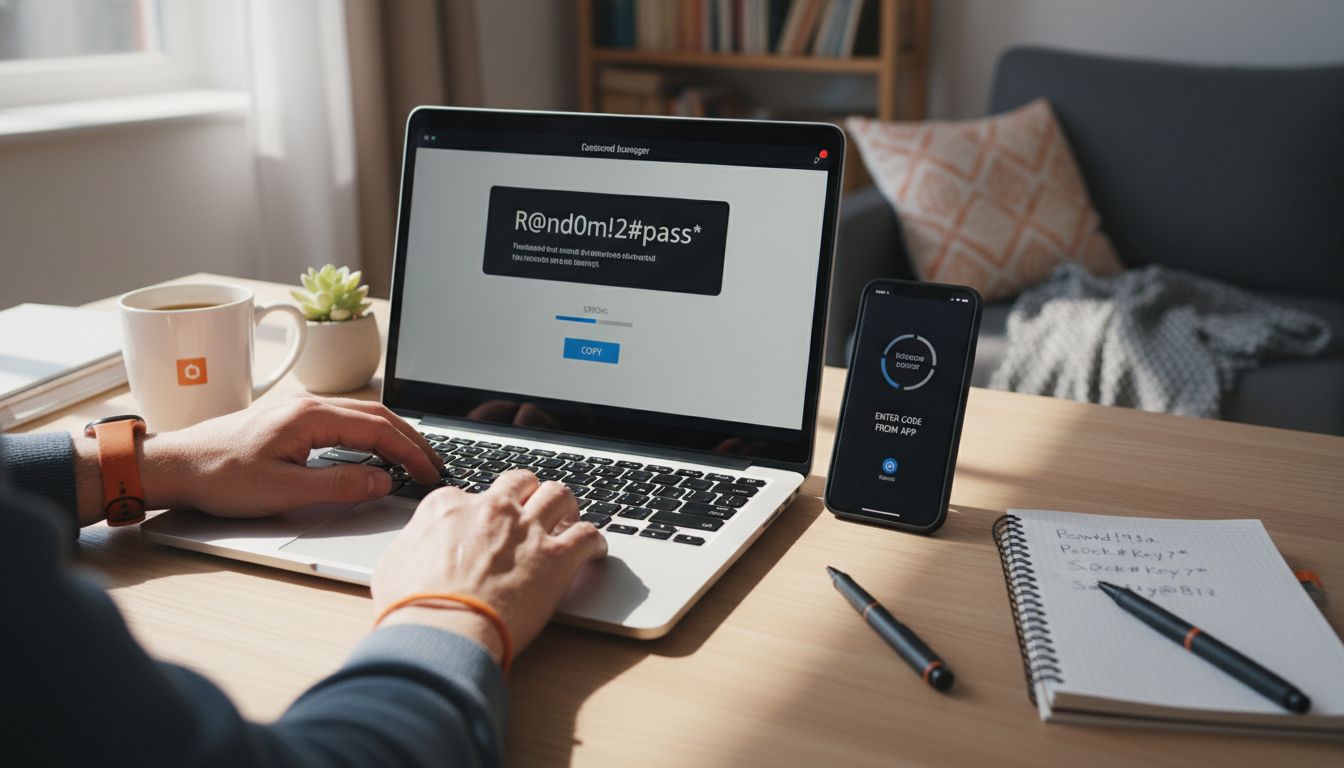
Strong password creation is your primary defense against unauthorized access and potential digital threats. In this step, you will learn how to craft passwords that are both complex and memorable.
According to Rochester Institute of Technology, the foundation of a robust password is its length and complexity. Aim to create passwords that are between 12 to 15 characters long, incorporating a strategic mix of uppercase and lowercase letters, numbers, and symbols.
Start by developing a personal password creation strategy. Think of a unique passphrase or sentence that means something to you but would be difficult for others to guess. For example, “My Dog Loves Eating 3 Chicken Tacos!” can be transformed into a strong password like “MDL3CT!”.
Key elements of a strong password include:
- Minimum 12 characters in length
- Combination of uppercase and lowercase letters
- Including numbers and special symbols
- Avoiding personal information like birthdays or names
- Creating unique passwords for each account
Ohio University emphasizes the importance of avoiding predictable patterns. Steer clear of sequential numbers, common substitutions like “@” for “a”, or keyboard patterns like “qwerty”.
Pro Tip: Consider using a password manager to generate and securely store complex passwords.
In the next step, you will learn about implementing multi factor authentication to further enhance your digital security. Stay proactive and methodical in your approach.
Check out our guide on identical password risks to understand why unique passwords matter.
Step 3: Enable Multi-Factor Authentication
Multi factor authentication is your critical digital shield against unauthorized access. This step will help you implement an additional layer of security that significantly reduces the risk of potential breaches.
Business News Daily emphasizes that two factor authentication creates a powerful barrier against cyberattacks by requiring multiple verification steps. Think of it like having a second lock on your digital front door.
Start by identifying the authentication methods available for each of your critical accounts:
- App based authenticator apps
- SMS text message verification
- Biometric authentication (fingerprint or facial recognition)
- Physical security keys
- Email verification codes
As Panda Security highlights, the digital security landscape is rapidly evolving toward passwordless authentication technologies. Consider exploring modern solutions like Passkey technology that offer enhanced protection.
When enabling multi factor authentication:
- Start with your most sensitive accounts (email, banking, cloud storage)
- Choose authenticator apps over SMS when possible
- Always have backup verification methods
- Store backup codes in a secure location
Pro Tip: Never share your multi factor authentication codes with anyone and be wary of unsolicited requests for verification.
In the next step, you will learn advanced strategies for maintaining your new security setup. Stay vigilant and proactive in protecting your digital identity.
Learn more about the intricate role of multi factor authentication to fully understand its importance.
Step 4: Centralize Management with a Password Manager
Password managers transform how you approach digital security by simplifying complex password strategies. This step will help you consolidate and protect your digital credentials efficiently and intelligently.
Rochester Institute of Technology recommends using password safes as a comprehensive solution for securely storing and generating random passwords. These tools eliminate the mental burden of remembering multiple complex passwords while maintaining robust security.
Choosing the right password manager involves considering several key features:
- End to end encryption
- Cross platform compatibility
- Secure password generation
- Automatic form filling
- Secure password sharing options
- Two factor authentication support
Ohio University emphasizes storing all passwords in a single secure account protected by a master password. This approach allows you to create unique complex passwords for each account without overwhelming yourself.
When setting up your password manager:
- Select a reputable password management service
- Create a strong master password
- Enable two factor authentication
- Import existing passwords securely
- Systematically update weak or duplicate passwords
Pro Tip: Regularly audit and update your stored passwords to maintain optimal security.
In the next step, you will learn advanced techniques for ongoing password management and protection. Your digital security is an evolving process requiring consistent attention and adaptation.
Discover the key security benefits of centralized password management to understand how this strategy protects your digital identity.
Step 5: Monitor and Update Passwords Regularly
Password monitoring and regular updates are your proactive defense against potential security breaches. This critical step ensures your digital credentials remain resilient and protected against evolving cyber threats.
Rochester Institute of Technology advises changing passwords under specific circumstances such as suspected compromises, detecting malicious programs, or experiencing significant workplace transitions. These strategic updates act as a powerful preventive measure against unauthorized access.
Establish a comprehensive password monitoring routine:
- Review account access logs regularly
- Check for suspicious login activities
- Monitor dark web databases for potential breaches
- Set calendar reminders for password updates
- Investigate any unusual account behaviors
Ohio University emphasizes the importance of immediately changing passwords when they are unexpectedly shared or potentially exposed. Quick action can prevent potential security incidents before they escalate.
Create a systematic password update strategy:
- Update critical account passwords every 90 days
- Prioritize financial and email account credentials
- Use unique passwords for each platform
- Leverage password manager alerts for recommended updates
- Verify account recovery options are current
Pro Tip: Never reuse passwords across multiple accounts and always generate completely new credentials during updates.
In the final step, you will learn about maintaining long term password security and staying ahead of potential cyber risks. Your digital protection is an ongoing commitment.
Learn more about why updating passwords regularly is crucial to fully comprehend the importance of this practice.
Take Control of Your Password Security Today
The challenge highlighted in “Step by Step Password Security for Complete Protection” is clear: managing strong, unique passwords and multi factor authentication across numerous accounts can feel overwhelming yet is essential for keeping your digital life safe. You want to avoid password reuse, stay ahead of evolving cyber threats, and simplify management without sacrificing security. This means moving beyond outdated practices to a centralized, encrypted solution that keeps you protected while saving time and mental energy.

Discover how LogMeOnce makes advanced password security achievable with intuitive multi factor authentication and encrypted password vaults designed for individuals and organizations alike. Act now to strengthen every layer of your defense with tools built to detect breaches, generate complex credentials, and streamline authentication. Visit LogMeOnce and explore how our password management solutions empower you to stay secure with confidence. Don’t wait until risks become realities. Secure your digital identity and take back control today.
Frequently Asked Questions
How can I assess my current password practices?
To assess your current password practices, conduct a comprehensive password audit by listing all your accounts on a spreadsheet. Document the length, complexity, uniqueness, age, and reuse patterns of each password to identify vulnerabilities and areas for improvement.
What are the key elements of creating a strong password?
The key elements of creating a strong password include using at least 12 characters, mixing uppercase and lowercase letters, incorporating numbers and symbols, and avoiding personal information. Aim for uniqueness across your accounts to enhance your security further.
How do I enable multi-factor authentication on my accounts?
To enable multi-factor authentication, start by identifying the available methods for each account, such as app-based authenticators or SMS codes. Follow your account’s security settings to activate the desired verification method, and consider using authenticator apps as a more secure option than SMS.
What features should I look for in a password manager?
When choosing a password manager, look for features like end-to-end encryption, secure password generation, cross-platform compatibility, and two-factor authentication support. Ensure that it offers automatically filling forms and secure password sharing options for a comprehensive solution.
How often should I update my passwords for security?
You should update your passwords every 90 days, especially for critical accounts like email and banking. Additionally, change passwords immediately if you suspect a compromise or if they have been shared inadvertently to prevent unauthorized access.
What actions should I take if I suspect my password has been compromised?
If you suspect your password has been compromised, immediately change it for the affected account and any others that use the same password. Monitor your account access logs for suspicious activity and consider enabling multi-factor authentication for added security.


