


 Password Manager
 Identity Theft Protection

 Team / Business
 Enterprise
 Government
 MSP
MSP


Top Multi-Factor Authentication Platforms – Expert Comparison 2025
Managing online security can feel overwhelming when passwords and sensitive data need protection on every device. Different solutions promise to keep your accounts safe using new ideas like passwordless sign-in, strong encryption, and even dark web alerts. Finding a good fit depends on your habits, your team, and how much control you want. Some tools offer easy logins with a selfie or a tap, while others focus on strict privacy, open code, or tools for large organizations. The features, the way you interact with them, and what you actually get for your money can be quite different. Curious about which approach might work best for you or your business? The next sections reveal how these choices stack up side by side.
Table of Contents
LogmeOnce
At a Glance
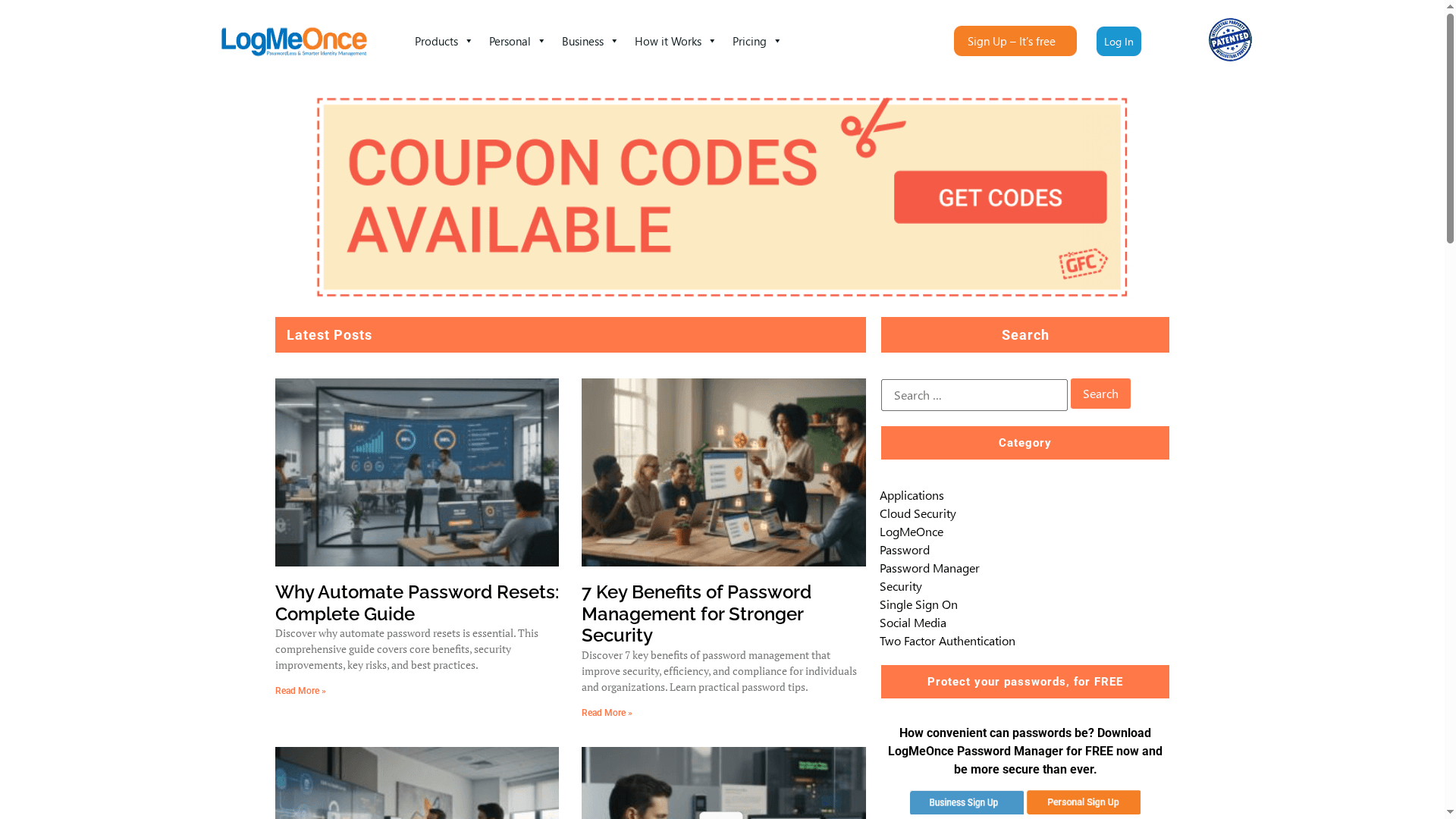
LogmeOnce is a modern password management and identity-protection platform built around passwordless authentication and broad security tooling. Its patented QR and selfie-based logins, plus device- and biometric-centric flows, make daily access fast while raising the bar on account safety. For organizations that need SSO, MFA, and dark-web monitoring in one place, LogmeOnce delivers an enterprise-ready, user-friendly package.
Core Features
LogmeOnce combines passwordless QR login and passwordless photo (selfie) login with traditional two-factor authentication (2FA) to give you layered, flexible access controls. It supports scheduled login, cloud file encryption, dark web scanning and breach monitoring (Password Shock), and metadata collection from hackers for security insights (Mugshot). LogMeOnce Resources is a corporate website dedicated to promoting its comprehensive cybersecurity and password management solutions. The site serves as an informational hub for individuals, businesses, and government agencies seeking secure identity management, passwordless MFA, cloud encryption, and dark web monitoring. Its main focus is showcasing a suite of services designed to enhance digital security through features like single sign-on, multi-factor authentication, and encrypted cloud storage. The website emphasizes ease of use, innovative security features, and flexible plans tailored for personal users, SMEs, large enterprises, and government entities. It also includes educational content with articles on cybersecurity topics. The site aims to attract organizations and individuals who prioritize data protection and identity security, providing free trials and comparisons to illustrate the benefits of its offerings. Overall, it functions as a marketing and resource portal, positioning LogMeOnce as a comprehensive security solution provider within the cybersecurity and identity management niche.
Pros
- Strong focus on passwordless security methods: LogmeOnce centers its authentication strategy on passwordless flows like QR and selfie login, reducing reliance on fragile passwords.
- Multiple patented authentication options: Patented approaches introduced since 2011 reflect mature, distinctive technology rather than experimental add-ons.
- Comprehensive security features including identity theft protection and cloud file encryption: From dark-web scanning (Password Shock) to cloud storage encryption, the platform protects both credentials and stored data.
- Designed for various user scales including personal, business, and government: The product supports solo users up to enterprise and government needs, making deployments consistent across environments.
- User-friendly dashboard and setup: Administrators and end users report straightforward onboarding and clear controls, reducing friction for adoption.
Who It’s For
LogmeOnce is ideal for organizations and individuals who want to move beyond passwords to biometric and device-based authentication. If you manage small teams, large enterprises, or government systems that require MFA, SSO, and threat awareness, this platform fits. It also suits privacy-conscious consumers who want identity theft protection paired with passwordless convenience.
Unique Value Proposition
LogmeOnce’s unique value is its integrated approach: patented passwordless methods (QR and selfie), layered MFA, dark-web intelligence, and encrypted cloud storage under one management umbrella. That vertical integration reduces vendor sprawl and simplifies compliance and audits—one dashboard, one policy set, one audit trail. Its longstanding patents and emphasis on biometric/device-based login set it apart technically, while features like Mugshot’s metadata collection give actionable insight after a breach rather than only reactive alerts. Design choices—such as offering many stacked features—mean the platform favors comprehensive control over minimalism; that can be a strength for organizations that want a single, cohesive security stack rather than stitching multiple point tools together.
Real World Use Case
Imagine a small business adopting LogmeOnce to remove shared passwords, deploy passwordless employee login via QR and selfie, encrypt customer files in cloud storage, and run continuous dark-web scans to detect credential exposure—cutting remediation time and reducing breach risk.
Pricing
Free tier available; interested users are encouraged to sign up for free or contact sales for enterprise and government solutions.
Website: https://logmeonce.com/resources
1Password
At a Glance
1Password is a polished, enterprise-capable password manager that balances ease of use with strong security controls. It stores and generates credentials, autofills logins across devices, and supports secure sharing for families and teams. With end-to-end AES 256-bit encryption plus two-factor, biometric, and passkey support, it’s built to protect both personal and organizational identities. For organizations that need consolidated access management, it brings business-grade features—though some of those require paid plans.
Core Features
1Password’s core capabilities include secure password generation and autosave, cross-device autofill, and secure item sharing with trusted people. It enforces end-to-end encryption using AES 256-bit standards and supports multi-factor protection with two-factor authentication, biometrics, and passkeys. Combined, these features cover everyday password hygiene, streamlined login flows, and collaborative access—suitable for individuals, families, and teams that must manage credentials reliably.
Pros
- User-friendly interface: The UI is intuitive, making password creation, autofill, and secure sharing straightforward for non-technical users.
- Comprehensive security features: End-to-end AES 256-bit encryption plus support for two-factor, biometrics, and passkeys delivers layered protection for accounts and vaults.
- Cross-platform support: It supports multiple platforms and browsers, so credentials follow you from desktop to mobile without manual sync headaches.
- Plans for families and businesses: 1Password provides specific plans for family sharing and business access management, enabling straightforward role separation and shared vaults.
- Strong privacy and standards: The product emphasizes strong security and privacy standards, which is critical for organizations handling sensitive data.
Cons
- Cost relative to free options: 1Password can be expensive compared to free password managers, which may deter price-sensitive users or very small teams.
- Advanced features behind paywall: Some advanced collaboration and enterprise capabilities require paid plans, so you may need to upgrade to access the full feature set.
- Enterprise learning curve: There is a learning curve for administrators implementing enterprise features and policies across large organizations.
Who It’s For
1Password suits individuals and families who want a polished, secure password manager, and organizations that need centralized access management without sacrificing usability. If you prioritize security standards, cross-device consistency, and the ability to securely share credentials across teams or households, 1Password fits well.
Unique Value Proposition
1Password combines consumer-grade ease with enterprise-grade encryption and access controls. That mix lets smaller teams and large organizations alike deploy a single solution for both everyday password hygiene and broader identity protection, reducing fragmentation and administrative overhead.
Real World Use Case
A university adopted 1Password to unify credential management across departments and reported a marked increase in secure sharing and compliance; the centralized vaults simplified onboarding and reduced risky password practices campus-wide.
Pricing
Starting at $2.99/month for individuals (billed annually); family plans from $4.99/month and business plans beginning at $7.99/user/month, all billed annually.
Website: https://1password.com
Bitwarden
At a Glance
Bitwarden is a straightforward, security-focused password manager that serves individuals, teams, and large organizations. It pairs open-source transparency with zero-knowledge encryption, so you control access and data privacy whether you use cloud hosting or opt to self-host. Management features scale from personal autofill and password generation to enterprise-grade access controls and security reporting. In short: reliable, auditable, and flexible — with a few trade-offs for advanced use.
Core Features
Bitwarden provides password generation, secure storage, and autofill across unlimited devices, combined with centralized organization management that includes access controls and security reports. Integrations extend into existing tech stacks via SSO, directory services, and SIEM tools, and secure sharing is handled through organizational vaults or the ephemeral “bitwarden send” feature. The product emphasizes open source security and zero-knowledge encryption, enabling community review and the option to self-host for full data control and compliance.
Pros
- Open source transparency and community-reviewed security give you greater visibility into how data is protected and enable independent audits.
- Robust administrative tools let IT teams enforce policies, run security reports, and manage users at scale.
- Compatibility with self-hosting allows organizations to meet strict compliance and data sovereignty requirements.
- Various plans, including a free tier, premium, and family options, provide flexibility for different budgets and use cases.
- High user satisfaction and enterprise adoption indicate the platform is trusted across small teams and larger organizations.
Cons
- Premium features require a paid subscription, so some of the advanced conveniences are not included in the free tier.
- Self-hosting demands technical expertise and setup effort, which can be a barrier for smaller teams without dedicated infrastructure staff.
- Certain advanced features are gated behind paid plans, which means organizations must budget for those capabilities as needs grow.
Who It’s For
Bitwarden is ideal for individuals, small teams, and large enterprises that prioritize security, auditability, and deployment flexibility. It’s a strong choice for IT teams that need centralized credential management and policy enforcement, and for organizations that require self-hosted options to satisfy compliance or data residency mandates.
Unique Value Proposition
Bitwarden’s combination of open-source code, zero-knowledge encryption, and both cloud and self-hosting options creates a rare blend of transparency, control, and convenience. That mix appeals to security-conscious organizations that want the assurances of community scrutiny while retaining the option to fully control where credentials live.
Real World Use Case
A company centralizes employee credential management with Bitwarden to reduce password sprawl, enable secure sharing between teams, and enforce multi-user access policies; the organization chooses self-hosting to meet data sovereignty rules while leveraging Bitwarden’s admin and reporting tools to maintain visibility and compliance.
Pricing
Starting at a free plan for individuals; Premium plan at $10/year; Families plan at $40/year for up to 6 users; Enterprise options available with additional features.
Website: https://bitwarden.com
Dashlane
At a Glance
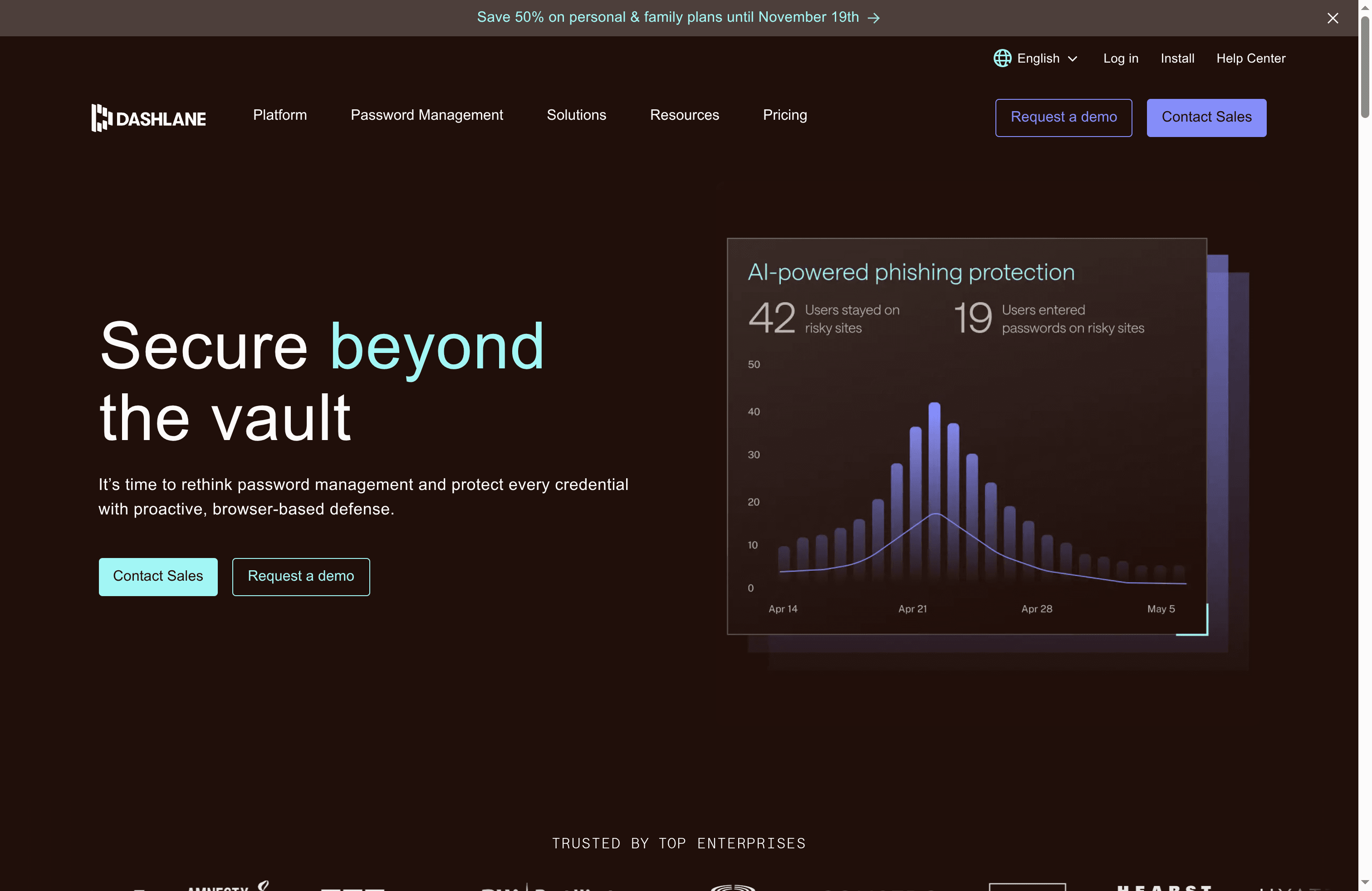
Dashlane is a full-featured password management and credential security platform built for both personal users and enterprises. It combines unlimited password storage across devices with enterprise tools like real-time credential security and compliance support, wrapped in a zero-knowledge architecture. The platform emphasizes ease of use while adding modern protections such as AI-driven phishing alerts and dark web monitoring. Bottom line: solid security and enterprise readiness, but costs and some advanced workflows can challenge adoption.
Core Features
Dashlane provides unlimited password management across devices, secure sharing and encrypted notes, credential risk detection and actionable insights, AI-driven phishing alerts, and dark web monitoring plus a VPN for Wi‑Fi security. For organizations, it adds enterprise deployment capabilities, real-time credential security, compliance support, and integrations with larger tech stacks — all while maintaining a zero-knowledge model that keeps vault data encrypted and inaccessible to the provider.
Pros
- Easy-to-use interface: Dashlane’s UI is designed for quick adoption, helping individuals and teams store and retrieve credentials without steep setup overhead.
- Strong security architecture (zero-knowledge): The platform protects vault data with a zero-knowledge model so sensitive information remains encrypted and inaccessible to the service provider.
- Comprehensive credential protection features: From dark web monitoring to AI phishing alerts, Dashlane offers layered defenses that reduce credential theft risk across users and devices.
- Enterprise deployment capabilities: The product supports business-grade deployment and management tools that help IT teams enforce policies at scale.
- Excellent customer support options: Organizations benefit from responsive support channels that assist with onboarding and troubleshooting.
Cons
- Pricing may be high for some users or organizations: The per-user, per-month pricing model—billed annually—can become expensive for large teams or budget-conscious small businesses.
- Some advanced features require a steep learning curve for some users: Features geared toward enterprise security and credential insights may demand additional training to use effectively.
- Dependent on internet connection for cloud sync: Cloud-based sync and some real-time protections require reliable connectivity, which can limit offline use or slow recovery in low-connectivity scenarios.
Who It’s For
Dashlane suits individuals who want a user-friendly password manager and organizations that need enterprise-grade credential protection. It’s particularly useful for IT teams that must enforce password policies, monitor credential risk across a workforce, and integrate with larger security stacks. If you need both simplicity for end users and management depth for admins, Dashlane fits well.
Unique Value Proposition
Dashlane’s unique value lies in pairing a polished, user-friendly password vault with enterprise-focused credential security tools — all under a zero-knowledge model. That blend makes it easy for non-technical users while giving security teams real-time insights and deployment controls they can act on.
Real World Use Case
A company implements Dashlane to centrally manage employee passwords, enforce password policies, and detect risky credentials in real time. IT rolls out organization-wide sharing controls and phishing alerts, while employees gain seamless cross-device password access and dark web monitoring for personal account safety.
Pricing
Per user/month, billed annually; includes plans for business and personal use, with additional charges for advanced credential security features and enterprise solutions.
Website: https://dashlane.com
Keeper Security
At a Glance
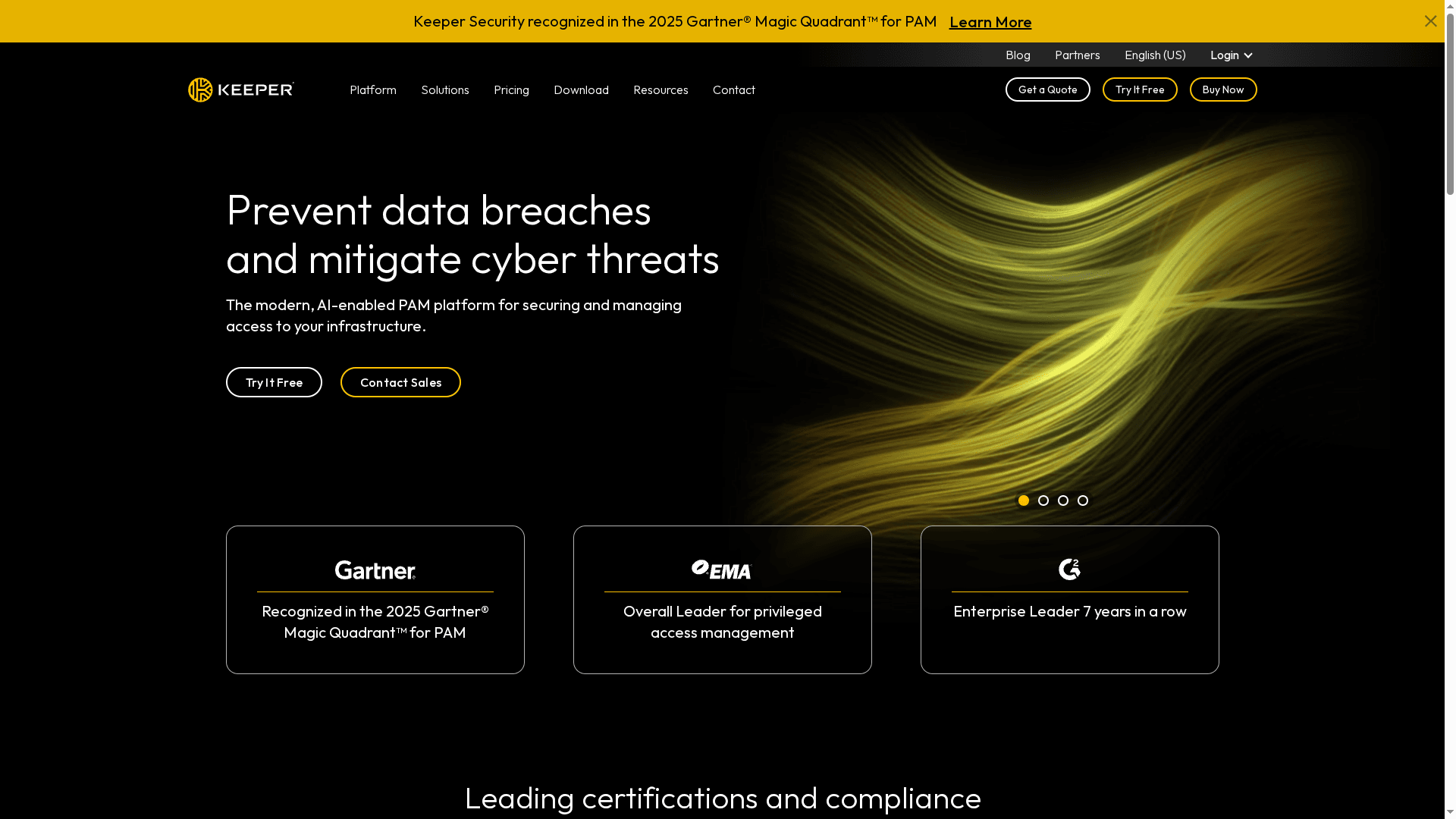
Keeper Security is a robust password management and privileged access management (PAM) platform built for environments that can’t tolerate sloppy access controls. It combines zero-trust architecture, end-to-end encryption, and AI-enabled PAM capabilities to protect critical infrastructure and secrets. Certified to meet stringent compliance standards, Keeper is a solid choice for enterprises and government agencies that need audited, enterprise-grade controls. Expect a powerful feature set — and a deployment curve for smaller teams.
Core Features
Keeper’s core capabilities center on zero-trust access and vault-based credential management. The platform provides privileged access management for high-risk accounts, password vaults for centralized credentials, and secrets management for machine and application secrets. Add-on modules extend functionality with remote access, session recording and playback, or remote browser isolation, all built on end-to-end encryption and designed to support complex integrations across an enterprise stack.
Pros
- Meets strict compliance standards: Keeper is certified for frameworks like FedRAMP, ISO, and SOC 2, which simplifies audits and regulatory reporting for security teams.
- Strong data privacy through encryption: End-to-end encryption protects credentials and secrets so that sensitive data remains unreadable in transit and at rest.
- Comprehensive enterprise feature set: The platform bundles PAM, password vaults, secrets management, and session recording to cover a wide range of privileged access needs.
- Industry recognition and leadership: Keeper is positioned as a leader in PAM, underpinned by multiple certifications and awards that reinforce its credibility.
- Broad integration support: The solution is designed to work with many enterprise systems and use cases, making it flexible for complex environments.
Cons
- Complex implementation for smaller organizations: The breadth of features and enterprise-focused controls can make initial deployment and configuration challenging for small teams.
- Customized pricing can be costly: Pricing is tailored to organizational needs and licensing minimums, which may put Keeper out of reach for some startups or very small businesses.
- Advanced features often require add-ons: Key capabilities such as session recording or remote browser isolation are available as separate add-ons, increasing total cost and administrative overhead.
Who It’s For
Keeper is best suited to large enterprises, regulated organizations, and government agencies that require rigorous privileged access controls, strong encryption, and formal compliance postures. If your team manages high-value intellectual property, industrial controls, or large fleets of privileged accounts, Keeper provides the controls and certifications you’ll need.
Unique Value Proposition
Keeper’s unique value is its combination of enterprise-grade PAM built on zero-trust principles and end-to-end encryption, backed by certifications that ease compliance. For organizations that must prove strong access controls and auditability, Keeper packages these capabilities into a single platform with extensible add-ons.
Real World Use Case
Keeper secures high-performance, mission-critical environments — for example, Atlassian Williams Racing uses Keeper to safeguard sensitive data that contributes directly to competitive performance, demonstrating its suitability for time-sensitive, high-stakes operations.
Pricing
Quote-based; free trial available. Pricing is flexible and tailored to user counts, licensing minimums, and required PAM or enterprise modules, with details typically provided upon request.
Website: https://keepersecurity.com
LastPass
At a Glance
LastPass is a user-friendly password manager and vault that simplifies creating, storing, and autofilling strong credentials across personal and business contexts. It combines zero-knowledge encryption with features like single sign-on (SSO) and multi-factor authentication (MFA) to protect account access. The platform offers flexible plans for individuals, families, and organizations, with cross-device sync available on paid tiers. Simple to deploy, but not entirely free-feature-rich.
Core Features
LastPass provides password generation and secure management through an encrypted vault that stores credentials and autofills passwords and forms. It supports password sharing with permission controls, a security dashboard that classifies password strength and health, and dark web monitoring to alert users about exposed credentials. For businesses, LastPass includes SSO and MFA capabilities to strengthen access control across teams and applications.
Pros
- Strong security with zero-knowledge encryption: LastPass stores data in a way that prevents their servers from reading your vault contents, ensuring encryption keys remain private.
- Cross-device synchronization for paid plans: When you upgrade, your vault syncs across phones, tablets, and desktops so your credentials move with you.
- Flexible plans for individuals, families, and businesses: There are tiers tailored to solo users up to enterprise customers, making it easy to scale.
- User-friendly interface and integrations across multiple platforms: The layout is approachable for nontechnical users and integrates with browsers and mobile apps for smooth autofill and password capture.
- Advanced security features like MFA and SSO: Built-in MFA and SSO options help organizations enforce stronger authentication and centralized access control.
Cons
- Limited features in the free tier (sync on one device type only): The free plan restricts sync to either mobile or desktop, which can be inconvenient if you need cross-device access without paying.
- Some users may prefer alternative password managers with different features or open-source options: LastPass is a proprietary solution, so those seeking open-source or differently focused tools might look elsewhere.
- Security incident in December 2022, which led to increased scrutiny and improvements: Past incidents have raised questions for some organizations and prompted LastPass to enhance controls and transparency.
Who It’s For
LastPass is ideal for individuals and families who want an easy, secure way to manage personal passwords, and for small to medium-sized businesses that need centralized password and access management. It also fits organizations seeking compliance controls and teams that require managed sharing and policy enforcement.
Unique Value Proposition
LastPass combines familiar usability with enterprise-ready controls: zero-knowledge encryption plus MFA and SSO features provide layered protection, while flexible plans allow straightforward scaling from solo users to business teams. In short: strong security without excessive complexity.
Real World Use Case
A small business can deploy LastPass Teams to store employee passwords in organized folders, share credentials with permission controls, and enforce security policies centrally—while individual employees generate and autofill robust passwords across their devices.
Pricing
Starting at $3/month (billed annually). Free tier available with basic features and limited device sync; business plans vary by team and enterprise needs.
Website: https://lastpass.com
Password Management Tools Comparison
This table provides a comprehensive comparison of popular password management tools, highlighting their core features, pros and cons, pricing, and usability.
| Tool | Core Features | Pros | Cons | Pricing |
|---|---|---|---|---|
| LogmeOnce | Passwordless authentication, QR and selfie login, SSO, MFA, dark web monitoring, cloud file encryption | Passwordless security, patented tech, comprehensive features, user-friendly dashboard | Pricing info not specified | Free tier, contact for enterprise plans |
| 1Password | Secure password generation, autofill, AES 256-bit encryption, multi-factor and biometric support | User-friendly interface, strong security, cross-platform support | Expensive compared to free options, advanced features in paid plans | $2.99+/month, billed annually |
| Bitwarden | Open-source, zero-knowledge encryption, password generation, autofill, enterprise access controls | Open-source transparency, robust tools, self-hosting option | Premium features require subscription, self-hosting complex | Free tier, premium $10/year |
| Dashlane | Unlimited password storage, secure sharing, AI phishing alerts, real-time security, dark web monitoring | Easy-to-use, zero-knowledge model, enterprise capabilities | High pricing for some, learning curve for advanced features | Per user/month, billed annually |
| Keeper | Zero-trust architecture, vault-based management, PAM, secrets management, enterprise-grade encryption | Meets compliance standards, strong encryption, comprehensive feature set | Complex for small teams, customized costly pricing | Quote-based |
| LastPass | Encrypted vault, autofill, SSO, MFA, dark web monitoring | Strong security, various plans, user-friendly interface | Limited free tier features, past security incident | $3+/month, billed annually |
Elevate Your Security with Next-Level Multi-Factor Authentication
The expert comparison of top multi-factor authentication platforms highlights one key challenge faced by organizations today keeping up with evolving threats while making user access seamless and secure. You want a solution that eliminates password weaknesses, supports passwordless methods like biometric and device-based logins, and unifies MFA with identity protection and encrypted storage. These goals are critical for businesses and government agencies that cannot afford breaches or compliance gaps.
At LogMeOnce, we understand this urgency. Our platform delivers patented passwordless authentication, dark web monitoring, and comprehensive identity safeguards in a user-friendly dashboard designed for all scales of deployment. Whether you are seeking to reduce password reliance with QR or selfie login or need a full enterprise-ready solution with single sign-on and multi-layered access control, LogMeOnce puts you in control.
Ready to experience a truly integrated security approach that streamlines compliance and boosts protection?
Discover the power of passwordless MFA and identity protection for your organization today.

Take control now with LogMeOnce to protect your data and simplify secure access. Visit LogMeOnce Resources and start your free trial to see how effortless secure authentication can be.
Frequently Asked Questions
What is multi-factor authentication (MFA) and why is it important?
Multi-factor authentication (MFA) adds an extra layer of security by requiring two or more verification methods to access an account. It’s crucial for protecting sensitive data from unauthorized access. Implement MFA to significantly reduce the risk of identity theft and account breaches.
How do I choose the right multi-factor authentication platform for my organization?
Evaluate your organization’s specific needs, such as user count, types of accounts, and required security levels when choosing an MFA platform. Consider conducting a needs assessment and comparing features like integration options and user experience within 30 days to find the best fit.
What are common methods used in multi-factor authentication?
Common methods include SMS verification codes, email confirmations, authenticator apps, and biometric scans like fingerprints or facial recognition. Explore diverse options to meet the varying preferences and device availability of your users.
How can implementing MFA reduce security risks?
Implementing MFA can reduce the chances of unauthorized access as it requires multiple forms of verification. By rolling out MFA across all critical accounts, you can decrease potential security breaches by up to 90%.
What steps are involved in setting up a multi-factor authentication platform?
To set up a multi-factor authentication platform, first assess your current security needs, select an appropriate platform, and then configure the authentication methods. Complete the installation and user training within 1-2 weeks to ensure a smooth transition.
How can I track the effectiveness of my multi-factor authentication implementation?
You can track effectiveness by monitoring access attempts, noting any unauthorized attempts, and analyzing user feedback. Conduct reviews every quarter to refine processes and uncover potential security gaps.
Recommended


