


 Password Manager
 Identity Theft Protection

 Team / Business
 Enterprise
 Government
 MSP
MSP


Most American organizations underestimate just how vulnerable their password security can be. With cyber attacks targeting nearly 60 percent of American businesses every year, even a single weak password can expose critical systems. Effective password management is now a non negotiable part of enterprise defense. This guide demystifies essential steps for upgrading practices, from assessing current weaknesses to enforcing strong authentication, helping your team stay ahead of evolving threats.
Quick Summary
| Key Insight | Explanation |
|---|---|
| 1. Audit Current Practices | Conduct a thorough review of existing password management protocols to identify vulnerabilities. |
| 2. Choose a Reliable Manager | Select a password management solution that centralizes storage and supports enterprise security features. |
| 3. Ensure System Integration | Plan integration to ensure compatibility with existing systems for seamless operation and user management. |
| 4. Implement Strong Policies | Enforce strong authentication policies including multi-factor authentication and longer passphrases that are easier to Remember. |
| 5. Monitor Compliance Regularly | Establish a monitoring framework that tracks usage and identifies potential security issues through audits and alerts. |
Step 1: Assess Current Password Security Practices
Assessing your enterprise’s current password security practices is a critical first step toward building robust digital defenses. You will systematically evaluate existing password management protocols to identify vulnerabilities and potential improvements.
Start by conducting a comprehensive audit of your organization’s current password policies and implementation strategies. This involves reviewing how employees currently create, store, and manage their credentials across different systems and platforms. The Cybersecurity and Infrastructure Security Agency recommends implementing strict controls that enforce long, random, and unique passwords for all business accounts. Pay special attention to password complexity requirements, frequency of password changes, and authentication mechanisms currently in place.
A thorough assessment should include analyzing password storage methods, checking for potential plain-text storage risks, and identifying any instances of password reuse across administrator accounts. Carnegie Mellon University’s Information Security Office guidelines suggest implementing strict controls for system level and shared service accounts, which means examining how privileged credentials are managed and protected. Look for weaknesses such as predictable password patterns, lack of multi factor authentication, and insufficient password rotation policies.
One practical tip: Create a detailed inventory of all systems, applications, and platforms where passwords are used within your organization. This will help you develop a comprehensive view of your current password security landscape and pinpoint areas that require immediate attention or significant improvements.

Step 2: Select and Configure a Password Management Solution
Selecting the right password management solution is a pivotal decision that can dramatically enhance your enterprise’s security posture and operational efficiency. Your goal is to identify a comprehensive tool that meets your organization’s unique security requirements while providing seamless user experience.
The American Journal of Security emphasizes the importance of utilizing enterprise password managers that centralize credential storage and enforce robust policy compliance. When evaluating potential solutions, prioritize features such as secure credential generation, centralized password storage, and advanced sharing capabilities. Look for solutions that can automatically generate random, complex passwords for each account and provide secure mechanisms for team members to access and manage these credentials.
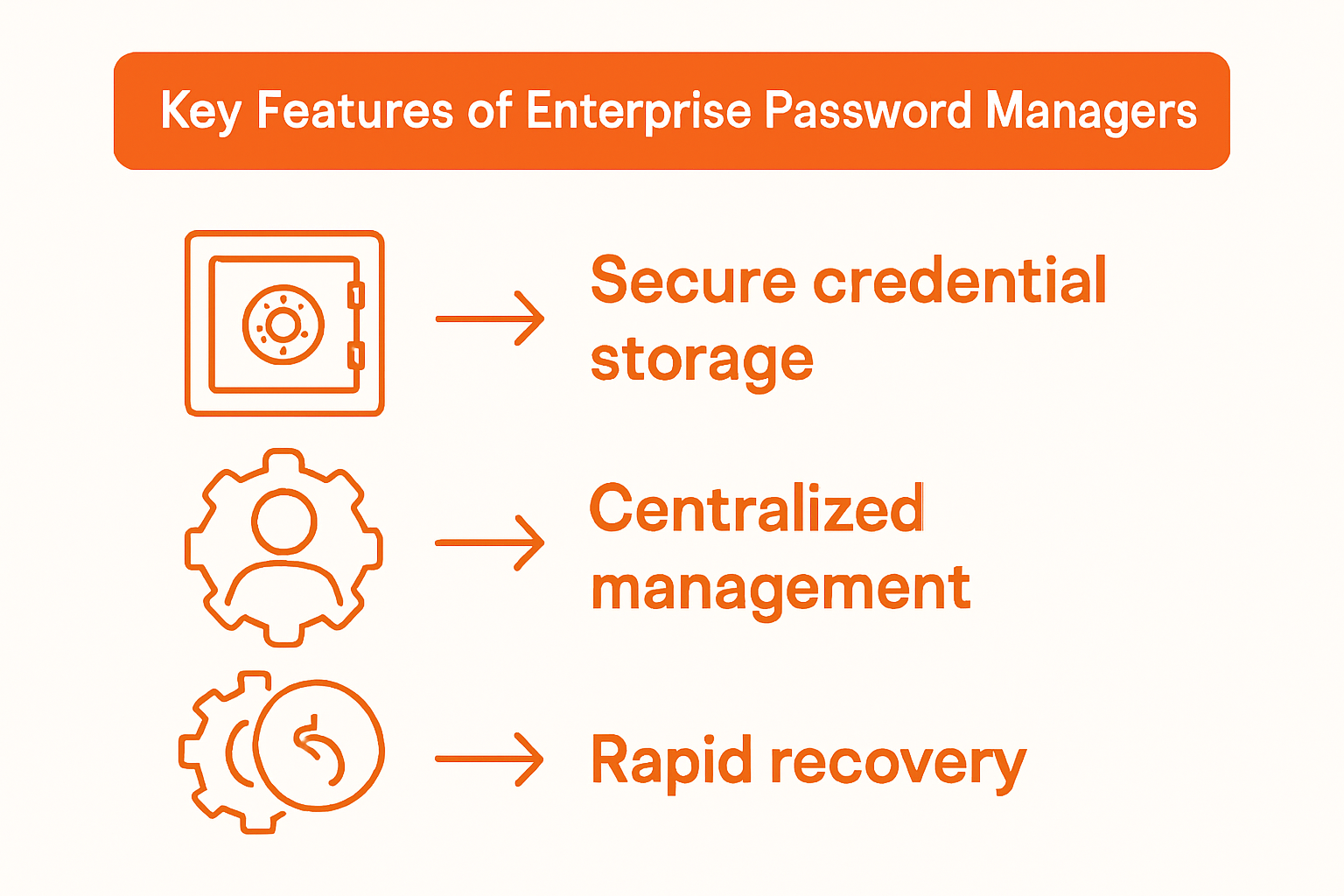
The Identity Defined Security Alliance recommends selecting a password management solution that supports rapid recovery and detection in credential breach scenarios. This means choosing a platform with comprehensive monitoring tools, real time breach detection, and the ability to quickly restore and manage access across your entire organization. Ensure the solution offers multi factor authentication, detailed access logs, and granular permission controls that allow you to manage user access levels effectively.
A critical tip: Before finalizing your selection, conduct a thorough pilot test with a small group of users to assess the solution’s compatibility with your existing technology infrastructure. This will help you identify potential integration challenges and validate the tool’s performance in a real world enterprise environment.
Step 3: Integrate Password Management With Existing Systems
Integrating a password management solution with your existing enterprise infrastructure requires careful planning and strategic implementation. Your primary objective is to create a seamless connection between the new password management platform and your current technology ecosystem.
Joliet Junior College recommends ensuring comprehensive system compatibility across multiple data sources, including Student Information, HR, Customer Relationship Management, and Learning Management Systems. Focus on selecting a solution that supports automated account provisioning and de provisioning processes, which will streamline user access management and reduce administrative overhead. Verify that the password management tool can communicate effectively with your existing Software as a Service platforms and directory services.
The Common Criteria Protection Profile highlights the importance of configurable password policies and support for diverse authentication mechanisms during system integration. Prioritize solutions that offer flexible policy configurations, allowing you to maintain consistent security standards across different platforms and user groups. Ensure the integration supports multi factor authentication and provides granular control over user access levels.
A critical implementation tip: Conduct a comprehensive pilot test with a small user group before full deployment. This approach allows you to identify and resolve potential integration challenges, validate system performance, and minimize disruptions to your existing workflows. Pay close attention to user feedback and system compatibility during this initial testing phase.
Step 4: Enforce Strong Authentication Policies
Establishing robust authentication policies is a critical component of your enterprise password management strategy. Your goal is to create a comprehensive security framework that protects your organization from unauthorized access while maintaining user productivity.
The Enterprise Technology Association highlights the National Institute of Standards and Technology’s updated guidance on password security, recommending multi factor authentication as a key strategy for enhanced protection. Implement policies that prioritize password length over complexity, encouraging employees to use longer passphrases that are easier to remember but significantly harder to crack. This approach shifts from traditional complexity requirements to creating more memorable yet secure authentication mechanisms.
PMMI’s analysis of NIST guidelines emphasizes the importance of banning commonly used and compromised passwords as part of a comprehensive authentication policy. Develop a dynamic blacklist of weak passwords that automatically prevents users from selecting easily guessable credentials. Integrate real time password strength checking and provide immediate feedback to users about the security of their chosen passwords. Complement these policies with mandatory multi factor authentication across all critical systems, ensuring an additional layer of security beyond traditional password entry.
A critical implementation tip: Regularly review and update your authentication policies to adapt to emerging security threats. Conduct periodic security awareness training to help employees understand the rationale behind these policies and how they contribute to the organization’s overall security posture.
Step 5: Monitor Usage and Verify Security Compliance
Monitoring password usage and verifying security compliance are critical components of maintaining a robust enterprise security infrastructure. Your goal is to establish a comprehensive system that proactively identifies potential security vulnerabilities and ensures adherence to established authentication protocols.
Carnegie Mellon University recommends implementing automated notification systems for password changes and maintaining detailed audit trails to track credential usage across your organization. Develop a centralized monitoring framework that captures and analyzes user authentication events, including login attempts, password resets, and access patterns. Configure real time alerts that immediately flag suspicious activities such as multiple failed login attempts, access from unfamiliar locations, or attempts to bypass established security protocols.
The American Journal of Security emphasizes the importance of proactive threat detection through comprehensive password activity monitoring, highlighting the need for advanced anomaly detection mechanisms. Implement sophisticated analytics tools that can distinguish between normal user behavior and potential security breaches. These systems should automatically generate comprehensive reports detailing access patterns, potential security incidents, and compliance violations, enabling your security team to quickly investigate and respond to emerging threats.
A critical implementation tip: Establish a regular review schedule for your monitoring and compliance verification processes. Conduct monthly or quarterly comprehensive audits of your password management system, analyzing trends, identifying potential weaknesses, and continuously refining your security strategies to stay ahead of evolving cyber threats.
Strengthen Your Enterprise Password Security with LogMeOnce Solutions
The “Enterprise Password Management Guide for Secure Access” highlights critical challenges such as weak password practices, lack of strong authentication policies, and difficulties in integrating secure password management across systems. These issues can leave your organization vulnerable to cyber threats and unauthorized access. If your goal is to enforce strong authentication policies, monitor usage effectively, and streamline credential management, LogMeOnce offers a powerful suite of cybersecurity solutions designed to address these exact pain points.
Discover how LogMeOnce can help you:
- Centralize and secure credential storage with enterprise-grade password management
- Enforce multi-factor authentication policies aligned with the latest standards
- Seamlessly integrate with existing infrastructure to enhance your security posture
Start transforming your enterprise security today by exploring our trusted solutions at LogMeOnce.

Ready to safeguard your organization from password-related vulnerabilities? Visit LogMeOnce comprehensive solutions and begin your free trial to experience advanced passwordless MFA, encrypted cloud storage, and real time dark web monitoring. Secure access starts now—take control of your digital identity protection with LogMeOnce.
Frequently Asked Questions
How can I assess my organization’s current password security practices?
To assess your organization’s current password security practices, conduct a comprehensive audit of your password policies. Review how employees create, store, and manage their passwords, and identify vulnerabilities that need immediate attention.
What features should I look for in a password management solution?
When selecting a password management solution, prioritize features such as secure credential generation, centralized password storage, and multi-factor authentication capabilities. Evaluate tools that can automatically generate complex passwords and provide advanced access management options.
How do I integrate a password management solution with existing systems?
To integrate a password management solution with existing systems, ensure compatibility across all platforms where passwords are used. Focus on automating account provisioning and verify that the tool can effectively connect with your current technology infrastructure.
What authentication policies should I enforce to improve security?
To improve security, enforce policies that prioritize longer passphrases instead of complex passwords and implement multi-factor authentication across critical systems. Regularly update these policies to adapt to new security threats and provide training to employees about their importance.
How can I monitor password usage and ensure compliance?
Monitor password usage by implementing automated notification systems for password changes and maintaining detailed audit trails. Establish a regular review schedule to analyze trends and continuous compliance, aiming to conduct audits monthly or quarterly to identify potential weaknesses.
Recommended
- The Finesses of Enterprise Password Management
- How an Enterprise Password Manager Augments Efficiency and Security
- Enterprise Password Management Mistakes You Don’t Want to Make


