


 Password Manager
 Identity Theft Protection

 Team / Business
 Enterprise
 Government
 MSP
MSP


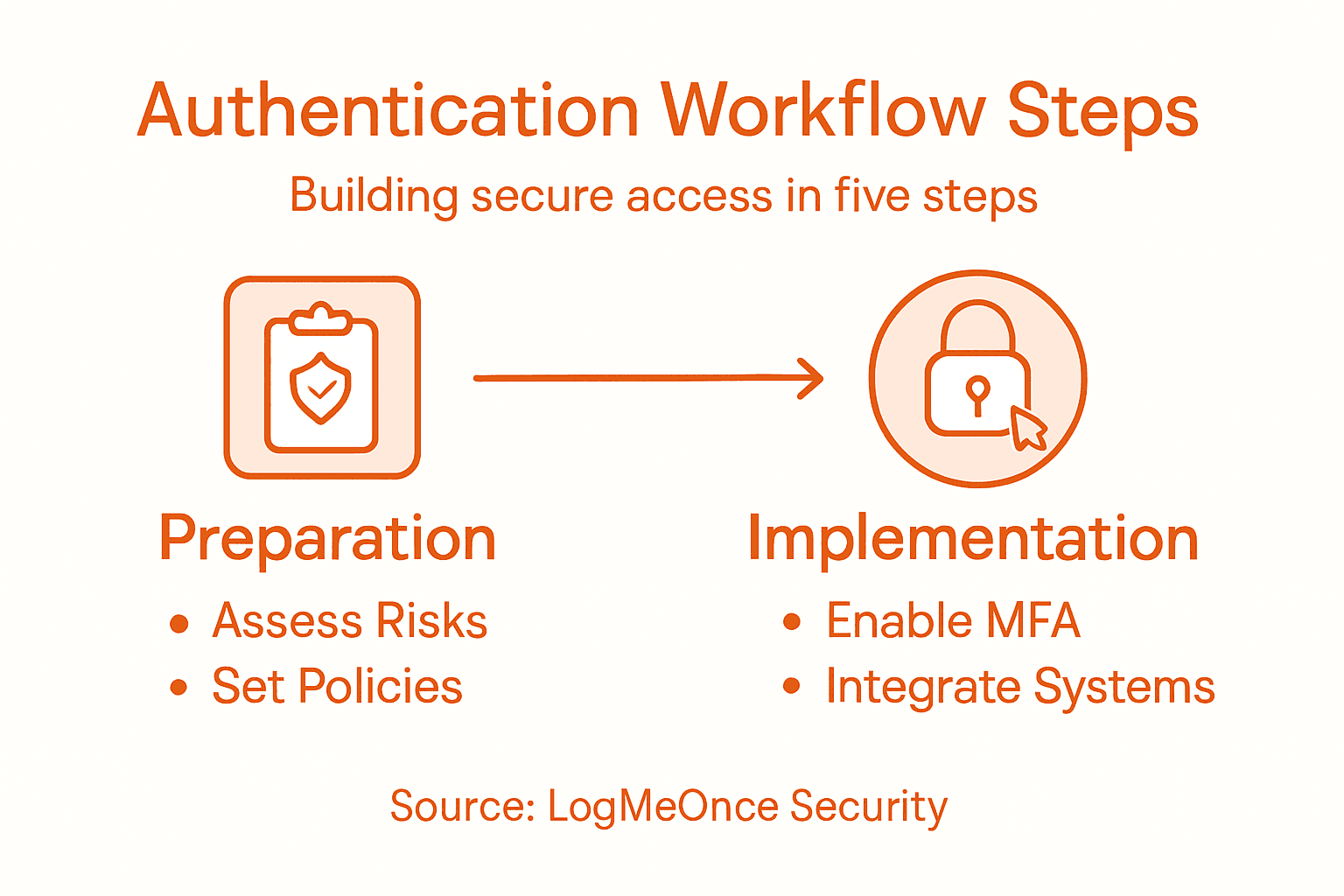
Breaches often stem from overlooked authentication gaps that put sensitive business data at risk. For cybersecurity professionals working in American and Canadian mid-sized companies, the challenge lies in building verification workflows that are both resilient and user-friendly. This guide walks through each step of the authentication process, emphasizing strategic risk assessment and recommended practices to help you secure critical systems and protect organizational assets from evolving threats.
Quick Summary
| Key Insight | Explanation |
|---|---|
| 1. Assess Authentication Risks | Undertake a thorough evaluation of current authentication vulnerabilities to identify potential weak points. |
| 2. Define User Verification Policies | Establish specific guidelines for verifying user identities that balance security with usability across systems. |
| 3. Implement Multi-Factor Authentication | Utilize a combination of authentication methods to enhance security while considering user experience. |
| 4. Integrate Authentication Workflows | Develop a strategy for seamless access management that ensures consistent security across systems. |
| 5. Rigorous Workflow Testing | Conduct thorough testing to validate authentication mechanisms and strengthen security against potential threats. |
Step 1: Assess current authentication risks and needs
Authentication risk assessment is your strategic first move in creating robust security workflows. You will systematically evaluate your organization’s existing identity management infrastructure to identify potential vulnerabilities and determine appropriate protection strategies.
Begin by conducting a comprehensive review of your current authentication methods using the digital identity risk assessment framework. This process involves mapping out how users currently access systems, analyzing existing authentication protocols, and identifying potential weak points. Focus on understanding these critical elements:
- User access channels currently in operation
- Authentication mechanisms currently deployed
- Potential security gaps in existing workflows
- Compliance requirements relevant to your industry
Effective risk assessment requires a holistic view of your organization’s digital identity landscape.
Next, leverage NIST guidelines for digital identity proofing to establish baseline security standards. This involves categorizing your systems based on sensitivity levels and determining appropriate authentication assurance levels. Consider factors like data criticality, potential breach impact, and user experience when mapping out your strategy.
Key evaluation criteria should include:
- Frequency of access attempts
- Potential financial and reputational risks
- Current authentication failure rates
- User friction points in existing systems
Pro tip: Create a risk matrix that quantifies potential authentication vulnerabilities by scoring likelihood and potential impact to prioritize your security investments.
Step 2: Define security policies for user verification
Defining comprehensive security policies for user verification represents the strategic foundation of robust authentication workflows. You’ll develop a systematic approach to validate user identities while maintaining both security and usability across your organization.
Begin by mapping user verification requirements that align with your organizational risk profile. This process involves creating clear guidelines that specify how different user roles will be authenticated and authorized across various systems. Key components of effective verification policies include:
- Identity proofing procedures
- Authentication method selection criteria
- Access control frameworks
- Credential management protocols
- Risk assessment mechanisms
Successful user verification policies balance stringent security requirements with operational efficiency.
Next, utilize NIST identity management standards to establish a structured approach to user verification. This means developing tiered authentication levels based on system sensitivity, user role, and potential access risks. Consider implementing:
- Basic verification for low-risk systems
- Enhanced identity proofing for moderate-risk environments
- Advanced multi-factor authentication for high-security areas
- Continuous authentication monitoring
Key policy development considerations should include evaluating:
- Technical complexity of verification methods
- User experience and potential friction points
- Compliance with industry regulations
- Scalability of authentication processes
Pro tip: Create flexible verification policies that can dynamically adapt to evolving security landscapes and emerging authentication technologies.
Step 3: Implement multi-factor authentication options
Implementing multi-factor authentication represents a critical defense strategy against unauthorized access and potential security breaches. You’ll design a comprehensive authentication approach that combines multiple verification methods to significantly enhance your organization’s security posture.

Begin by analyzing authentication factor categories to create a robust verification framework. Multi-factor authentication requires combining different types of credentials that fall into distinct verification categories:
Here’s a structured overview comparing common authentication factors and their typical strengths:
| Authentication Factor | Example Methods | Security Advantage | User Experience Impact |
|---|---|---|---|
| Knowledge | Passwords, PINs | Easy to implement | May cause frustration |
| Possession | Hardware token, phone | Prevents remote attacks | Requires device management |
| Inherence | Biometrics, voice | Hard to replicate or steal | Often seamless for users |
| Location | Geo-verification | Restricts access by geography | Rarely used, may complicate |
| Time-based | Timed access windows | Limits attack opportunity | May restrict flexibility |
- Knowledge factors (passwords, security questions)
- Possession factors (mobile devices, hardware tokens)
- Inherence factors (biometric data, behavioral patterns)
- Location factors (geographic verification)
- Time-based factors (access window restrictions)
Effective multi-factor authentication balances security complexity with user accessibility.
Next, implement authentication methods that align with your organization’s risk profile and user experience requirements. Consider developing a tiered approach that matches authentication complexity to system sensitivity:
- Low-risk systems: Two-factor authentication
- Moderate-risk environments: Three-factor authentication
- High-security zones: Adaptive multi-factor authentication
- Critical infrastructure: Continuous authentication monitoring
Key implementation strategies should prioritize:
- Seamless user experience
- Minimal authentication friction
- Comprehensive risk coverage
- Scalable verification mechanisms
Pro tip: Design multi-factor authentication workflows with built-in flexibility, allowing dynamic authentication requirements that can adapt to evolving security threats and organizational needs.
Step 4: Integrate authentication workflows with critical systems
Integrating authentication workflows requires a strategic approach to connect your security infrastructure seamlessly across enterprise systems. You’ll develop a comprehensive strategy that ensures secure, consistent access management while maintaining robust protection for sensitive organizational resources.
Begin by analyzing system interconnection protocols that enable reliable authentication across diverse technology environments. This process involves establishing standardized mechanisms for sharing identity verification signals between different platforms and applications:
- Federation protocols for cross-system authentication
- Identity mapping techniques
- Credential validation frameworks
- Access token management
- Secure communication channels
Successful authentication integration depends on creating flexible, interoperable security architectures.
Next, implement standardized authentication protocols that support seamless verification across your technology ecosystem. Develop a comprehensive integration strategy that encompasses:
- Identifying critical system interfaces
- Mapping authentication requirements
- Establishing consistent verification standards
- Creating centralized access management
Key integration strategies should focus on:
- Minimizing authentication complexity
- Maintaining consistent security standards
- Supporting cross-platform verification
- Enabling real-time access monitoring
Pro tip: Design authentication workflows with modular architectures that can easily adapt to emerging technologies and evolving security requirements.
Step 5: Validate workflows through rigorous testing
Validating authentication workflows is a critical process that ensures your security infrastructure performs consistently and securely under diverse conditions. You’ll develop a comprehensive testing strategy to identify potential vulnerabilities and verify the reliability of your authentication mechanisms before full deployment.
Begin by assessing security control effectiveness through systematic testing methodologies. Your validation process should encompass multiple dimensions of authentication performance:
- Functional testing of authentication pathways
- Penetration simulation scenarios
- Edge case verification
- Performance stress testing
- Compliance requirement checks
Comprehensive testing transforms potential security weaknesses into known, manageable risks.
Next, develop a structured testing approach that simulates real-world authentication challenges. Create a testing framework that methodically evaluates your workflows:
- Define specific testing scenarios
- Establish baseline performance metrics
- Simulate potential breach conditions
- Document and analyze test results
Key testing strategies should focus on:
The following table summarizes authentication workflow testing steps and their business benefits:
| Testing Step | Purpose | Organizational Benefit |
|---|---|---|
| Functional Testing | Verify each authentication path | Prevents process failures |
| Penetration Simulation | Assess defenses under attack | Reveals exploitable vulnerabilities |
| Edge Case Verification | Test unusual scenarios | Ensures reliability in real cases |
| Performance Stress | Measure under heavy load | Guarantees scalability |
| Compliance Checks | Validate against standards | Avoids regulatory penalties |
- Identifying authentication mechanism gaps
- Verifying multi-factor authentication reliability
- Ensuring seamless user experience
- Maintaining robust security controls
Pro tip: Create a dynamic testing environment that continuously evolves with emerging security threats and technological advancements.
Strengthen Your Authentication Workflows with LogMeOnce Security Solutions
Creating strong authentication workflows is essential to protect your organization from unauthorized access and evolving cyber threats. This article highlights the challenges of assessing authentication risks, defining secure user verification policies, implementing multi-factor authentication, and integrating workflows across critical systems. You need solutions that simplify this complexity while ensuring seamless and robust identity management.
With LogMeOnce, you gain access to advanced tools like passwordless multi-factor authentication, encrypted cloud storage, and unified single sign-on that align perfectly with best practices for securing user verification and authentication workflows. Our platform helps you reduce user friction while enhancing security controls in ways that match the risk levels your systems face.

Experience the power of comprehensive identity security designed to adapt dynamically as your organization grows. Take the next step now by exploring how LogMeOnce can transform your authentication processes and reduce vulnerabilities. Visit LogMeOnce today to start your free trial and secure your digital environment immediately.
Frequently Asked Questions
What are the first steps to assess authentication risks in my organization?
To assess authentication risks, begin by reviewing your current identity management infrastructure. Map out user access channels, analyze the authentication mechanisms in place, and identify potential weak points to better protect your organization.
How can I define effective security policies for user verification?
Define effective security policies by mapping user verification requirements to your organization’s risk profile. Create clear guidelines that specify authentication methods for various user roles and ensure these policies are flexible to adapt to changing security needs.
What is multi-factor authentication and why is it important?
Multi-factor authentication (MFA) requires users to verify their identity using multiple credentials, enhancing security. Implement MFA to significantly reduce the risk of unauthorized access, which can lead to data breaches.
How do I integrate authentication workflows with existing systems?
Integrate authentication workflows by analyzing system interconnection protocols and establishing standardized authentication mechanisms. Focus on creating seamless connections that allow secure access management across your technology environment.
What steps should I take to validate my authentication workflows?
To validate your authentication workflows, conduct rigorous functional testing and simulate potential breach scenarios. Develop a testing framework to assess performance, ensuring all workflows perform reliably under varying conditions and document the results thoroughly.
How often should I review and update my authentication protocols?
Review and update your authentication protocols regularly, ideally every 6 to 12 months, to align with evolving security threats and technology advancements. This proactive approach will help maintain robust protection and compliance with industry standards.
Recommended
- The Finesses of Enterprise Password Management
- Single Sign On – Online Security Needn’t be Complex
- What Is Single Sign-On and How Does It Keep Information Secure?
- Enterprise Password Management | Identity Management| LogMeOnce


