


 Password Manager
 Identity Theft Protection

 Team / Business
 Enterprise
 Government
 MSP
MSP


Managing access in a mid-sized enterprise often feels like chasing shadows when users, devices, and threats change by the hour. Conditional access transforms this challenge by dynamically protecting systems and data with real-time risk evaluation, blocking suspicious activity before it causes harm. By combining identity checks, device security, and behavior monitoring, your team strengthens compliance and cuts breach risk while keeping workflows smooth for legitimate users. Conditional access puts control back in your hands, letting you strike the right balance between security and usability.
Key Takeaways
| Point | Details |
|---|---|
| Conditional Access Enhances Security | It reduces breach risks by analyzing real-time user behavior and device status, blocking suspicious access attempts. |
| User Experience is Improved | Only legitimate users face additional verification, streamlining the login process for compliant devices and users. |
| Complexity Requires Ongoing Management | Managing conditional access policies involves continual adjustments to prevent misconfigurations and to ensure system efficacy. |
| Start with Sensitive Data | Implement conditional access policies for critical systems first to maximize security impact while minimizing disruptions. |
Conditional Access Explained for Cybersecurity
Conditional access is how modern security teams stop threats in real time instead of just reacting to them after the fact. Rather than granting or denying access based on static rules, conditional access evaluates multiple risk factors simultaneously. Your system checks the user’s location, device security status, sign-in behavior, and other environmental context to decide whether someone should get in, need additional verification, or be blocked entirely.
Think of it like airport security. A passenger arriving from their usual city might walk through standard screening. That same passenger showing up from an unusual country at 3 a.m. on an unregistered device triggers extra checks. Conditional access works the same way with your corporate data. Conditional access dynamically enforces policies based on real-time risk factors, not just credentials.
Your organization gets three major advantages from this approach. First, you reduce breach risk by blocking access when conditions look suspicious. Second, you improve user experience by only requiring extra steps when genuinely needed, not for every login. Third, you satisfy compliance requirements that demand robust authentication controls.

The framework pulls together several elements working in concert. Identity verification confirms who the person claims to be. Device integrity checks whether their equipment meets security standards. User behavior analytics and environmental context combine to detect anomalies that might indicate a compromised account. When these signals align with acceptable risk levels, access is granted. When they conflict or exceed thresholds, you require multi-factor authentication or deny access completely.
For IT security managers overseeing mid-sized enterprises, conditional access solves a real operational problem. You cannot realistically monitor every login manually. You cannot afford account takeovers that go undetected for weeks. Conditional access automates this surveillance at scale, catching risky access patterns instantly while your team focuses on strategic security work.
The practical impact shows up in your incident response metrics. Organizations implementing conditional access typically see unauthorized access attempts drop by 60 to 80 percent within the first three months. Compromised credential breaches become substantially harder to exploit when the system flags logins from unfamiliar locations or devices.
Pro tip: Start by auditing which applications handle your most sensitive data, then implement conditional access policies for those systems first rather than trying to protect everything simultaneously.
Types of Conditional Access Policies
Conditional access policies come in several distinct flavors, each designed to handle different security scenarios and organizational needs. Understanding which policy type solves which problem is critical for building a layered defense that actually works in your environment. Your choice depends on what you’re trying to protect, how complex your access rules need to be, and how much flexibility your organization requires.
Role-Based Access Control (RBAC) remains the most straightforward approach. You assign users to roles like “database administrator” or “finance manager,” and each role gets specific permissions. This works well for stable organizational structures where job titles map cleanly to access needs. The downside is that RBAC treats everyone with the same job title identically, which breaks down when you need to say “yes to this person, but no to that person in the same role.”
Device-Based Conditional Access focuses on the hardware trying to access your systems. Your policies check whether a laptop is running current security patches, has antivirus enabled, or is enrolled in your Mobile Device Management system. A contractor’s personal laptop gets denied access. Your employee’s managed device gets approved. This protects you from the growing number of breaches where attackers compromise personal devices first, then pivot to corporate networks.
Behavior-Based Conditional Access watches how users actually access your systems. If someone normally logs in from your Toronto office at 9 a.m. but suddenly appears to log in from Shanghai at 2 a.m., your system flags it as suspicious. This catches compromised accounts that attackers are actively using, because the attacker’s behavior rarely matches the legitimate user’s patterns.
Attribute-Based Access Control (ABAC) represents the most sophisticated option. ABAC evaluates multiple attributes simultaneously: who the user is, what device they’re using, where they’re located, what time it is, what data they’re accessing, and dozens of other factors. A single policy can say “allow access to financial records only for accounting staff using managed devices from the office during business hours.” ABAC scales exceptionally well as your organization grows and your security needs become more nuanced.
For mid-sized enterprises managing both employees and contractors with varying access needs, ABAC combined with device-based policies typically provides the best balance of security and usability. You get granularity without creating policy chaos.
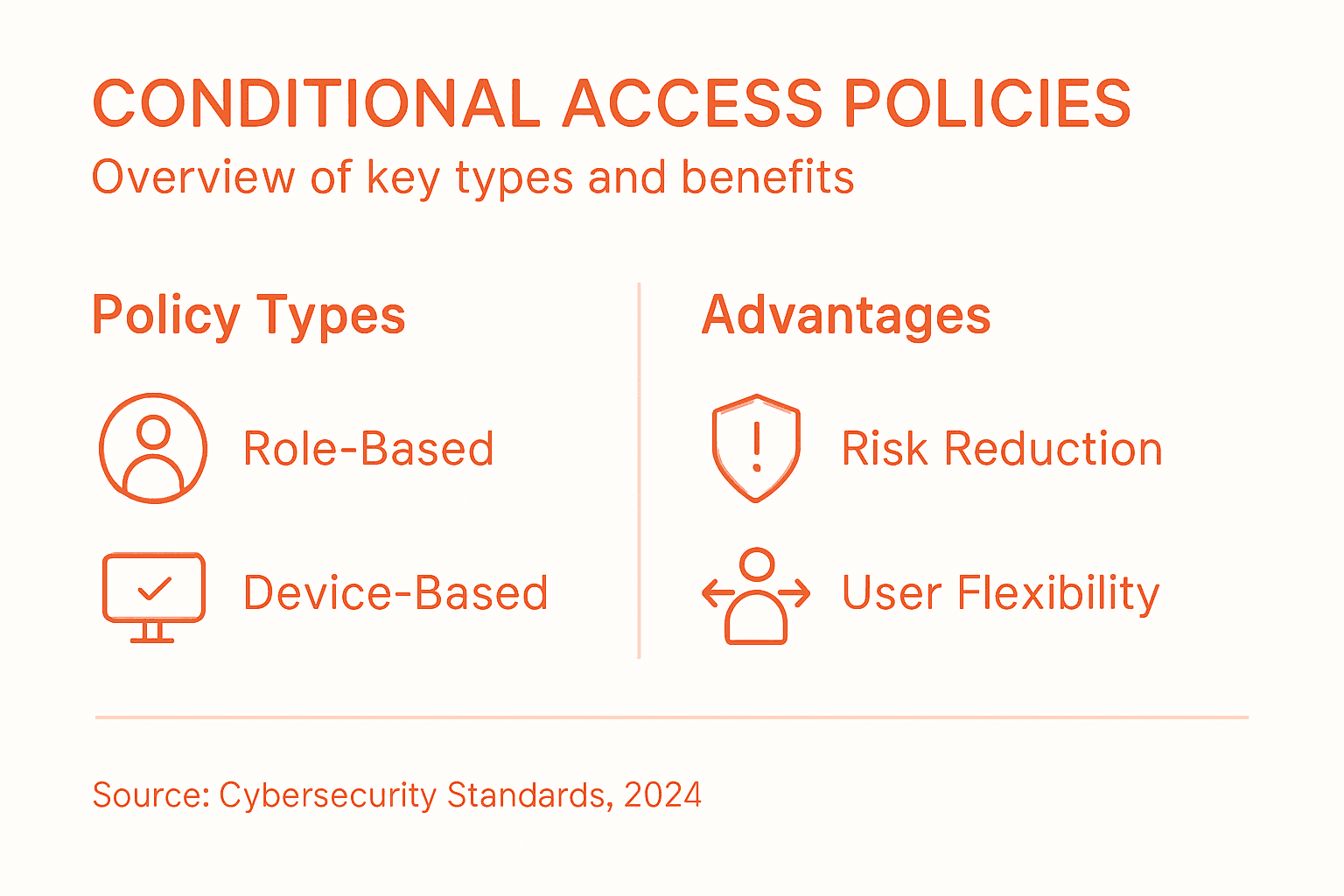
Here’s how conditional access policy types compare:
| Policy Type | Main Focus | Flexibility | Typical Use Case |
|---|---|---|---|
| RBAC | User roles | Low | Stable job functions |
| Device-Based | Device compliance | Moderate | Managed vs. personal devices |
| Behavior-Based | User activity patterns | Moderate | Detecting account hijacking |
| ABAC | Multiple attributes | High | Complex, dynamic access needs |
Pro tip: Map your existing access requirements to ABAC attributes before implementation, then start with your most sensitive data first rather than trying to rewrite every access policy at once.
How Conditional Access Works in Practice
Conditional access doesn’t work through magic or gut feel. Your system runs through a structured process every single time someone tries to access a resource. Understanding this workflow helps you see why certain policies matter and how to troubleshoot when things go wrong.
The process starts with authentication. A user enters their credentials or uses a passwordless method like Windows Hello or a security key. Your system verifies they are who they claim to be. This step confirms identity but says nothing about whether they should actually get access right now.
Next comes context evaluation. Your conditional access system gathers real-time information about the access request. Where is the person located? What device are they using? What time is it? Have they been behaving normally? Is their device compliant with security standards? The system collects dozens of these signals simultaneously.
Systems implementing conditional access evaluate user identity, device security posture, network location, and time of access to enforce policies systematically. Your organization’s security requirements define what combination of factors triggers additional verification or denies access entirely.
Then comes policy comparison. Your system matches the gathered context against your conditional access policies. Does this combination of factors fit your allowed scenarios? A trusted employee on a managed device logging in from the office at noon probably matches your “allow” policy. That same employee from an unknown coffee shop on a personal phone at 2 a.m. probably triggers “require additional verification.”
Conditional access mechanisms coordinate authentication and authorization stages, dynamically adjusting access rights based on contextual indicators and compliance with security policies. If the access request passes your policies, the user gets in. If it fails, they face either a challenge like multi-factor authentication or complete denial.
The entire evaluation happens in milliseconds. Your users barely notice the process unless their circumstances trigger additional verification steps. For your security team, this automation eliminates the need to manually review thousands of access requests.
Pro tip: Start by logging conditional access decisions in your security analytics platform for 30 days before enforcing policies, so you can spot false positives before blocking legitimate access.
Benefits and Challenges for IT Managers
Conditional access is not a set-it-and-forget-it solution. It delivers real security wins but requires you to actively manage the system. Knowing both sides of this equation helps you make informed decisions about implementation and resource allocation.
The security benefits are substantial. You reduce breach risk by blocking access when conditions look suspicious. Insider threats become harder to execute because even legitimate credentials fail when accessed from abnormal locations or devices. Conditional access enforces risk-based access policies which reduce exposure to breaches and insider threats while optimizing the balance between security and usability.
You also gain visibility. Your system logs every access request, every policy decision, and every risk factor evaluation. This creates an audit trail that satisfies compliance auditors and helps your team spot patterns that manual monitoring would miss.
On the usability side, conditional access actually improves the experience for legitimate users. They do not face multi-factor authentication challenges every single time they log in. Trusted employees on managed devices in normal circumstances get quick access. Only higher-risk scenarios trigger additional verification steps.
But the challenges are real. Policy complexity grows quickly. You start with simple rules, then business requirements demand exceptions. A contractor needs access to specific data for three months. A seasonal employee works different hours. Your policies pile up, becoming difficult to maintain and audit. One misconfiguured policy can block entire departments from working.
Challenges arise in continuously tuning policies to respond to emerging threats and changing organizational needs, requiring ongoing policy reviews and staff training. You must also integrate conditional access with existing identity systems that may not play nicely together. Legacy systems, disconnected databases, and incomplete user data create blind spots in your policies.
False positives create user friction. When your policies block legitimate access too frequently, users find workarounds or push back against security requirements. Finding the sweet spot between “secure enough” and “not blocking real work” takes time.
Your team also needs training. Conditional access is not intuitive. Staff must understand policy logic, troubleshooting procedures, and how to respond when things go wrong.
Key benefits and management challenges of conditional access at a glance:
| Benefit Area | Positive Impact | Ongoing Challenge |
|---|---|---|
| Security | Blocks suspicious access | Policy misconfiguration risk |
| Compliance | Detailed audit trails | Integrating legacy systems |
| Usability | Fewer user disruptions | Adjusting for false positives |
| Operations | Automates access reviews | Requires staff training |
Pro tip: Implement conditional access in report-only mode for 60 days before enforcement, tracking false positives and adjusting thresholds based on real usage data from your organization.
Common Pitfalls and Security Risks
Conditional access sounds simple until you actually build your policies. Real organizations struggle with specific mistakes that undermine their entire security strategy. Knowing what goes wrong helps you avoid expensive failures.
Misconfigured policies are the biggest culprit. Your team creates a rule that seems logical: block access from outside the office. Then the CEO travels and cannot access critical data. You add an exception for executives. Now attackers know to target executives. You patch that by creating location exceptions for specific countries, but your policy list becomes unmanageable. One small mistake in your rule logic can either lock out entire departments or create security gaps that attackers exploit.
Weak authentication methods create another critical gap. Your conditional access policy checks location and device, but if the underlying authentication is weak, none of that matters. An attacker compromises a password, and your policy cannot tell the difference between the legitimate user and the attacker logging in from the same device and location. This is why conditional access security risks involve vulnerabilities from weak authentication methods that must be addressed alongside your policy framework.
Incomplete system integration opens doors too. You have conditional access on your cloud applications but not your legacy on-premises systems. Attackers simply pivot to the unprotected systems. Your new database integrates with some identity systems but not others, creating blind spots where policies cannot reach.
Monitoring gaps are equally dangerous. Your system enforces policies but nobody reviews the logs. An attacker makes 47 failed login attempts from unusual locations, each one blocked by your policy. Without alerting, your team never notices. The attacker eventually succeeds, and you only discover it months later during a breach investigation.
Human error compounds everything. A security administrator misunderstands how policy rules combine and deploys logic that does the opposite of what was intended. Users provide false information about their device status to bypass policies. Ongoing training and system audits ensure policy effectiveness and reduce the risk of preventable mistakes.
Your conditional access policies also must account for weak passwords that attackers can exploit, since even the best access policies cannot protect accounts with credentials that are easily compromised.
Pro tip: Before deploying any new conditional access policy to production, test it thoroughly in audit-only mode with diverse user scenarios including remote workers, contractors, and international employees to catch misconfigurations before they impact real work.
Strengthen Your Identity Security with Advanced Conditional Access Solutions
The article highlights the critical challenge of managing dynamic risks in real time through conditional access policies. As cyber threats evolve, organizations face increasing pressure to balance strong security with seamless user experience—blocking suspicious access without disrupting daily operations. Key pain points include policy complexity, integrating diverse identity systems, and the need for flexible yet robust authentication methods like multi-factor authentication and device compliance checks.
LogMeOnce addresses these challenges head-on by offering a comprehensive platform that supports passwordless MFA, single sign-on, and encrypted cloud storage designed for precise conditional access controls. Our solutions enable IT managers to automate risk-based policies that adapt instantly to changing environmental factors while ensuring trusted users maintain hassle-free access. Take advantage of innovative features and expert support that empower you to reduce breach risks and satisfy compliance requirements without overwhelming your team.

Ready to experience smarter identity security? Visit LogMeOnce today to explore flexible plans tailored for enterprises and government agencies. Discover how our cybersecurity suite complements your conditional access strategy and request a free trial now to protect your organization’s most sensitive data with confidence.
Frequently Asked Questions
What is conditional access in cybersecurity?
Conditional access is a security mechanism that evaluates multiple risk factors, such as user location, device security status, and sign-in behavior, to determine whether to grant, request additional verification, or deny access to corporate data.
How does conditional access improve user experience?
Conditional access improves user experience by only requiring additional verification steps when conditions are suspicious, allowing trusted users to access resources without unnecessary barriers.
What are the main types of conditional access policies?
The main types of conditional access policies include Role-Based Access Control (RBAC), Device-Based Conditional Access, Behavior-Based Conditional Access, and Attribute-Based Access Control (ABAC). Each type caters to different security needs and organizational structures.
What challenges do organizations face when implementing conditional access?
Organizations may face challenges such as policy complexity, integration with legacy systems, managing false positives, and ensuring staff are trained to understand and configure conditional access policies effectively.
Recommended


