


 Password Manager
 Identity Theft Protection

 Team / Business
 Enterprise
 Government
 MSP
MSP


How to Enforce Password Policies for Stronger Security

Weak passwords remain a top target for cyberattacks, with studies showing that over 80 percent of data breaches involve compromised credentials. Protecting your organization starts with a thoughtful approach to password management, as even a single overlooked gap can put sensitive information at risk. This guide breaks down each step to help you set strong policies, improve user compliance, and create a security framework that stands up to real-world threats.
Quick Summary
| Key Point | Explanation |
|---|---|
| 1. Define strong password requirements | Establish criteria like length, complexity, and uniqueness to enhance security. |
| 2. Configure password manager settings | Set policies for minimum length, complexity, and enforce multi-factor authentication. |
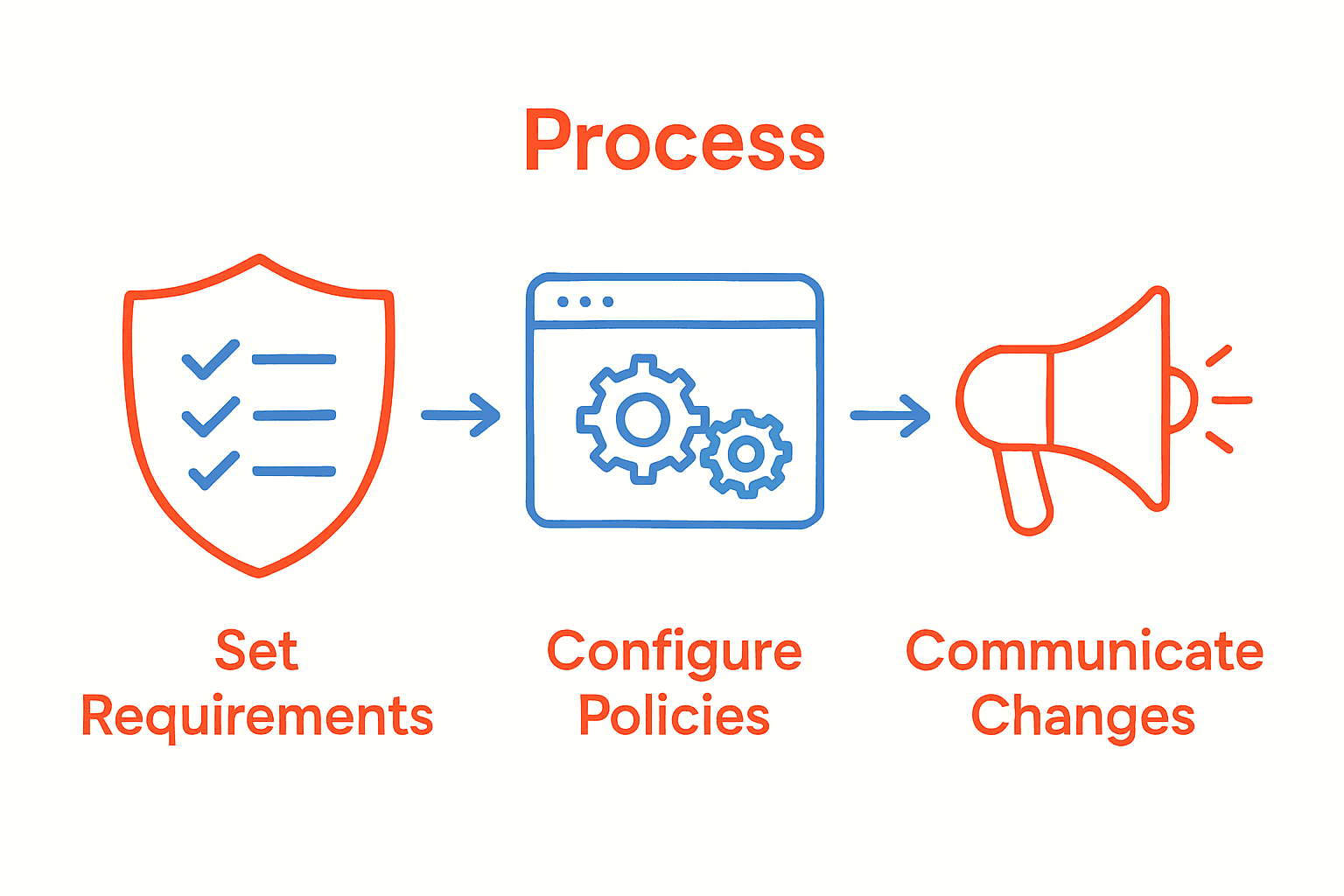
| 3. Communicate changes effectively | Use multiple channels to inform users and provide clear instructions for compliance. |
| 4. Enforce policies across all platforms | Implement uniform standards using centralized management to ensure consistent application. |
| 5. Monitor compliance regularly | Use tools to evaluate adherence, identify vulnerabilities, and adapt policies as needed. |
Step 1: Define comprehensive password requirements
Defining comprehensive password requirements is your first critical step in building robust security protocols for your organization. According to the West Virginia University Password Standard, establishing clear guidelines helps protect access to information systems and minimize potential security vulnerabilities.
To create effective password requirements, focus on developing a multi-layered approach that addresses complexity, length, and periodic updates. South Australian Cyber Security Framework recommends implementing standards that encourage strong, unique passwords. Your comprehensive password policy should include specific criteria such as:
- Minimum password length of 12 characters
- Required combination of uppercase and lowercase letters
- Mandatory inclusion of numbers and special symbols
- Prevention of common dictionary words or predictable patterns
- Restrictions on password reuse across different systems
Remember that an effective password policy balances security requirements with user usability. Avoid overly complex rules that might frustrate users and lead them to circumvent security protocols. Periodic review and adjustment of your password requirements will help maintain a strong defense against potential security threats.
In the next step, we will explore how to implement and enforce these password requirements across your organization.
Step 2: Configure policy settings in your password manager
Configuring policy settings in your password manager is essential for creating a robust security framework that protects your digital assets. Google Cloud Identity Platform provides insights into how administrators can establish comprehensive password management controls that enhance overall system security.
Start by accessing your password manager’s administrative dashboard and navigating to the security policy section. Here, you will want to implement multiple layers of protection. Set specific requirements such as minimum password length, complexity rules, and mandatory periodic password changes. Pay special attention to configuring enforcement modes that prevent users from creating weak or previously used passwords.
Inspired by advanced security research like the PALPAS system, consider implementing additional security layers such as:
- Multi factor authentication
- Random password generation
- Device synchronization with secure protocols
- Automatic password rotation schedules
For maximum effectiveness, regularly review and update your password policies. Striking a balance between stringent security measures and user convenience will help ensure that your team adopts and maintains strong password practices.

In the next step, we will explore how to train users on these new password management protocols.
Step 3: Communicate changes to users and stakeholders
Communicating password policy changes effectively is crucial for ensuring successful implementation and user compliance. Regent’s University London’s IT Acceptable Use Policy emphasizes the importance of clear communication when establishing new security protocols.
Develop a comprehensive communication strategy that reaches all users through multiple channels. Send detailed emails explaining the new password requirements, highlighting the reasons behind the changes and the specific steps users need to take. Create clear, concise documentation that outlines the new policy, including step by step instructions for updating passwords and meeting the new security standards. Cybersecurity and Infrastructure Security Agency recommends providing transparent guidance about enforcement mechanisms and potential consequences of non compliance.
Consider implementing a phased communication approach:
- Initial announcement with overview of upcoming changes
- Detailed policy briefing with specific requirements
- Reminder notifications as implementation date approaches
- Ongoing support resources for users struggling with new requirements
Host mandatory training sessions or webinars to walk users through the new password policies. Encourage questions and provide direct support channels to address concerns. By making the process transparent and supportive, you increase the likelihood of user adoption and cooperation.
In the next step, we will discuss monitoring and enforcing these new password policy guidelines.
Step 4: Enforce policies across all platforms and devices
Enforcing password policies consistently across all platforms and devices is critical for maintaining comprehensive security. University of Pennsylvania’s IT Security Policy demonstrates how organizations can implement robust authentication standards that work seamlessly across multiple technological environments.
Begin by conducting a thorough audit of all devices and platforms used within your organization. This includes laptops, desktops, mobile devices, cloud services, and internal systems. Georgia Tech’s Password Policy recommends establishing uniform password requirements that apply universally, regardless of the device or platform being used. Implement centralized authentication mechanisms that can enforce consistent password standards across different operating systems and application environments.
Key strategies for cross platform enforcement include:
- Deploying enterprise wide identity management solutions
- Using single sign on technologies
- Implementing multi factor authentication
- Creating centralized password policy management tools
- Developing device specific configuration templates
Pay special attention to mobile and remote devices, which often represent the most vulnerable access points. Configure automatic policy enforcement that triggers password updates, prevents weak credentials, and ensures encryption for all stored authentication credentials. Regularly test and validate that your policies are being applied consistently across all platforms.
In the final step, we will explore continuous monitoring and policy refinement strategies.
Step 5: Monitor compliance and review policy effectiveness
Monitoring password policy compliance and reviewing its effectiveness are crucial steps in maintaining robust organizational security. Hong Kong Government’s IT Security Guidelines emphasize the importance of regular audits to ensure ongoing protection of information systems.
Implement comprehensive monitoring tools that track password policy adherence across your organization. Generate periodic reports that highlight compliance rates, identify potential vulnerabilities, and demonstrate areas requiring immediate attention. University of Waterloo’s research suggests analyzing metrics such as password complexity, change frequency, and potential reuse patterns to assess overall security effectiveness.
Key monitoring strategies include:
- Automated compliance tracking systems
- Regular security vulnerability assessments
- User behavior analytics
- Periodic penetration testing
- Comprehensive reporting mechanisms
Create a systematic review process that involves quarterly policy evaluations. This approach allows you to adapt your password management strategy based on emerging security threats, technological advancements, and organizational changes. Engage with your security team to interpret monitoring data and develop continuous improvement strategies.
With these monitoring techniques in place, you will maintain a proactive and dynamic approach to password security.
Strengthen Your Password Policies with Proven Security Solutions
Enforcing strong password policies is a challenge many organizations face today. From defining comprehensive requirements to seamless policy enforcement across all platforms, this article highlights the critical steps needed to protect your digital assets. You want to prevent weak passwords, ensure user compliance, and maintain consistent security without frustrating your team. That is where having a trusted, flexible security platform can make all the difference.

Take control now by exploring how LogMeOnce empowers you with powerful tools like multi-factor authentication, single sign-on, and encrypted cloud storage to enforce password policies effortlessly. Don’t wait until a security breach disrupts your business. Visit LogMeOnce today to start your free trial. Discover how our innovative password management and identity protection solutions can help you meet evolving security challenges with confidence and ease.
Frequently Asked Questions
How can I define strong password policies for my organization?
To define strong password policies, establish clear guidelines that include a minimum length of 12 characters, a mix of uppercase and lowercase letters, numbers, and special symbols. Implement a review and adjustment process at least once a year to adapt to emerging security threats.
What steps should I take to configure password management settings?
Start by accessing the security settings of your password manager and set your organization’s password requirements, like enforcing multi-factor authentication and enforcing password complexity rules. Conduct this configuration within the first month of implementing your password policy to ensure quick compliance.
How should I communicate new password policies to employees?
Develop a comprehensive communication plan that includes emails, face-to-face meetings, and training sessions to explain the new password policies clearly. Aim to distribute this information at least two weeks before the policy takes effect to allow adequate time for questions and compliance.
What mechanisms can I use to enforce password policies across different platforms?
Utilize identity management solutions and centralized password management tools to enforce consistent password standards across all devices. Ensure these mechanisms are implemented within the first quarter of policy rollout to enhance compliance and security.
How do I monitor compliance with my password policies?
Implement automated compliance tracking systems and conduct regular audits to assess adherence to your password policies. Schedule these audits every three months to identify and address any vulnerabilities promptly.
How often should I review and update my password policies?
Review and update your password policies at least quarterly to adapt to evolving security threats and user feedback. Create a systematic review process to ensure continuous improvement in your password management strategy.
Recommended
- How to Create a Strong Password – LogMeOnce
- How to Create Strong Password to Keep the Hackers Out
- The Finesses of Enterprise Password Management


