


 Password Manager
 Identity Theft Protection

 Team / Business
 Enterprise
 Government
 MSP
MSP

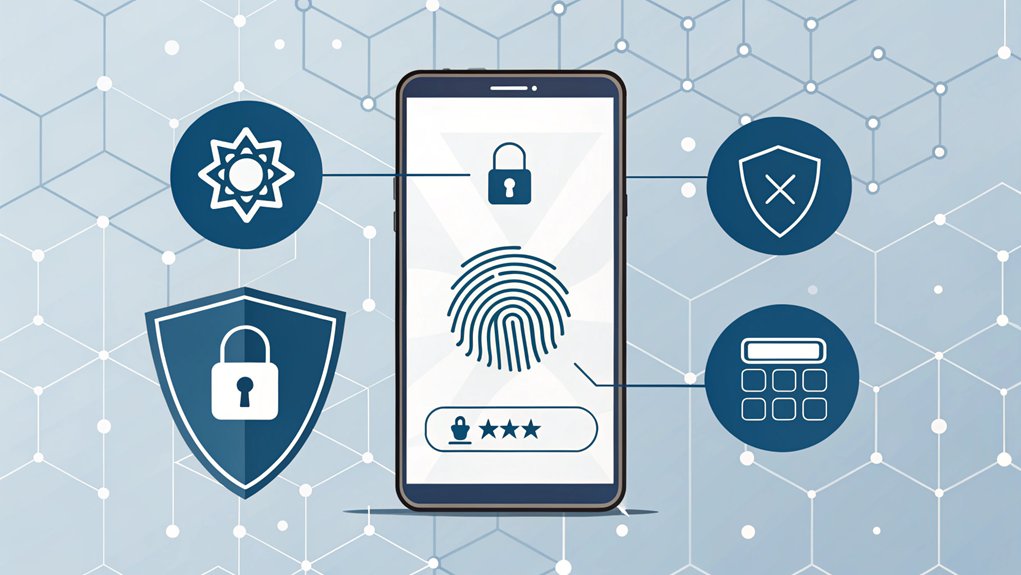
In recent years, the alarming rise of leaked passwords has spotlighted the critical importance of cybersecurity for individuals and organizations alike. Passwords have surfaced in various data breaches, often appearing in online forums or dark web marketplaces, exposing sensitive accounts to potential threats. The significance of these leaks lies not only in the immediate risk to personal information but also in the broader implications for trust and security in the digital landscape. As users increasingly rely on online services, understanding the vulnerabilities associated with leaked passwords becomes essential for protecting their digital identities and ensuring safe online experiences.
Key Highlights
- Mobile authentication apps generate time-based codes valid for 30 seconds, providing secure access through temporary verification tokens.
- Biometric security uses unique facial features or fingerprints for authentication, eliminating password vulnerabilities and enhancing user experience.
- Smart card systems combine physical tokens with PIN protection, creating dual-layer security through encryption and physical possession requirements.
- Location-based verification validates access by checking device position and sending alerts for login attempts from unauthorized locations.
- Behavioral pattern analysis monitors user habits like typing and swiping to create unique digital fingerprints for continuous authentication.
Mobile Authentication Apps: The Power of Time-Based Codes
I love using these magic numbers because they keep my accounts as safe as a superhero's fortress. Since TOTP codes are valid for 30 seconds, they provide exceptional protection against unauthorized access attempts. This method is a popular choice among users for its enhanced security and ability to thwart potential breaches.
Biometric Security: Face and Fingerprint Recognition
Your face and fingerprints are like your very own superhero identity card! I'm excited to tell you how these special features can keep your stuff super safe.
Just like how your mom knows it's you by looking at your face, computers can now do the same thing! Special systems can track your movement across different security cameras to keep buildings extra secure. Biometric security offers an extra layer of protection through multi-factor authentication, ensuring that only you can access your personal information.
Here's what makes biometric security so cool:
- Your face is unique – no one else has the exact same one
- It works super fast, like counting to three
- You don't need to remember any passwords
- It's harder for bad guys to trick than regular keys
Did you know that some phones can recognize your face even when you're wearing glasses? That's pretty amazing!
Schools and stores are using this technology to make sure everyone stays safe and happy.
Smart Card Systems: Physical Tokens With PIN Protection
A magical little card holds the power to unseal special doors and keep your stuff super safe!
It's like having a secret decoder ring, but even better. You need two special things to make it work – the card itself and a secret PIN number (that's like your own special password).
Want to know how it works? When you tap your card on a special reader (like waving a magic wand!), it asks for your PIN.
Once you type in the right numbers, the card and reader do a special dance together using something called encryption – it's like speaking in a super-secret code that only they understand! This authentication strength makes it much harder for unauthorized users to gain access.
If everything matches up, presto! The door opens or your computer reveals.
I bet you've seen your parents use cards like these at work or at secure buildings!
This layered defense system helps stop bad guys from sneaking into places they shouldn't be.
Location-Based Verification: Securing Access by Device Position
Smartphones and tablets have an amazing superpower – they know exactly where they're in the world! When you try to log into your favorite apps, your device can check if you're in a safe spot. It's like having a digital bodyguard that makes sure you're where you should be.
While location can be helpful, it should never be used as the only security factor for protecting your accounts.
Here's what makes location-based verification super cool:
- Your device checks if you're at home or school before letting you in
- It can spot if someone's trying to break in from a different country
- Special codes get sent to your device based on where you are
- It works with other security tricks, like passwords and fingerprints
I bet you're wondering how it knows where you are! Well, your device uses satellites, Wi-Fi signals, and cell towers – just like a GPS helping your parents navigate to the ice cream shop!
Behavioral Pattern Analysis: Dynamic Authentication Methods
Just like your favorite game knows exactly how you play, your devices can learn your special style too! Have you noticed how you type differently from your friends? Maybe you're super speedy, or you like to take your time!
I'm excited to tell you about something called behavioral patterns. It's like having a digital fingerprint of how you use your devices! Your computer watches how you type, swipe, and even how you hold your phone. Pretty neat, right?
Think of it as your device becoming your best friend who knows all your habits. When someone else tries to use your device, it notices right away – just like you'd notice if someone switched your favorite sandwich with something else! This amazing technology provides real-time monitoring of your actions to catch any suspicious behavior.
This helps keep your information safe and sound.
Frequently Asked Questions
What Happens if I Lose Access to All My MFA Factors?
If you lose all your MFA factors, don't panic!
I'll help you get back in. First, contact your account support team right away – they're like your digital locksmith!
You might need to prove it's really you through backup methods like special questions or a spare email.
While you wait, I'd suggest setting up new MFA factors and keeping backup codes safe next time.
Can Hackers Bypass MFA by Intercepting SMS Codes?
Yes, hackers can definitely snag those SMS codes!
Think of SMS like sending a letter without an envelope – anyone could peek at it along the way. Bad guys use special tools, like fake cell towers or tricky computer programs, to catch your codes mid-flight.
I always tell my friends it's safer to use authentication apps or security keys instead. They're like having a super-secret decoder ring that's way harder to crack!
How Much Does Implementing Enterprise-Level MFA Typically Cost?
I'll help you understand MFA costs!
For a big company, basic MFA might be free with Microsoft 365, but fancier options cost $3-10 per person each month.
Setting everything up can run from hundreds to thousands of dollars, depending on how complex your system is.
Don't forget hidden costs like training employees and ongoing support.
Think of it like a subscription – you'll keep paying to keep it running!
Does MFA Significantly Slow Down the Login Process for Users?
I've looked at lots of studies about MFA login times, and guess what? It barely slows you down at all!
Think about blinking your eyes – that takes longer than the extra 0.13 seconds MFA adds. Even if you're using a phone app or fingerprint scanner, you're only adding about 3 seconds.
That's like tying one shoelace! Plus, it keeps your stuff super safe, just like a strong lock on your bike.
Are There Privacy Concerns With Storing Biometric Data for MFA?
Yes, I'm really worried about privacy when it comes to storing biometric data – those unique things like your fingerprints and face scans.
Think of it like your secret treasure map – if bad guys get it, they can't be changed like a password.
That's why I want to remind you that companies must keep this data super safe, just like how you'd protect your favorite toy from getting lost!
The Bottom Line
Now that you know how important it is to use multi-factor authentication to enhance your online security, it's crucial to also focus on password security. Using strong, unique passwords for each of your accounts is a vital step in safeguarding your personal information. Managing these passwords can be daunting, but there are solutions available. Consider using a password manager to help you keep track of your credentials securely.
Additionally, with the rise of passkeys, managing your digital identity has never been easier. If you're looking for a reliable way to enhance your password management and security, we recommend trying out LogMeOnce. They offer a user-friendly platform to help you manage your passwords with ease. Don't wait until it's too late—sign up for a Free account today at LogMeOnce and take control of your online security!

Mark, armed with a Bachelor’s degree in Computer Science, is a dynamic force in our digital marketing team. His profound understanding of technology, combined with his expertise in various facets of digital marketing, writing skills makes him a unique and valuable asset in the ever-evolving digital landscape.


