


 Password Manager
 Identity Theft Protection

 Team / Business
 Enterprise
 Government
 MSP
MSP


Top 7 Secure Cloud Storage Solutions – Best Comparison 2025
Keeping passwords and sensitive information safe is more challenging than ever. People want simple solutions that protect their accounts but also make life easier. Some tools promise robust security with high-tech features while others focus on user friendliness and flexible access. Imagine having a tool that defends your accounts against cyber threats while letting you log in quickly without hassle. With so many options offering everything from encrypted storage to alerts for stolen credentials, it becomes interesting to see how each one stands out. Which options give the most protection with the least effort and which make security feel simple instead of stressful?
Table of Contents
LogMeOnce
At a Glance
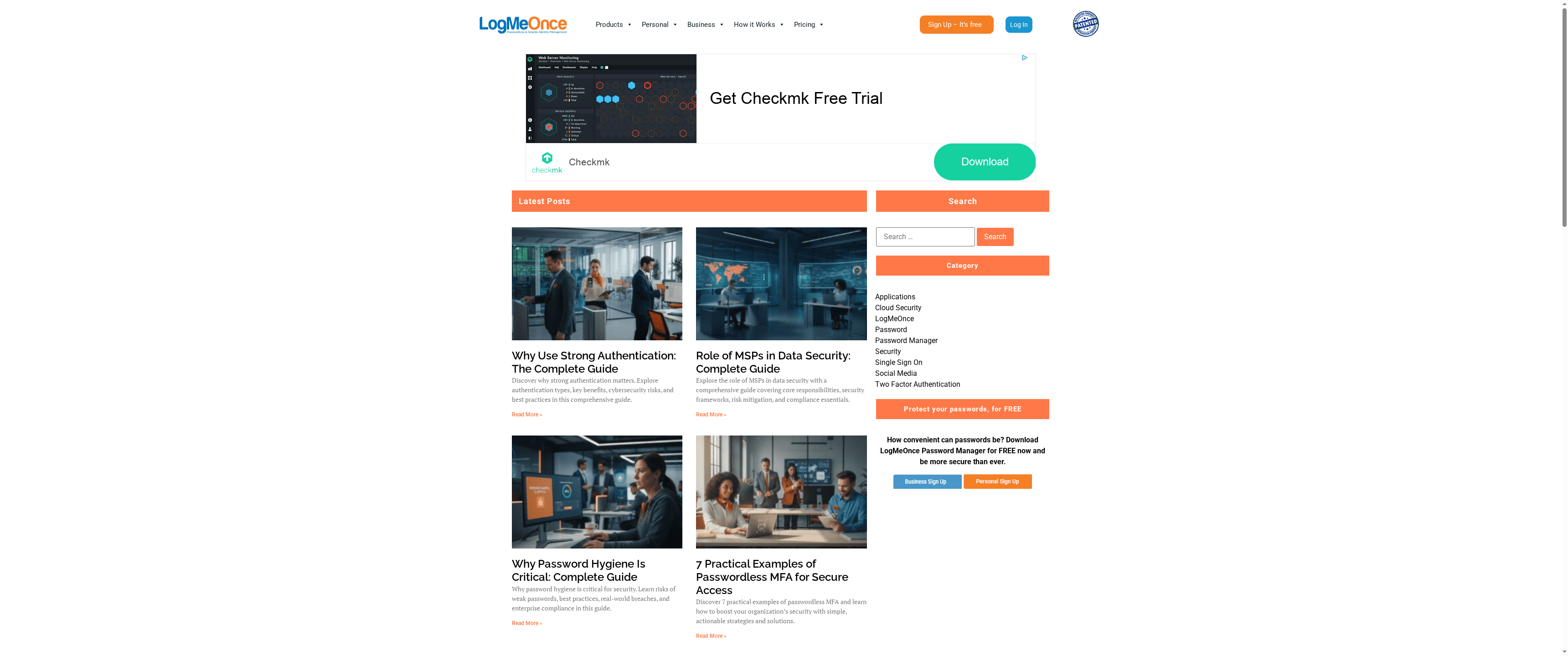
LogMeOnce is a polished, security-first password and identity platform built for individuals, businesses, enterprises, and government agencies. It combines patented passwordless methods (QR and selfie login) with traditional multi-factor authentication, encrypted cloud storage, and dark web monitoring to reduce compromise risk while simplifying access. In short: strong security, multiple login choices, and scalable plans make it a practical choice for organizations that need enterprise-grade controls without excessive complexity.
Core Features
LogMeOnce offers passwordless MFA and diverse login options (QR, selfie, biometrics, PIN) alongside a full password manager. The platform encrypts cloud files across providers like Dropbox, Google Drive, OneDrive, and SharePoint, and it includes dark web monitoring and identity theft protection to surface compromised credentials. For developers and app owners, native SDKs support passwordless and traditional MFA integrations, and management tools are tailored to personal users, SMEs, large enterprises, government agencies, and MSPs.
Pros
- Patented passwordless technology increases security: LogMeOnces QR and selfie login methods reduce exposure to stolen passwords, providing a modern approach to authentication.
- Comprehensive security suite protects multiple attack surfaces: Combining cloud storage encryption, dark web monitoring, and a full password manager gives users coordinated protection across accounts and files.
- Tailored solutions for many user types: The product provides packages and features designed for individuals, businesses, enterprises, and government agencies, enabling appropriate controls at each scale.
- User-friendly interface with multiple login options: Multiple authentication paths (biometrics, PIN, QR, selfie) improve usability while preserving security, easing adoption across diverse teams.
- Scalable for different organization sizes and MSPs: The platform supports small teams up to enterprise deployments and managed service providers managing customer credentials.
Who It’s For
LogMeOnce is ideal for security-conscious individuals and organizations that need enterprise-grade password management and identity protection—especially those migrating toward passwordless workflows. If you manage remote access for employees, handle sensitive cloud-stored data, or operate in regulated environments (including government), LogMeOnce fits well. Its also a strong choice for MSPs who need centralized credential control for multiple customers. If you prefer minimalistic solutions and only basic password storage, the platforms breadth may feel like overkill by design.
Unique Value Proposition
LogMeOnce Resources is a corporate website dedicated to promoting its comprehensive cybersecurity and password management solutions. The site serves as an informational hub for individuals, businesses, and government agencies seeking secure identity management, passwordless MFA, cloud encryption, and dark web monitoring. Its main focus is showcasing a suite of services designed to enhance digital security through features like single sign-on, multi-factor authentication, and encrypted cloud storage. The website emphasizes ease of use, innovative security features, and flexible plans tailored for personal users, SMEs, large enterprises, and government entities. It also includes educational content with articles on cybersecurity topics. The site aims to attract organizations and individuals who prioritize data protection and identity security, providing free trials and comparisons to illustrate the benefits of its offerings. Overall, it functions as a marketing and resource portal, positioning LogMeOnce as a comprehensive security solution provider within the cybersecurity and identity management niche.
LogMeOnces unique advantage is the combination of patented passwordless authentication with integrated cloud encryption and dark web monitoring—delivered across flexible plans and native SDKs. That mix positions it above single-focus competitors because it reduces vendor sprawl: authentication, password management, file encryption, and breach monitoring are coordinated under one roof. Any complexity is an intentional trade-off to deliver granular security controls and enterprise readiness rather than a stripped-down consumer tool.
Real World Use Case
A small business uses LogMeOnce to manage employee passwords, encrypt cloud files, and implement passwordless MFA for remote access, enhancing security and user convenience. IT administrators centrally deploy policies, MSP partners handle multiple client instances, and employees enjoy quick QR or selfie logins without sacrificing compliance.
Pricing
Free sign-up and trial options
Website: https://logmeonce.com/resources
LastPass
At a Glance
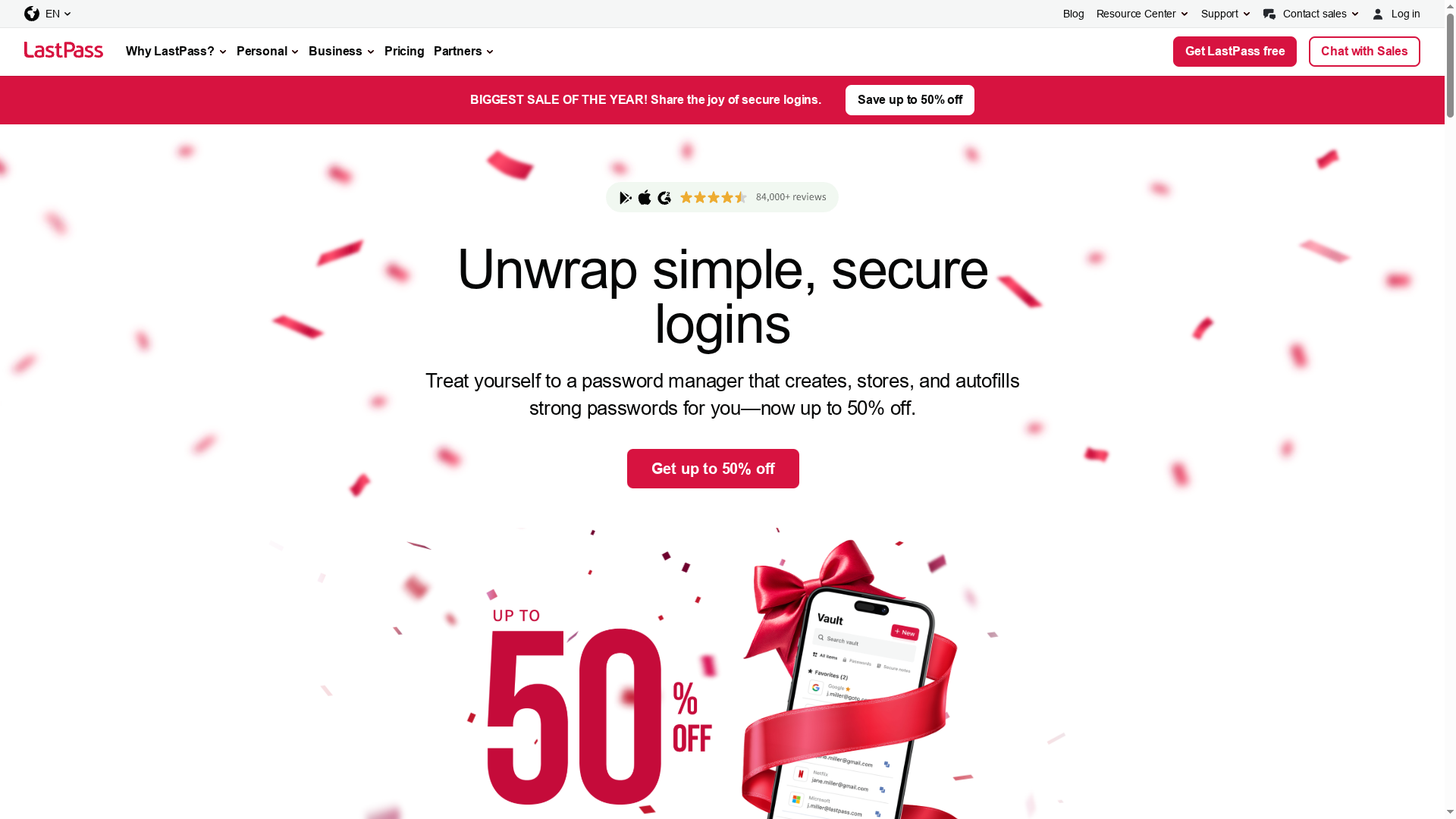
LastPass is a mature password manager and vault that combines easy password creation, cross-device syncing, and multifactor authentication into a single, user-friendly package. It’s designed for individuals, families, and businesses and emphasizes zero-knowledge encryption so only users can access stored credentials. If you want straightforward password management with added security features like dark web monitoring and hardware-key MFA, LastPass is a solid, pragmatic choice. Expect a polished experience, though some advanced features are reserved for paid plans.
Core Features
LastPass offers password creation and secure storage, autofill for logins and forms, and tools for password sharing and vault management across users and teams. It includes dark web monitoring to alert you to exposed credentials and a range of MFA options — from biometric unlocks to support for hardware keys (e.g., YubiKey). Cross-device synchronization and browser extensions make it easy to deploy across desktops, laptops, and mobile devices while regular security updates underpin the platform’s privacy commitments.
Pros
- Zero-knowledge encryption protects your data: LastPass encrypts vault contents so only the user holds the decryption keys, limiting exposure even if servers are targeted.
- Smooth cross-device synchronization: Passwords and secure notes sync across browsers and operating systems, letting you access credentials wherever you work.
- User-friendly interface and browser extensions: The UI and extensions simplify setup and day-to-day use, reducing friction for non-technical users.
- Plan options for different needs: LastPass offers individual, family, and business plans, making it easier to scale from a single user to organizational deployments.
- Ongoing security and privacy updates: The product receives regular security updates and maintains a public commitment to privacy practices.
Cons
- Free plan has notable limits: The free tier restricts syncing across certain device types, which may frustrate users who expect full cross-device access without paying.
- Advanced features often behind paywall: Some users will find that enhanced sharing, admin controls, or enterprise-grade features require a paid subscription.
- Pricing sensitivity after discounts end: While substantial discounts (up to 50%) are available during promotions, the long-term cost may be a consideration for budget-conscious users or organizations.
Who It’s For
LastPass fits individuals and families who want a simple, secure way to generate and autofill passwords, and small to medium-sized businesses that need basic centralized credential management and MFA without complex deployment. It’s particularly useful for teams that want quick onboarding and a manageable admin console rather than deeply customized identity solutions.
Unique Value Proposition
LastPass combines approachable usability with robust, zero-knowledge security and a range of MFA options, giving users both convenience and strong protection in one package. Its balance of cross-device syncing, browser integration, and administrative plans makes it a practical middle ground for users who need secure password management without enterprise-grade complexity.
Real World Use Case
A small company deploys LastPass Business so the marketing team can securely share vendor logins, the finance team can store payment portal credentials, and IT can enforce MFA and monitor password health — all while maintaining individualized access controls and visibility into exposed accounts.
Pricing
Discounts of up to 50% are currently offered during promotional periods; specific pricing varies by plan and billing cycle, and the premium individual plan is billed annually with details available on the website.
Website: https://lastpass.com
Dashlane
At a Glance
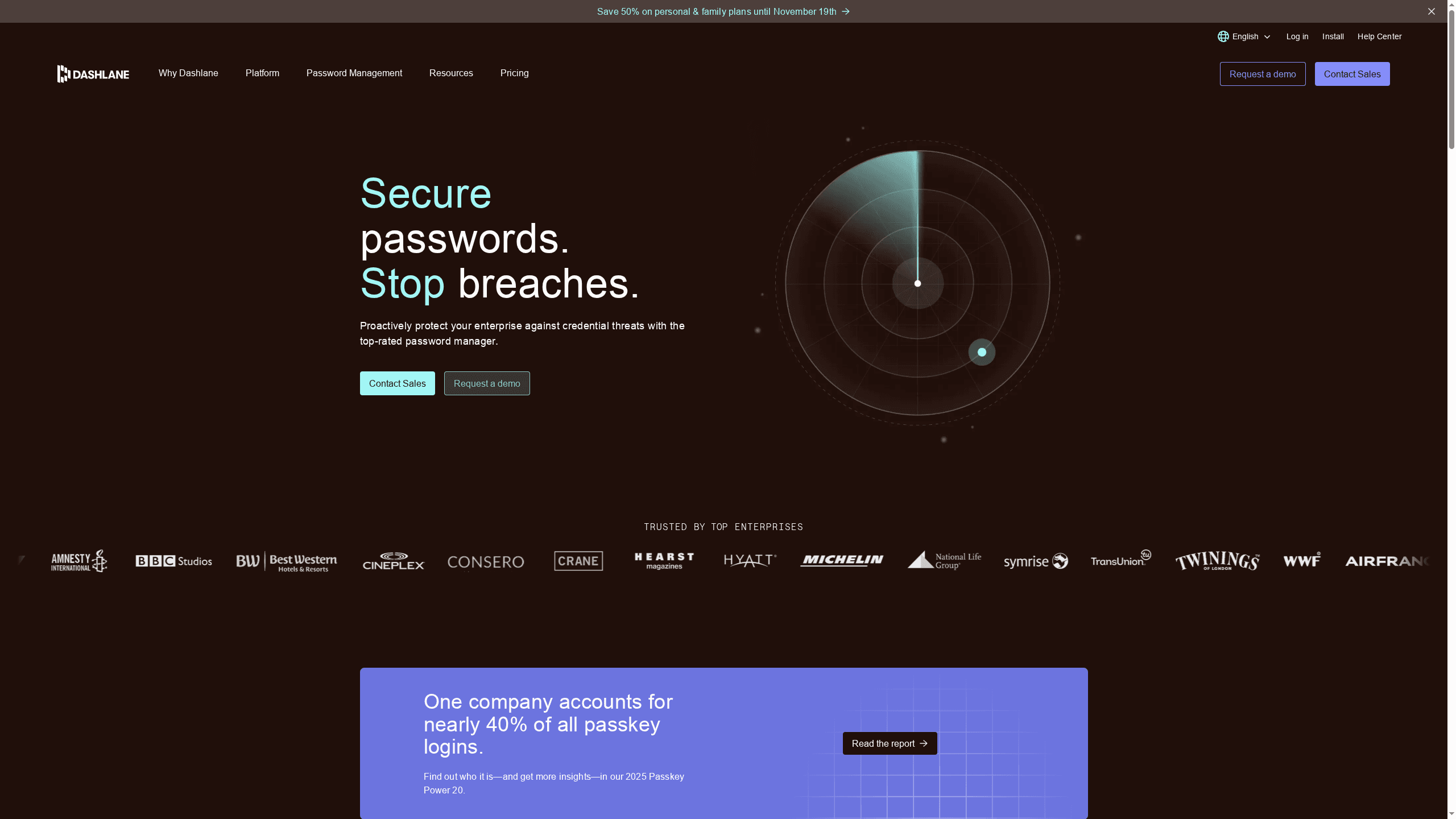
Dashlane is a mature password management and credential security platform designed for both individuals and enterprises. It combines unlimited cross-device password storage with credential risk detection, dark web monitoring, and AI-powered phishing alerts to protect logins and secrets. For organizations, it layers SSO integrations, user management, and policy enforcement to help meet compliance goals. Bottom line: strong core security features with enterprise-ready controls, though some advanced capabilities are reserved for higher-tier plans.
Core Features
Dashlane centralizes password management for unlimited passwords across devices and adds credential protection with risk detection and actionable insights. It includes AI-powered phishing alerts to warn users of credential-targeted threats and dark web monitoring to detect exposed data. For enterprise customers, Dashlane provides a VPN for Wi‑Fi protection and secure sharing features, together with SSO integrations, user provisioning, and policy enforcement to manage access at scale.
Think about access as a single control plane for passwords and credential hygiene.
Pros
- Wide adoption and credibility: Dashlane is trusted by over 25,000 organizations and millions of users worldwide, which speaks to its reliability in diverse environments.
- User-friendly interface and deployment: The platform emphasizes ease of use, making rollout and day-to-day management simpler for IT teams and end users.
- Comprehensive security toolkit: Built-in dark web monitoring, AI phishing alerts, and credential risk detection provide layered protection rather than a single point of defense.
- Flexible plans for different needs: Dashlane offers options that address personal, SMB, and enterprise requirements, enabling organizations to scale without swapping vendors.
- Compliance-friendly: The platform supports industry standards and policy enforcement, helping teams demonstrate security controls during audits.
Cons
- Pricing detail variability: Pricing details may vary depending on plan and organization size, which can make initial budget planning less straightforward.
- Advanced features gated to enterprise: Some capabilities—like VPN for Wi‑Fi protection and secure sharing—are available only in enterprise plans, limiting access for smaller customers.
- Mixed customer support feedback: User feedback on customer support varies, so support experience may differ by plan and region.
Who It’s For
Dashlane suits organizations that need enterprise-grade credential security and administrators who must enforce password policies and monitor credential exposure. It also works well for individuals and teams that want an intuitive password manager with extra protections like dark web monitoring and phishing alerts. If you need centralized control with scalability, Dashlane fits the bill.
Unique Value Proposition
Dashlane’s strength lies in combining familiar password management with proactive threat detection and enterprise controls. The platform doesn’t stop at vaulting passwords; it actively monitors for exposures and phishing risks and integrates with SSO and user management workflows—making credential hygiene part of everyday operations.
Real World Use Case
A company deploys Dashlane’s enterprise platform to manage employee credentials, enforce password policies, and mitigate credential theft. IT uses SSO integration and user provisioning to streamline access while security teams receive alerts from dark web monitoring and AI phishing detection to remediate risks quickly.
Pricing
Per user/month, billed annually; plans include password management, credential security, and additional enterprise features. Specific package prices are tailored for business and personal use.
Website: https://dashlane.com
Keeper Security
At a Glance
Keeper Security is a zero-trust, zero-knowledge password and privileged access management platform designed to reduce breach risk across organizations with strict compliance needs. Its modern, AI-enabled architecture and broad certification footprint (including FedRAMP, ISO 27001, and SOC 2) make it a strong choice for regulated environments. Keeper combines password management, PAM, secrets and remote access tooling into a single platform, though some enterprise capabilities come as paid add-ons. Overall: secure, compliant, and feature-rich — with a learning curve for larger deployments.
Core Features
Keeper delivers end-to-end encryption and a zero-knowledge design that ensures only authorized parties can decrypt stored secrets. Core capabilities include password management, privileged access management (PAM), secrets management and remote access tools, session recording and playback, single sign-on (SSO) support, Active Directory and LDAP integration, and automated password rotation. The platform emphasizes third-party validated security processes and flexible integration with existing infrastructure to support identity and access governance across cloud and on-prem systems.
Pros
- Strong compliance posture: Keeper is certified against multiple standards (FedRAMP, ISO 27001, SOC 2), which supports regulated organizations’ audit requirements.
- Validated security processes: Third-party validation provides independent assurance of the platform’s controls and operations.
- Comprehensive security tooling: Keeper bundles password management, PAM, secrets management, SSO, and session recording into a consolidated set of capabilities.
- Flexible subscription options: The vendor offers modular plans and add-ons to tailor functionality to different team sizes and security needs.
- Infrastructure-friendly integrations: Active Directory, LDAP, and SSO support simplify deployment into existing enterprise environments.
Cons
- Complex enterprise features may require training or onboarding: Advanced PAM and secrets workflows will likely need dedicated admin training for proper use.
- Pricing details vary and may require custom quotes for large organizations: Public pricing is user-based but often needs sales engagement for enterprise-scale deployments.
- Some advanced features are add-ons, potentially increasing costs: Purchasing optional modules can raise the total cost of ownership compared with an all-included plan.
Who It’s For
Keeper is best suited for organizations that require rigorous access controls and compliance — think enterprises, government agencies, and regulated industries that must protect privileged credentials and sensitive secrets. If you manage complex infrastructure, have a dedicated security team, or need FedRAMP/ISO-level assurances, Keeper aligns well with your priorities.
Unique Value Proposition
Keeper’s unique value is its combination of hardened, certified security architecture with a broad set of identity and secrets-management capabilities in one platform. That consolidation reduces the number of point products security teams must operate while delivering third-party validated assurances and enterprise integration points.
Real World Use Case
In practice, Keeper is used to secure high-performance environments where data protection matters under pressure. For example, Atlassian Williams Racing uses Keeper to protect sensitive operational and competitive data, demonstrating the platform’s suitability for fast-paced, high-stakes teams that require reliable privileged access controls.
Pricing
Starting at user-based pricing: business plans are billed per user per month while PAM offerings are billed per user per year, with add-ons and enterprise quotes available for larger deployments.
Website: https://keepersecurity.com
NordPass
At a Glance
NordPass is a focused password management platform built to securely store and autofill passwords, credit cards, and sensitive documents for individuals and organizations. It pairs end-to-end encryption with business features such as breach monitoring, password policies, and activity logs to support compliance and incident response. In short: it’s a practical, security-first credential manager that’s easy to administer and scale for teams.
Core Features
NordPass provides centralized secure storage and cross-device access to credentials and personal data, making it straightforward to access passwords from anywhere. Business-focused capabilities include centralized management of employee passwords and passkeys, customizable password policies to reduce weak credentials, real-time dark web alerts for compromised credentials, and activity logs to track user actions for compliance and incident response. The platform emphasizes industry-standard encryption to protect stored data.
Pros
- Easy to use and administer: The product is designed for straightforward deployment and day-to-day use, which reduces administrative overhead for IT teams.
- Multi-device synchronization: NordPass supports synchronization across multiple devices so users can access credentials on desktop and mobile without extra configuration.
- Strong security fundamentals: The service provides industry-standard, end-to-end encryption to protect stored passwords and sensitive information.
- Identity provider integrations: It integrates with major identity providers, which helps streamline single sign-on and centralized user provisioning.
- Trial availability without a credit card: A free trial is offered without requiring credit card information, lowering the barrier to evaluate the product.
Cons
- Limited disclosure of drawbacks in the provided data: The source material does not include specific product limitations, which makes it hard to evaluate edge-case weaknesses or performance trade-offs.
- Pricing details are unspecified: No clear pricing tiers or starting price are provided in the source data, preventing direct cost comparisons and budget planning.
- Content-quality issue in feature list: One feature entry contains garbled text (“بمجالالاتالأميخضما,”), indicating possible documentation or localization gaps that could confuse buyers or administrators.
Who It’s For
NordPass is best suited for individuals who want a secure, easy-to-use password manager and for organizations that need centralized credential management, breach monitoring, and policy enforcement. Small-to-medium businesses and enterprises looking for compliance-friendly activity logs and streamlined identity-provider integration will find it particularly relevant.
Unique Value Proposition
NordPass combines core password-management essentials with business-grade controls—real-time breach alerts, customizable password policies, and activity logging—wrapped in an interface that prioritizes usability and administrative simplicity.
Real World Use Case
A mid-sized company uses NordPass to centralize employee passwords, enforce stronger password standards through customizable policies, and receive real-time alerts when credentials appear on the dark web, improving response time for remediation and reducing account takeover risk.
Pricing
Free trial available; no specific pricing details provided in the source material.
Website: https://nordpass.com
Bitwarden
At a Glance
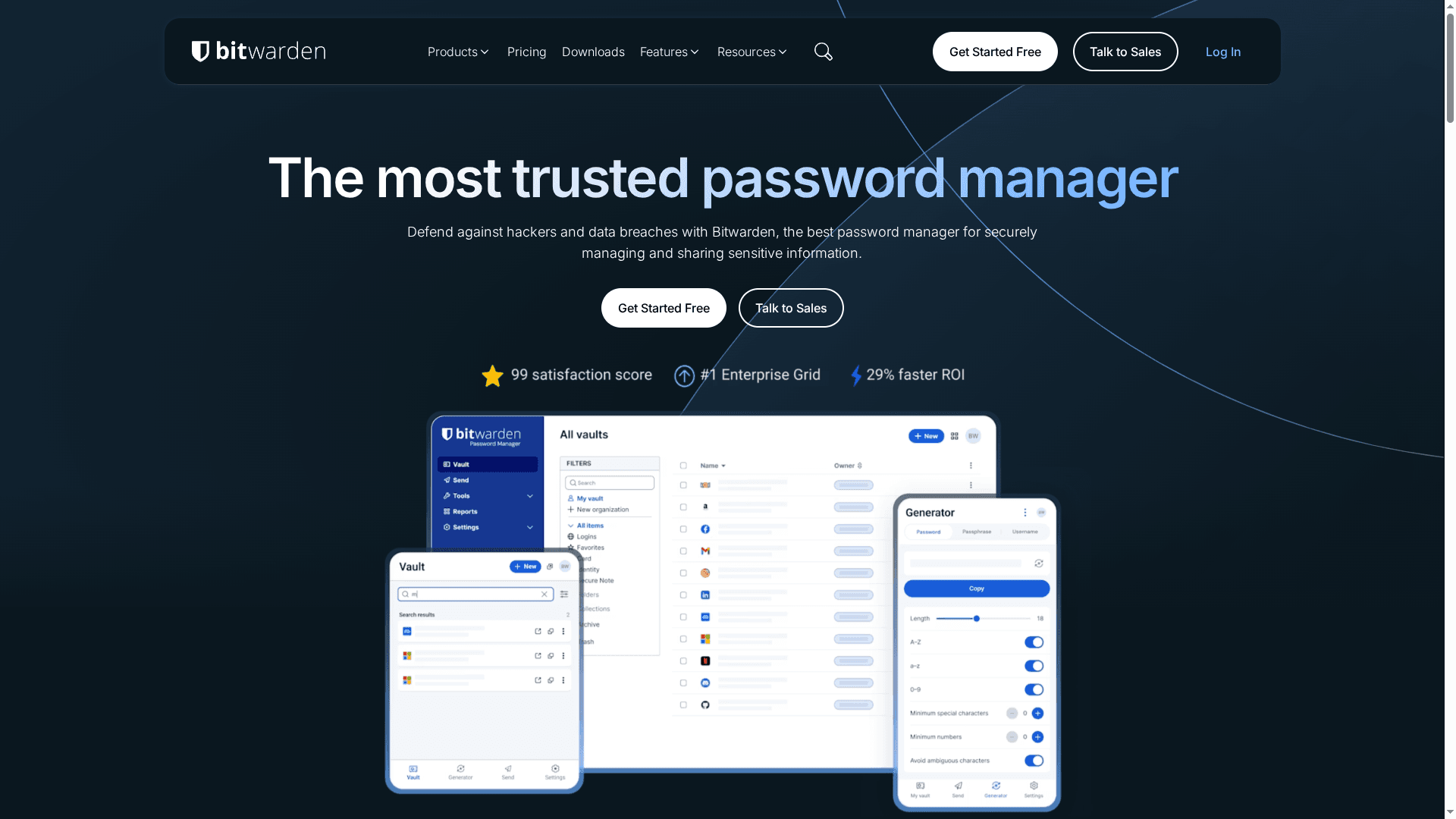
Bitwarden is an open-source password manager that balances strong, transparent security with practical cross-platform usability. It uses zero-knowledge encryption so only you can decrypt your vault, and it supports self-hosting for full data sovereignty. Organizations get centralized vaults and administrative tools, while individuals and families benefit from simple password generation, autofill, and sharing features. Bottom line: reliable, flexible, and privacy-first — with a few trade-offs on advanced enterprise features and free-tier limits.
Core Features
Bitwarden provides the fundamental tools you expect from a modern password manager: generate, save, and autofill passwords across browsers, mobile, and desktop apps, plus cross-device sync. It offers centralized organization vaults with admin controls, secure sharing of vault items and encrypted one-off exchanges via Bitwarden Send, and import options from browsers or other managers to ease migration. Security is transparent and third-party audited because the codebase is open source, and a zero-knowledge model ensures your data remains inaccessible to the provider. For organizations, Bitwarden supports self-hosting and integrates with SSO, directory services, SIEM tools, and APIs for automation.
Pros
- Trustworthy open-source security model: Bitwarden’s code is open to inspection and backed by third-party audits, which increases transparency and trustworthiness.
- Strong security features including zero-knowledge encryption: Your vault data is encrypted locally so only you hold the keys to decrypt it.
- Cross-platform availability and autofill support: Desktop apps, browser extensions, and mobile apps provide consistent password autofill and synchronization across devices.
- Flexible deployment options including self-hosted environments: You can self-host to retain full control over data residency and infrastructure.
- Excellent administrative controls for organizations: Centralized vaults and management tools simplify credential oversight and sharing within teams.
Cons
- Free plan has limited features such as sharing and emergency access: Core functionality is available for free, but collaborative features are restricted unless you upgrade.
- Paid plans are relatively affordable but add extra costs for organizations: Organizations will likely incur incremental subscription expenses to unlock team and enterprise capabilities.
- Some users may prefer more advanced security features in higher-tier enterprise plans: Organizations with complex security or compliance needs may find advanced controls reserved for top-tier plans.
Who It’s For
Bitwarden is ideal for individuals, families, small businesses, and larger organizations that prioritize transparency, control, and affordability in password management. If you want the option to self-host, integrate with existing identity infrastructure, and maintain tight administrative oversight, Bitwarden is a strong candidate.
Unique Value Proposition
Bitwarden’s unique value is its combination of open-source transparency, zero-knowledge encryption, and flexible deployment — including self-hosting — which together offer a privacy-first, enterprise-capable password platform without vendor lock-in.
Real World Use Case
A small business can deploy Bitwarden to centralize employee credentials, securely share passwords between teams, and self-host the server to meet data sovereignty or compliance requirements while keeping per-user costs low.
Pricing
Free tier available; Premium under $1/month (billed annually); Families from $3.33/month (up to 6 users, billed annually). Pricing in USD; taxes not included.
Website: https://bitwarden.com
1Password
At a Glance
1Password is an industry-leading password manager built for individuals, families, teams, and enterprises that need a single, secure place to manage credentials and sensitive data. It emphasizes end-to-end encryption, cross-device compatibility, and tools for secure sharing and policy enforcement. You get a well-rounded mix of usability and advanced controls, though some features require higher-tier plans and the depth can be overwhelming for casual users.
Core Features
1Password provides password generation, autofill, and credential storage across devices and browsers, plus secure sharing for teams and families. It includes security alerts for breaches and weak passwords, and supports two-factor authentication, biometrics, and emerging passkey standards. For organizations it offers access management, security auditing, SSO integration, and policy enforcement to help teams stay compliant while reducing password-related risk.
Pros
- Strong emphasis on security with end-to-end encryption: Your vaults are encrypted locally before syncing, which helps ensure only authorized parties can decrypt stored data.
- Wide range of features suitable for personal and enterprise use: From simple password generation for individuals to access controls and auditing for businesses, the feature set scales with needs.
- Compatibility across many devices and browsers: Native apps and browser extensions mean your passwords travel with you across desktops, laptops, and mobile devices.
- Support for team and enterprise management, including SSO integration: Built-in team tools and SSO support make it easier to onboard and offboard users while enforcing security policies.
- Positive customer support and support resources: Documentation and support channels help resolve configuration and policy questions for both admins and end users.
Cons
- Pricing can be higher compared to some competitors depending on the plan: Individual and family tiers are affordable, but business and enterprise pricing can add up, especially when advanced features are required.
- Complexity of features may be overwhelming for casual users: The depth of admin controls, auditing, and policy settings introduces a learning curve for non-technical users.
- Some advanced features are limited to higher-tier plans: Features like extensive enterprise management and advanced integrations may require upgrading to business or custom plans.
Who It’s For
1Password is ideal for individuals who value strong, easy-to-use password management, families that need shared vaults, and organizations—from small teams to large enterprises—seeking centralized access control and policy enforcement. If you manage multiple accounts, sensitive credentials, or regulatory obligations, 1Password gives you tools to reduce password-related risk without sacrificing usability.
Unique Value Proposition
1Password combines consumer-grade simplicity with enterprise-grade controls: secure local encryption plus features that let IT teams audit access, enforce policies, and integrate with single sign-on. That dual focus helps teams improve security posture while keeping day-to-day password use straightforward for employees.
Real World Use Case
Higher education and organizations have used 1Password to broaden security coverage; for example, Duke University reported tripling its security coverage after adopting the platform, showing how centralized credential management can scale across large user bases.
Pricing
Starting at $3.99/month for individuals, $5.99/month for families, Teams from $7.99/user/month, with business plans and enterprise pricing available for organizations with custom needs.
Website: https://1password.com
Password Management Tools Comparison
This table provides an overview of several password management tools, highlighting key features, pros, cons, pricing, and usability considerations.
| Product | Key Features | Pros | Cons | Pricing |
|---|---|---|---|---|
| LogMeOnce | Passwordless MFA, QR & selfie login, encrypted cloud storage, dark web monitoring | Strong security with passwordless tech Comprehensive cross-account protection User-friendly interfaces |
Complexity can be overkill for minimal needs | Free trial available |
| LastPass | Password creation, vault, zero-knowledge encryption, MFA, dark web monitoring | Zero-knowledge encryption Smooth cross-device sync Multiple plan options |
Free plan limits device sync Advanced features need paid plan |
Discounted plans available |
| Dashlane | Unlimited password storage, AI phishing alerts, dark web monitoring, VPN, SSO integrations | User-friendly Comprehensive security toolkit Compliance-friendly options |
Pricing variability Advanced features need enterprise plans |
Varies by plan |
| Keeper | Zero-trust design, end-to-end encryption, PAM, SSO, session recording | Strong compliance posture Comprehensive tooling Infrastructure-friendly integrations |
Requires training for advanced features Pricing details vary |
User-based, custom quotes for enterprise |
| NordPass | Secure storage, password policies, breach alerts, activity logs, identity provider integrations | Easy to use Multi-device sync Strong security fundamentals |
Limited information on weaknesses No clear pricing tiers |
Free trial available |
| Bitwarden | Open-source, zero-knowledge encryption, self-hosting options, centralized vault, admin controls | Open-source transparency Flexible deployments Strong admin controls |
Free plan limits features Some advanced features in higher-tier plans |
Free tier, premium under $1/month, family plans available |
| 1Password | End-to-end encryption, cross-device compatibility, secure sharing, SSO integration | Strong security focus Wide range of features Excellent support |
Higher pricing for advanced plans Complexity for casual users |
Starting at $3.99/month for individuals |
Elevate Your Cloud Security with Passwordless Protection and Encrypted Storage
The challenges outlined in “Top 7 Secure Cloud Storage Solutions – Best Comparison 2025” highlight how crucial it is to guard sensitive data from breaches and unauthorized access. Users and organizations alike face risks like password theft, weak authentication, and cloud vulnerabilities that can expose valuable information. These pain points demand a security approach that combines innovative passwordless authentication, encrypted cloud storage, and proactive dark web monitoring to fully protect identities and data.
LogMeOnce offers a comprehensive cybersecurity solution designed to meet these exact needs. With patented passwordless methods such as QR and selfie logins, your team can reduce reliance on passwords while maintaining strong security. Our platform encrypts cloud files across popular providers and continuously monitors the dark web for compromised credentials so you stay ahead of threats. Whether you are a small business or a government agency, LogMeOnce scales to your requirements, simplifying your digital security journey.
Discover how to enhance your cloud storage safety and identity management with LogMeOnce.
Start your free trial today at https://logmeonce.com and experience passwordless security and encrypted cloud storage that empowers your organization.
Explore LogMeOnce’s full security suite to protect your data and identities with ease and confidence.

Frequently Asked Questions
What are the main features to look for in secure cloud storage solutions?
To ensure your data is well-protected, look for features like end-to-end encryption, zero-knowledge policies, and multi-factor authentication. Evaluate solutions based on how they handle security at every storage level—both during data transfer and at rest.
How do I compare the pricing of different cloud storage solutions?
To compare pricing effectively, list the features and storage capacities offered by each solution. Identify your specific needs, such as required storage space and user count, then calculate the total costs for each option, including any hidden fees or premium features.
What security measures should cloud storage solutions provide to protect my data?
Effective secure cloud storage solutions should provide encryption, both in transit and at rest, alongside regular security audits. Ensure they also offer two-factor authentication and compliance with relevant security standards to safeguard against potential breaches.
How can I evaluate the performance of different cloud storage solutions?
To assess performance, look for metrics like upload/download speed, uptime reliability, and ease of access. Perform trials or tests, if available, to measure these capabilities and compare them against your organization’s requirements.
What steps should I take to transition to a secure cloud storage solution?
Begin by identifying your data storage needs and security requirements, then research and compare the top 7 secure cloud storage solutions. Once you choose a provider, prepare a migration plan that includes data backup and user training to ensure a smooth transition.
How can I ensure my data is recoverable in a cloud storage solution?
To ensure data recoverability, select a secure cloud storage solution that includes regular backup options and snapshot functions. Implement a routine check for backups to verify that data can be restored within a predefined timeframe, typically within 24 to 48 hours.
Recommended
- Encryption for Cloud Storage – LogMeOnce
- Cloud Data Storage FAQs: Can the Cloud Be Hacked? – LogMeOnce
- How to Protect Your Information While Using the Cloud – LogMeOnce
- 5 Reasons Cloud Encryption is Important for Every Business


