


 Password Manager
 Identity Theft Protection

 Team / Business
 Enterprise
 Government
 MSP
MSP

TL;DR:
- Strong passwords alone are insufficient; effective security requires layered measures like multi-factor authentication and proper credential management. Regularly reviewing and removing unused access, and treating identity tokens as critical assets, are essential for ongoing protection. Automated tools, policies, and continuous monitoring help organizations reduce risks and prevent breaches caused by misconfiguration or poor lifecycle handling.
Most people assume a strong password is enough. It isn’t. Secure account management, known formally in cybersecurity as identity and access management (IAM), covers far more than choosing a hard-to-guess password. It includes how you store credentials, who has access to what, how long that access stays active, and what happens when something goes wrong. Account takeovers and identity theft are accelerating, and the gap between people who have real protections in place and those who just think they do is widening fast. This guide gives you both the foundation and the advanced practices that actually make a difference.
Key takeaways
| Point | Details |
|---|---|
| Passwords alone are not enough | Layered defenses, including MFA, are far more effective at preventing account takeovers than passwords alone. |
| Password managers need MFA too | Protecting your password manager with two-step verification keeps your entire credential vault safe. |
| Unused access is a liability | Regularly removing stale credentials and unused permissions reduces your attack surface significantly. |
| Tokens need the same care as passwords | Identity tokens and API credentials require active lifecycle management to prevent federation and SSO abuse. |
| Automation helps at scale | Tools like automated access reviews and security configuration checklists reduce human error in ongoing account governance. |
Secure account management fundamentals
Secure account management means controlling who can access your digital accounts, under what conditions, and for how long. For individuals, that might mean managing a dozen personal accounts across banking, email, and social platforms. For businesses, it extends to thousands of credentials, service accounts, and employee identities spread across cloud infrastructure.
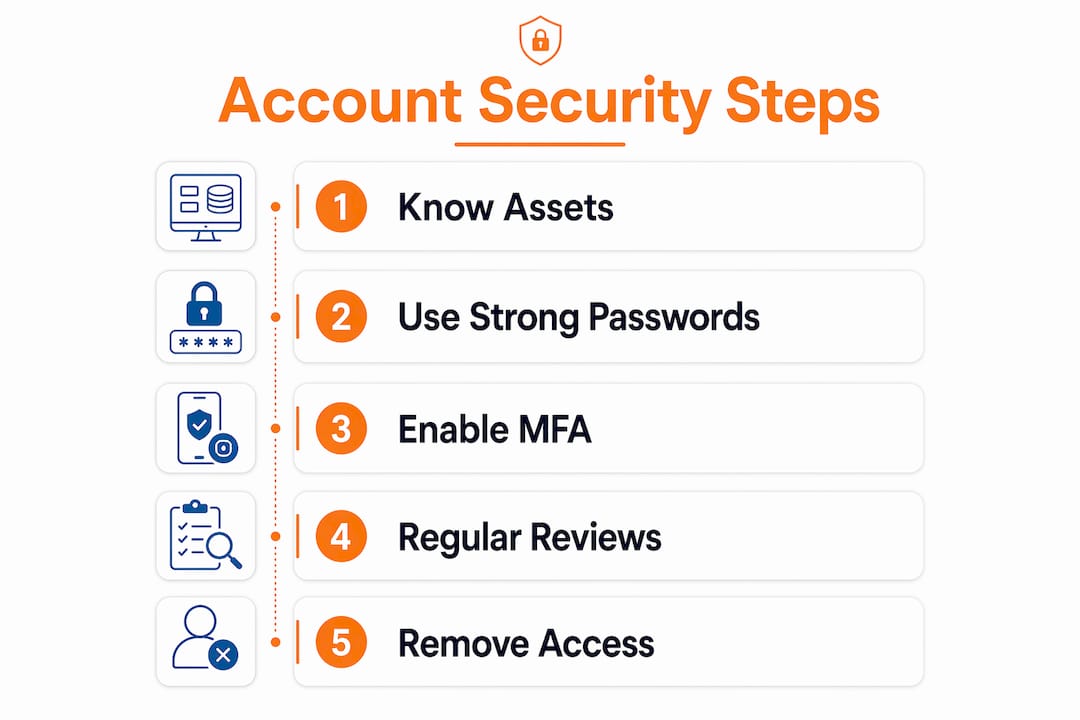
The starting point for any individual or organization is understanding what they actually have. Most people underestimate how many accounts they hold. The average person manages over 100 online accounts. When a credential is forgotten about, it does not disappear from risk. It just sits unmonitored.
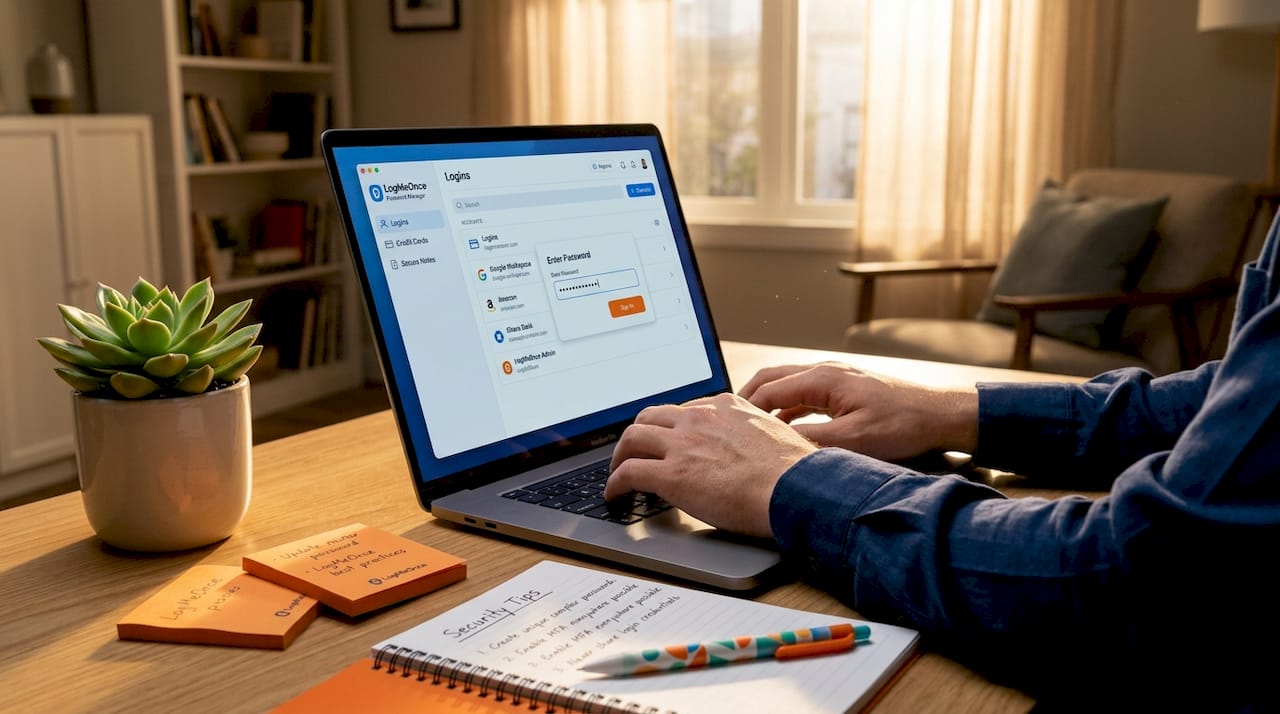
Strong, unique passwords form the baseline of any account protection strategy. Password reuse across accounts is one of the most dangerous habits in common practice, because compromising one account can cascade into others. The fix is straightforward: use a different password for every service, and let a password manager handle the memory work.
For businesses, this extends into logical access controls and separation of duties. Not every employee needs admin-level access. Restricting permissions to what each role actually requires shrinks the number of potential entry points an attacker can exploit.
Key principles every account holder should apply:
- Use a unique, complex password for every account
- Never store passwords in plain text documents or browser notes
- Apply multi-factor authentication to every account that supports it
- Restrict access based on role and actual need, not convenience
- Audit who has access to shared accounts at least quarterly
Pro Tip: If you manage accounts for a team, read up on the dos and don’ts of team password management before you set anything up. Getting the structure wrong early creates permission sprawl that is very hard to untangle later.
Tools that actually protect your accounts
Password managers are the most underutilized security tool available to individuals and businesses alike. They generate long, random credentials for every site, store them encrypted, and autofill them so you never have to type a password into the wrong site accidentally. That last point matters more than most people realize. Phishing attacks rely on you not noticing you are on a fake site. Autofill only triggers on the legitimate domain, making it a passive but powerful phishing defense.
Here is how to get the most out of a password manager, in order of priority:
- Choose a third-party dedicated manager over your browser’s built-in option. Browser password managers are convenient but lack advanced features like breach alerts, secure sharing, and cross-device syncing with strong encryption. A standalone manager gives you more control and visibility into how secure password manager tools actually are.
- Activate two-step verification on the manager account itself. The NCSC is explicit: switching on 2SV on your password manager means that even if your master password is exposed, an attacker still cannot get in without your second factor.
- Enable breach monitoring alerts. Many managers scan known data breach databases and notify you when credentials you store match a compromised record. This turns a passive tool into an active early warning system.
- Use the password health dashboard. Most quality managers flag reused, weak, or old passwords. Treat that dashboard like a to-do list and work through it.
- Explore passkey support. Passkeys use public key cryptography to authenticate you without a password at all. They cannot be phished, cannot be reused, and are beginning to be supported by major password manager vendors. They represent the next significant step in reducing credential-based risk.
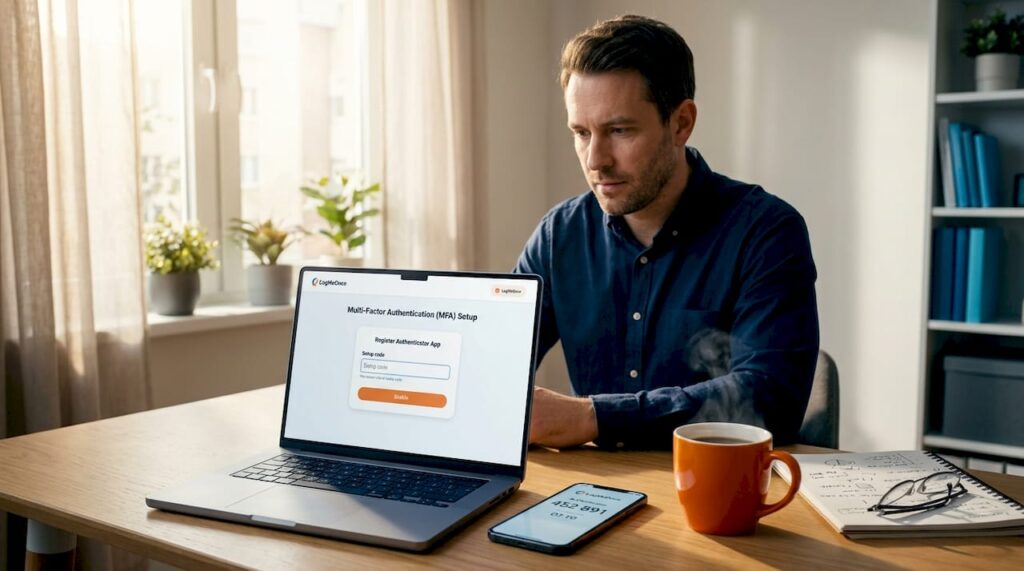
MFA uses multiple factor types, combining something you know with something you have or something you are. That might be a time-based one-time code from an authenticator app, a hardware security key, or a biometric scan. Layered security approaches using both strong passwords and MFA are measurably more effective at stopping account takeovers than either approach used in isolation.
Pro Tip: Hardware security keys are the strongest second factor available. They are immune to real-time phishing attacks that can intercept SMS codes. If you manage high-value accounts, a key is worth every cent.
Account hygiene: ongoing practices that reduce real risk
Setting up good security once and walking away is not a strategy. Accounts accumulate. Permissions expand. People change roles or leave organizations. The credentials they no longer need do not automatically disappear.
Removing unused access and credentials shrinks your attack surface in a concrete, measurable way. AWS Security Hub demonstrated this at scale by detecting unused IAM permissions using a 90-day access evaluation window, automatically flagging entitlements no one has actually used. The logic applies equally to individuals auditing their app permissions and to enterprises reviewing cloud service accounts.
Here is what a practical account hygiene routine looks like:
| Practice | Frequency | Why it matters |
|---|---|---|
| Remove unused app access | Monthly | Old connected apps can still read account data after you stop using them |
| Review team permissions | Quarterly | Role changes leave behind excess access that attackers can exploit |
| Rotate API keys and service account credentials | Every 90 days | Long-lived credentials are prime targets in supply chain attacks |
| Check connected third-party apps | Monthly | OAuth tokens granted to apps persist even after password changes |
| Review account activity logs | Weekly | Unusual login times or locations are often the first sign of compromise |
Beyond personal habits, organizations benefit significantly from using NIST security configuration checklists as part of routine change control. These checklists help minimize the attack surface, catch unauthorized configuration changes, and align settings with actual organizational risk tolerance rather than vendor defaults. Automated tools that enforce these configurations continuously are far more reliable than periodic manual reviews.
Monitoring account activity is not optional. Most major platforms offer login notifications and suspicious activity alerts. Turn them on. When you get an alert you do not recognize, treat it as a real incident until proven otherwise.
Advanced challenges: tokens, APIs, and organizational policy
Most breaches at the organizational level do not come from someone guessing a weak password. They come from misconfiguration and weak lifecycle handling of identity tokens, which enables federation and SSO abuse more often than credential weakness alone.
NIST IR 8587 addresses exactly this problem. It provides guidance on protecting identity tokens and assertions from forgery, theft, and misuse across SSO, federation, and API access scenarios. The core message is that organizations need to treat tokens as critical security assets, not just plumbing.
“Treating identity tokens and assertions as critical security assets changes priorities and requires robust lifecycle management.” — NIST IR 8587
What that means in practice: every token issued should have a defined expiration. Refresh tokens should require re-authentication after a set period. API keys should be scoped to the minimum required permissions and rotated on a schedule. Systems should log token issuance, usage, and revocation so anomalies are detectable.
Continuous monitoring combined with security-by-design principles is the standard that mature organizations work toward. Rather than reacting to breaches, they build detection into the architecture. Alert thresholds trigger before damage is done. Access requests outside normal patterns get flagged automatically.
Organizational policy is the glue that holds all of this together. Technical controls without written policy leave gaps. Who approves new account creation? What happens to credentials when an employee leaves? How long does a contractor retain access after a project ends? These are governance questions, and they have security consequences.
My take after years in account security
I’ve seen organizations spend serious money on perimeter security while leaving service accounts with five-year-old passwords and no MFA. And I’ve watched individuals with genuinely good intentions create a false sense of safety by using a password manager without protecting the master account itself.
The uncomfortable truth is that most security failures I’ve encountered weren’t sophisticated attacks. They were basic hygiene failures. An old account nobody remembered existed. A token that never expired. A shared admin password passed around in a Slack message.
What I’ve learned is that security is not a one-time setup. It is an ongoing practice, and the biggest gap is usually between what people think they have configured and what is actually running in the background. Tools like automated access reviews and password management tips only work if someone is actually using them with intention.
The other thing I want to push back on is the idea that strong security has to be complicated. Passkeys, quality password managers, and solid MFA policies are all getting easier to use every year. The friction is mostly in the setup. Once you have the system working, it largely runs itself.
If I could give one piece of advice to any professional managing accounts today: do not wait until something goes wrong. Audit your accounts now. You will almost certainly find something that should not still be there.
— Mike
Take control with LogMeOnce

If you are ready to move from theory to a working system, LogMeOnce brings all the critical layers of account security together in one place. The platform covers password management benefits including encrypted vaults, breach alerts, and cross-device syncing alongside full MFA support including passwordless options. For professionals concerned about data exposure, LogMeOnce also offers cloud storage encryption and a dark web scan tool that flags compromised credentials before attackers can use them. Both individual users and enterprise teams get plans built for their scale, with free trials available to test the full feature set before committing.
FAQ
What does secure account management actually include?
Secure account management, formally called identity and access management, covers password practices, MFA setup, access reviews, and lifecycle governance for all credentials, not just login passwords.
How effective is MFA at stopping account takeovers?
MFA drastically lowers the risk of account takeovers compared to passwords alone by requiring attackers to compromise multiple independent factors simultaneously.
Why do I need to protect my password manager with MFA?
Protecting your password manager with 2SV means that even if your master password leaks, no one can access your stored credentials without the second factor.
How often should businesses review account access permissions?
A 90-day review cycle is a practical standard, aligned with AWS Security Hub’s access evaluation model, which flags permissions unused over that window as a sign of excess entitlement.
What are passkeys and why do they matter?
Passkeys use public key cryptography to replace passwords entirely. They cannot be phished or reused, making them one of the most significant advances in account security available today.
Recommended


