


 Password Manager
 Identity Theft Protection

 Team / Business
 Enterprise
 Government
 MSP
MSP


TL;DR:
- A strong password combines uppercase, lowercase, numbers, and special characters to increase security.
- Passwords must be at least 12 to 16 characters long, with longer lengths offering exponentially more protection.
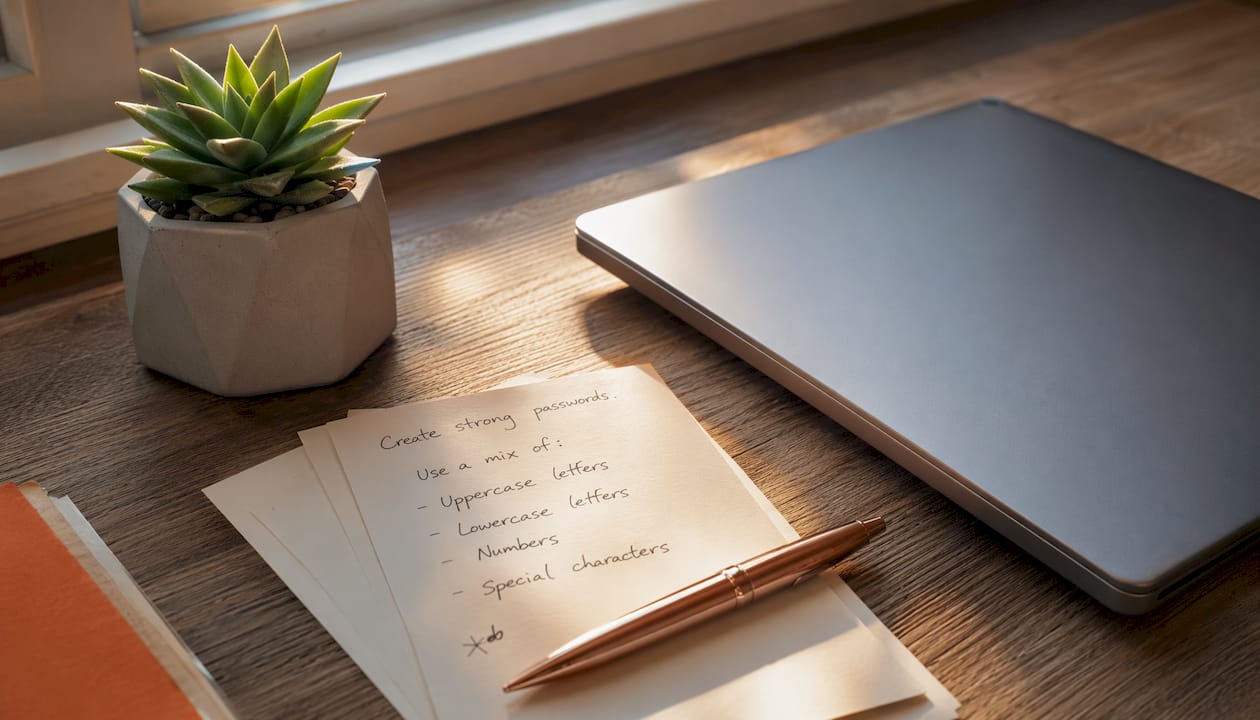
A strong password mixes uppercase letters, lowercase letters, numbers, and special characters to create something an attacker cannot guess or crack with automated tools. Here are real examples of what that looks like in practice:
- Tr0ub@dor#9Lx — 14 characters, uppercase and lowercase, two symbols, two numbers
- Gx7!mPqR#2vK — 12 characters, symbols distributed throughout, no dictionary words
- sK8$wZn!3Yp@ — 12 characters, a solid example of lowercase and uppercase password structure
- BlueMtn#47!Rz — 13 characters, passphrase root with numbers and symbols woven in
- P@ssw0rd! is the classic bad example — it looks complex but appears on every cracking list
What makes these work is the combination itself. Each character type expands the pool of possible combinations an attacker must try. A password drawn from only lowercase letters has 26 options per character. Add uppercase, numbers, and symbols, and that pool grows significantly, making longer passwords exponentially more secure. Brute-force attacks become computationally infeasible at that level.
Why each character type in your password actually matters
Most platforms enforce a minimum set of rules: at least one uppercase letter, one lowercase letter, one number, and one special character. Those rules exist for a reason, and understanding them helps you build better passwords instead of just satisfying a checkbox.
Uppercase and lowercase letters together double the effective alphabet. A password using only lowercase has 26 choices per slot; mixing cases expands that to 52. That difference compounds across every character in the password.

Numbers add 10 more options per position and break up letter patterns that dictionary attacks exploit. A word like “mountain” is trivially cracked; “m0unt@1n” is harder, though still not ideal as a standalone password.
Special characters are where real complexity comes from. Characters like !, @, #, $, %, ^, &, and * add roughly 32 additional options per position on a standard keyboard. Distributing them throughout a password, rather than clustering at the start or end, makes pattern-based attacks significantly less effective. A password like M!ddle&Ch@rs resists cracking better than !!MiddleChars precisely because the symbols are spread out.
Composition criteria that most security policies require:
- At least one uppercase letter, one lowercase letter, one number, and one special character, with a minimum length of 12–16 characters considered secure by modern standards.
Pro Tip: Avoid predictable substitutions like “3” for “E” or “0” for “O.” Cracking tools are programmed to try these first. A symbol placed mid-word in an unexpected position is far harder to guess than a letter swap.
One important caveat: some older or legacy systems silently strip special characters without warning you. Always test a new password on the actual system to confirm it accepted exactly what you typed.
How to create strong passwords you can actually remember
The biggest mistake people make is treating security and memorability as opposites. They are not. A few practical methods let you build passwords that are both.
Start with a passphrase. Take three or four unrelated words and combine them with numbers and symbols: Grape!Tunnel77#Sky. That string is 17 characters, hits every character class, and is far easier to recall than a random string like xK9!mPqR. Long passphrases provide massive entropy while reducing the mental load of memorization.
Tips for building passwords you will actually use:
- Avoid keyboard sequences like
qwertyor12345; these patterns are among the first things automated tools try - Never reuse a password across accounts; password reuse turns one breach into many
- Spread symbols throughout the password rather than front-loading or back-loading them
- Use a password manager to generate and store credentials you could never memorize yourself
- Test your password with a strength checker before committing to it
Pro Tip: Build a sentence you will remember, then take the first letter of each word and add numbers and symbols between them. “My dog Max runs fast every morning!” becomes “MdMrfe!7#M” — 10 characters with full complexity and a personal hook that makes it stick.
One more thing worth knowing: common password mistakes like using your name, birthday, or pet’s name are exactly what attackers try after dictionary words fail. Personal information is not a substitute for randomness.
What security experts say about password length and entropy in 2026
Length beats complexity when you have to choose between them. A 20-character password without special characters can be stronger than an 8-character password that uses every character class, because length exponentially increases the number of possible combinations. That said, combining length with all four character types is the strongest approach.
NIST SP 800-63B recommends 12–16 characters as a practical minimum for standard and sensitive accounts, moving well past the old 8-character standard that was common a decade ago. For high-value accounts like email, banking, or work systems, 16+ characters is the right target.
Key security insights backed by current standards:
- Longer passwords provide exponentially more protection than short complex ones
- Unique passwords for every account prevent one breach from cascading into others
- Password managers generate and store high-entropy credentials, removing the memorization burden entirely
- Passphrases often outperform random strings in both security and usability
A password manager is not just a convenience. It is the only realistic way to maintain truly unique, high-entropy credentials across dozens of accounts. Understanding how secure password managers are helps you trust the tool enough to actually use it.
Logmeonce makes strong password management practical
Remembering a different 16-character password for every account is not realistic without the right tool. Logmeonce gives you a complete password management solution that generates, stores, and autofills complex credentials across every device you use.

Beyond password storage, Logmeonce covers multi-factor authentication, dark web monitoring, single sign-on, and cloud encryption in one platform. You get the full security stack without juggling separate apps. Whether you are securing a personal Gmail account or managing credentials for a team, Logmeonce handles the complexity so you do not have to. Start a free trial at Logmeonce.com and stop reusing passwords today.
Key Takeaways
A strong password needs at least 12–16 characters combining uppercase letters, lowercase letters, numbers, and special characters distributed throughout the string.
| Point | Details |
|---|---|
| Character pool size | A password with all four character types significantly expands the character pool per position and greatly increases entropy with length. |
| Length over complexity | A 20-character password without symbols can outperform an 8-character complex one because length multiplies combinations exponentially. |
| NIST minimum standard | NIST SP 800-63B recommends 12–16 characters as the practical minimum for standard and sensitive accounts. |
| Avoid predictable patterns | Keyboard sequences, dictionary words, and common substitutions like “0” for “O” are the first things cracking tools try. |
| Logmeonce for management | Logmeonce generates and stores unique, high-entropy passwords across all accounts, removing the burden of memorization. |
Recommended
- The Do’s and Don’ts of Creating a Password – LogMeOnce
- Common Mistakes That Lead to a Bad Password – LogMeOnce
- How to Create a Strong Password – LogMeOnce
- How to Remember Passwords – LogMeOnce


