


 Password Manager
 Identity Theft Protection

 Team / Business
 Enterprise
 Government
 MSP
MSP


How to Recover Compromised Accounts: Step-by-Step Guide

Over 64 percent of american adults have experienced a cyber security incident that put their online accounts at risk. Protecting your digital identity has never felt more urgent as hackers and scams target everything from bank apps to social profiles. By understanding the early warning signs and taking immediate action, you can shield your sensitive information and respond confidently if your accounts are ever compromised.
Quick Summary
| Key Point | Explanation |
|---|---|
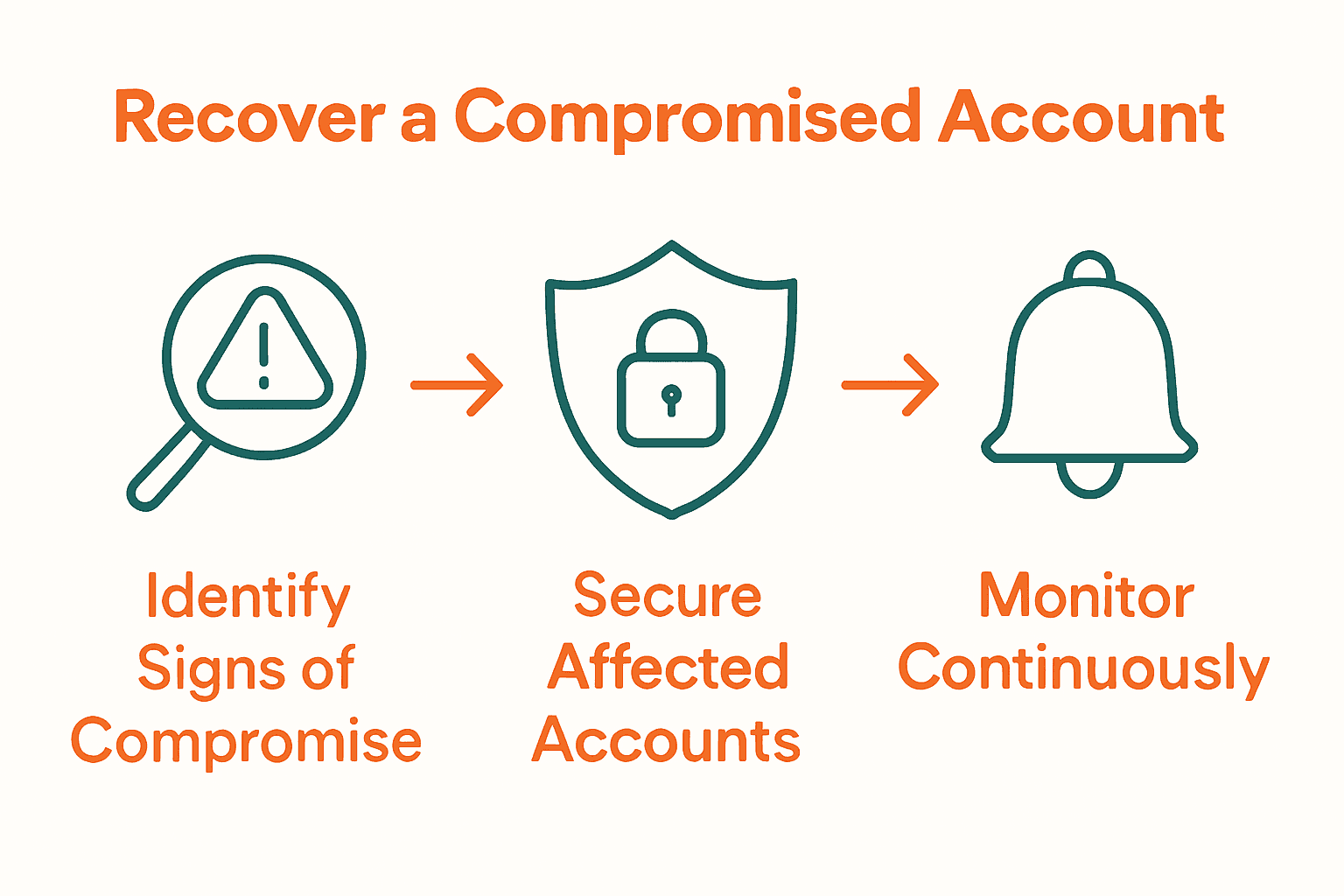
| 1. Identify Signs of Compromise | Look for unfamiliar logins, unexpected password changes, and unusual account activity to detect unauthorized access early. |
| 2. Secure Affected Accounts | Change passwords, enable two-factor authentication, and report compromises to service providers to regain control of your accounts. |
| 3. Reset Passwords with Best Practices | Use strong, unique passwords and a password manager, and enable multifactor authentication to enhance security. |
| 4. Review Unauthorized Changes | Thoroughly check your account for any unauthorized modifications and revert them to ensure your security. |
| 5. Monitor Accounts Continuously | Set up alerts, review activity regularly, and stay vigilant against ongoing threats to protect your digital identity. |
Step 1: Identify Signs of Account Compromise
Detecting an account compromise early can save you from potential financial loss and identity theft. Your primary goal in this step is to recognize the subtle and obvious indicators that suggest unauthorized access to your digital accounts.
According to the National Cyber Security Centre, there are several critical warning signs of account compromise. These include unrecognized login alerts, unexpected password change notifications, and unfamiliar account activity. Pay close attention to reports from your contacts about suspicious messages sent from your account, as this could indicate someone else has gained control.
The Australian Cyber Security Centre highlights additional red flags like an inability to log in with your correct credentials, unexpected changes to account settings, and unrecognized transactions. These signs suggest that an unauthorized individual might have breached your account security.
Specific indicators you should watch for include:
- Login attempts from unusual geographic locations
- Multiple failed login attempts
- Sudden changes in account settings without your authorization
- Emails about account activities you do not recognize
- Friends or contacts reporting strange messages from your account
Trust your instincts. If something feels off about your account activity, investigate immediately. The sooner you identify a potential compromise, the faster you can protect your digital identity and minimize potential damage.
In the next step, we will explore how to secure your account and begin the recovery process.
Step 2: Secure Access to Affected Accounts
Securing access to compromised accounts is a critical step in protecting your digital identity and preventing further unauthorized activities. Your goal is to quickly regain control and minimize potential damage.
According to the Canadian Centre for Cyber Security, the first action is to report the compromise directly to the service provider. This alerts them to potential security breaches and allows them to initiate their own protective measures.
Immediate steps to secure your account include:
- Changing passwords to strong, unique combinations
- Enabling two factor authentication
- Verifying and updating personal information in account profiles
- Reviewing recent account activity for suspicious transactions
As recommended by the University of Michigan Safe Computing guidelines, disconnect any potentially compromised systems from networks to prevent further unauthorized access. Avoid making software alterations without professional guidance, and consider contacting information assurance teams for additional support.
When creating new passwords, use a combination of uppercase and lowercase letters, numbers, and special characters.
 Avoid using personal information that could be easily guessed, such as birthdays or family names.
Once you have secured your account access, you are ready to move to the next critical step of monitoring for potential ongoing threats.
Step 3: Reset Passwords and Enable MFA
Resetting passwords and implementing multifactor authentication are critical steps in reclaiming and securing your digital accounts after a potential compromise. Your primary objectives are to create robust password protection and add an extra layer of security to prevent unauthorized access.
According to the Cybersecurity and Infrastructure Security Agency, formulating strong passwords and utilizing password managers are essential strategies for enhancing account security. Implement a password that combines uppercase and lowercase letters, numbers, and special characters while avoiding personal information that could be easily guessed.
The Canadian Centre for Cyber Security recommends enabling multifactor authentication as an additional protective measure. This approach requires multiple forms of verification before granting account access, significantly reducing the risk of unauthorized entry.
When creating new passwords, consider these best practices:
- Use a unique password for each account
- Avoid common words or predictable patterns
- Consider using a reputable password manager
- Create passwords longer than 12 characters
- Include a mix of character types
Multifactor authentication adds a critical security layer by requiring additional verification beyond your password. This might include a fingerprint, security token, or temporary code sent to your mobile device. Even if someone obtains your password, they cannot access your account without the second authentication factor.
Ready to take your account security to the next level? Our tutorial on two factor authentication can guide you through the implementation process.
With your passwords reset and multifactor authentication enabled, you are now prepared to monitor your accounts for any further suspicious activities.
Step 4: Review and Remove Unauthorized Changes
After securing your account, the next critical step is thoroughly reviewing and removing any unauthorized changes made by potential threat actors. Your goal is to identify, assess, and eliminate any modifications that could compromise your digital security.
According to the Canadian Centre for Cyber Security, you should systematically delete any information posted by unauthorized individuals and carefully assess what specific information might be at risk. This includes a comprehensive review of connected apps, devices, and account settings to ensure no unauthorized access points remain.
The University of Michigan Safe Computing guidelines recommend a detailed examination of system logs to identify unexpected access attempts and verify potential intrusions. Key areas to investigate include:
- Unexpected changes in account services
- Unusual process modifications
- Unauthorized file system alterations
- Suspicious email forwarding rules
- Unfamiliar application permissions
When reviewing your account, pay special attention to:
- Email and communication settings
- Connected third party applications
- Profile information and contact details
- Privacy and sharing permissions
- Linked payment methods
A proactive approach involves systematically checking each section of your account and reverting any changes to their original state. Remove any unknown devices, revoke suspicious application permissions, and reset communication forwarding rules to their default configurations.
Pro tip: Create a detailed log of all changes you discover and reverse. This documentation can be valuable if you need to provide evidence of unauthorized access to service providers or legal authorities.
With unauthorized changes identified and removed, you are now prepared to implement ongoing monitoring strategies to protect your digital identity.
Step 5: Monitor Accounts for Ongoing Threats
After recovering a compromised account, continuous monitoring becomes your primary defense against potential future attacks. Your objective is to establish a vigilant system that quickly identifies and responds to suspicious activities before they escalate into serious security breaches.
According to the UK’s National Cyber Security Centre, effective monitoring involves identifying privileged accounts and establishing clear behavior patterns. This allows you to quickly recognize activities that fall outside your normal usage parameters, which could signal potential unauthorized access.
The Canadian Centre for Cyber Security recommends several proactive monitoring strategies:
- Enable account login notifications
- Adjust privacy settings to limit potential exposure
- Remain cautious of unsolicited communications
- Regularly review account access logs
- Check for unexpected account changes
Key monitoring techniques include:
- Setting up email or text alerts for login attempts
- Reviewing account activity weekly
- Checking connected devices and applications
- Monitoring financial statements for unauthorized transactions
- Using dark web monitoring services
Pro tip: Consider identity theft protection services that provide comprehensive monitoring and early warning systems for potential security threats.
Stay vigilant. Continuous monitoring is your most effective strategy in preventing future account compromises and protecting your digital identity.
Protect Your Accounts with Advanced Security Solutions
The article “How to Recover Compromised Accounts Step by Step” highlights the urgent need to detect, secure, and monitor your digital accounts against unauthorized access. If you have experienced the stress of unexpected account changes suspicious login attempts or the fear of identity theft you know how vital it is to act fast and stay one step ahead. Your goal is to regain control and prevent future compromises by implementing strong passwords multifactor authentication and continuous monitoring.

Take control now with LogMeOnce, a comprehensive cybersecurity platform designed to safeguard your identity and streamline secure access. Benefit from passwordless MFA encrypted cloud storage and dark web monitoring that work together to protect your digital life. Don’t wait until another breach threatens your data. Visit LogMeOnce to explore our innovative security features and start a free trial today to experience true peace of mind.
Frequently Asked Questions
How can I tell if my account has been compromised?
Detecting a compromised account can include signs such as unusual login alerts, notifications of password changes you didn’t initiate, or unrecognized account activity. To investigate, check your email and account settings immediately for any unfamiliar changes or messages.
What should I do first if I suspect my account is compromised?
The first step is to report the compromise to your service provider to safeguard your account. After that, change your password to a strong, unique combination and enable two-factor authentication to enhance security.
How do I create a strong password after a compromise?
To create a strong password, use at least 12 characters and include a mix of uppercase letters, lowercase letters, numbers, and special characters. For example, don’t use easily guessed personal information but consider a passphrase that is memorable but complex.
What steps should I take to monitor my accounts for future threats?
Establish ongoing monitoring by enabling login notifications, regularly reviewing account activity, and checking financial statements for unauthorized transactions. Set aside time weekly to audit your accounts and adjust privacy settings as necessary to limit exposure.
How can I remove unauthorized changes from my account after a compromise?
Systematically review your account settings and revert any changes made by unauthorized users. Focus on checking connected devices, app permissions, and communication settings, documenting any unauthorized alterations for future reference.
What additional measures can I take to protect my online accounts?
Consider implementing identity theft protection services that monitor for suspicious activities on your accounts. Regularly update your passwords and privacy settings, and educate yourself on recognizing phishing attempts and other common security threats.
Recommended
- What Should You Do After a Password Breach? – LogMeOnce
- SOS: What to Do After a Data Breach – LogMeOnce
- How Much Weak Passwords Costing Your Company – LogMeOnce
- 4 Ways to Use Account Freeze to Improve Online Safety


