


 Password Manager
 Identity Theft Protection

 Team / Business
 Enterprise
 Government
 MSP
MSP

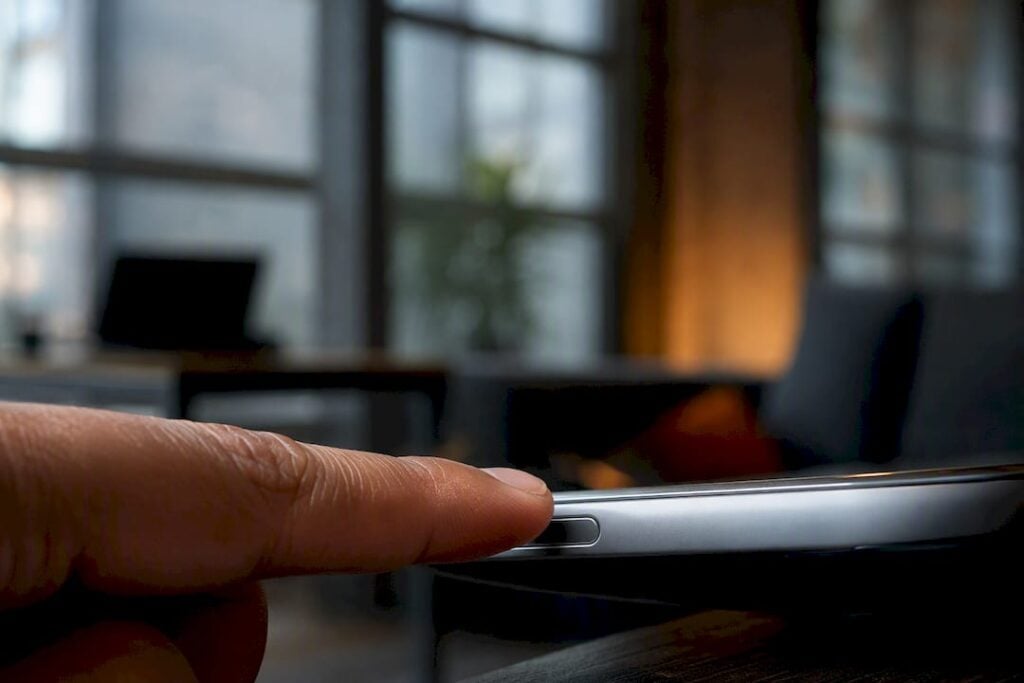
The most common examples of biometric login are fingerprint scanning, facial recognition, iris and retina scanning, voice recognition, palm or vein scanning, and behavioral biometrics like keystroke rhythm and gait. These methods now secure everything from a locked phone screen to a bank transfer.
You’ll run into them constantly: unlocking a phone, approving a mobile payment, badging into an office, or signing into a laptop without typing a password. Some work at the point of login; others run quietly in the background the whole session.
- Fingerprint sensors (Touch ID and similar)
- Facial recognition (Face ID, Windows Hello)
- Iris and retina scanners
- Voice biometrics
- Palm and vein scanners
- Behavioral biometrics (keystroke patterns, gait)
Key Takeaways
Biometric login works by matching a fresh measurement against a securely stored template, and the strongest modern implementations never send that raw biometric data anywhere.
| Point | Details |
|---|---|
| Fingerprint and face dominate | These remain the most common biometric login examples across phones, tablets, and laptops. |
| Templates beat raw images | Systems store a mathematical template, not your actual fingerprint or face photo. |
| FIDO2 and passkeys are the modern default | Device-local matching plus a signed assertion avoids exposing biometric data to servers. |
| PAD closes the spoofing gap | Presentation-attack detection and depth sensing stop photos and fake fingerprints from working. |
| LogMeOnce supports passwordless, biometric-ready flows | Its passwordless and MFA tools integrate with platform biometric sensors for device-bound login. |
Common Examples of Biometric Login Explained
Each modality measures something different, stores it differently, and fits a different use case. Here’s what each one actually does when you tap, look, or speak your way into an account.
Fingerprint sensors. A capacitive or optical sensor maps the ridges and valleys of your fingertip into a template during enrollment, then compares a fresh scan against that template each time you log in. You’ll find it unlocking phones (Apple’s Touch ID popularized this), confirming mobile payments, and gating access on laptops with built in readers. It’s fast and cheap to deploy, but a chipped sensor or a wet finger can cause frustrating false rejects.
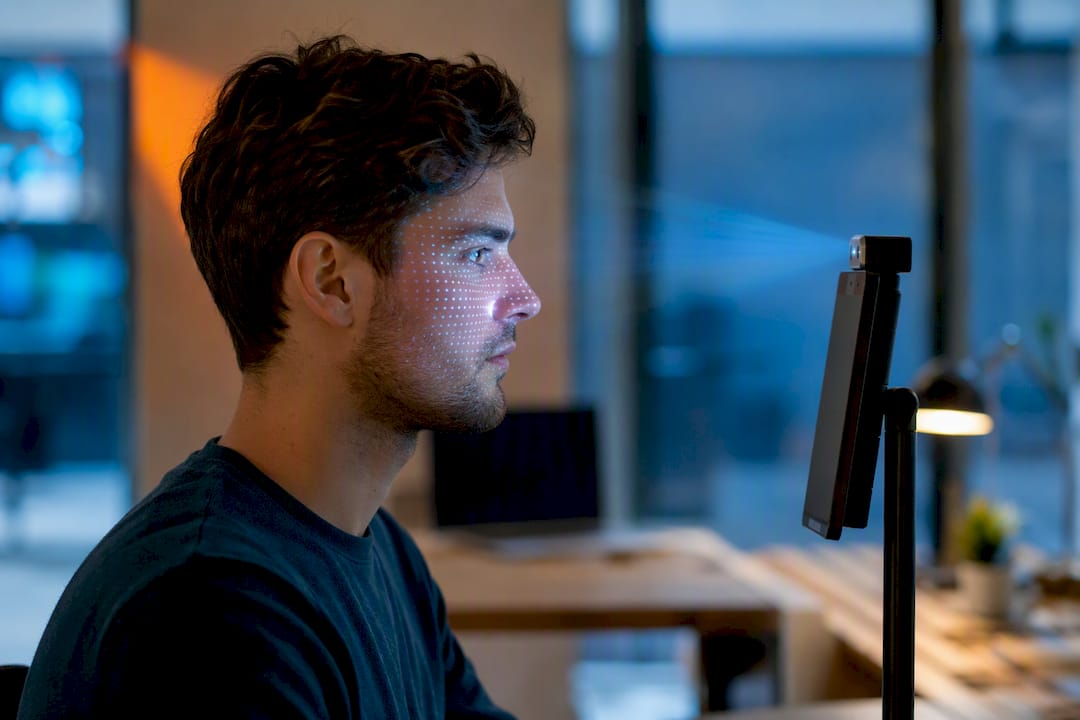
Facial recognition. The device projects an infrared dot pattern onto your face, maps thousands of depth points, and builds a 3D template rather than a flat photo. Apple’s Face ID and Microsoft’s Windows Hello both use near-infrared cameras for this reason. It’s used to unlock devices and to verify identity for banking apps. The catch: cheaper 2D camera implementations can be fooled by a photo, which is why depth sensing matters.
Iris and retina scanners. A near-infrared camera captures the unique pattern in your iris (or, less commonly, the blood vessel pattern in your retina) and converts it into a numeric template. You’ll mostly see this in high-security facilities and some border-control kiosks rather than consumer phones, because the hardware is pricier and enrollment needs a steady gaze. Accuracy is excellent, but the hardware footprint rules it out for casual consumer apps.
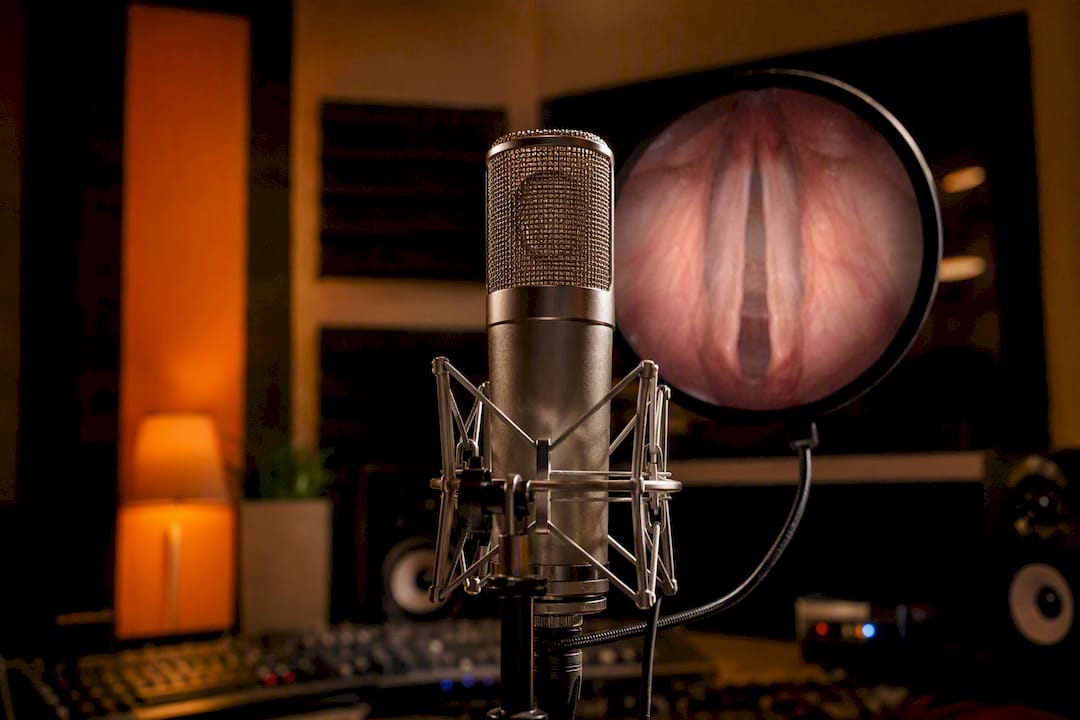
Voice biometrics. A microphone captures pitch, cadence, and vocal tract characteristics, then a modeled voiceprint gets compared against your speech sample. Banks use this for phone-based identity verification, and some smart assistants use it to distinguish household members. It’s convenient hands-free, but background noise and recorded-voice spoofing attacks are real weaknesses.
Palm and vein scanners. Infrared light reveals the subcutaneous vein pattern in your palm, which is nearly impossible to photograph or lift the way a fingerprint can be. Retail payment terminals and hospital access systems use this for a touchless, hygienic option. It’s harder to spoof than a fingerprint, but the scanners cost more and are far less common outside enterprise settings.
Behavioral biometrics. Instead of a physical trait, software profiles how you type, swipe, hold your phone, or walk, then flags a mismatch as a possible fraud signal. Banks use it for continuous background authentication during a session, and some fraud-detection platforms watch for a change in gait or typing cadence. A broad literature survey on biometric systems draws the line clearly: physical traits like fingerprint and iris sit in the “static” category, while typing and gait sit in “dynamic” behavioral biometrics used for ongoing verification, not just a one-time login.
The UK’s National Cyber Security Centre names face and fingerprint recognition as the most common biometric methods across phones, tablets, PCs, and laptops, with iris and voice as secondary options for specific hardware.
Pro Tip: If you’re building a consumer app, don’t reinvent biometric capture yourself. Rely on the platform’s built-in biometric APIs through WebAuthn or FIDO2 passkeys instead. You get bank-grade hardware security without ever touching raw biometric data.
How Biometric Login Actually Works
Biometric login compares a fresh measurement against a stored template and grants access once the similarity score clears a set threshold. That’s the entire mechanism, whether it’s a thumbprint or an iris scan.
Enrollment happens first: your sensor captures a raw sample, and software converts it into a mathematical template rather than storing an actual image. That template usually lives inside a secure enclave, Google’s StrongBox, or a device’s TPM chip rather than on a server. NIST’s own glossary defines biometrics simply as measurements of biological characteristics used for identification and verification, which is the baseline every implementation works from.
The modern, recommended pattern pairs this with FIDO2 and passkeys. A practitioner’s guide to biometric authentication lays out the flow clearly: the device verifies your biometric locally, then returns a signed cryptographic assertion to the app or website, never the biometric itself.
Sensor captures your fingerprint or face → secure enclave matches it against the stored template → device signs an assertion → the app receives proof of identity, not your biometric data.
- Enrollment: sensor captures a sample, software builds a template
- Storage: template stays local (secure enclave, TPM) or, less ideally, on a server
- Matching: new sample is compared to the template via similarity score
- Assertion: a signed credential, not raw biometric data, goes to the app
Security Risks and Practical Mitigations
Biometric login carries real risks: presentation attacks (a fake fingerprint or photo), template theft, false accepts or rejects, environmental failures, and privacy exposure when templates sit on a server instead of your device.
Presentation attacks get countered with presentation-attack detection (PAD) and depth sensing, exactly what BSI’s technical guideline for biometric authentication recommends for production systems that need to distinguish a live face from a photo. Template theft is mitigated by keeping the template on-device rather than centralized on a server, since a stolen device-local template is far less useful to an attacker than a breached database of millions.
False accepts and false rejects are a math problem, not a bug. Because biometric matching is inherently probabilistic, sensor quality and lighting or moisture directly shift the similarity score, so threshold tuning and a fallback PIN matter more than people assume. Environmental failures (a wet finger, harsh backlighting) need a graceful fallback method, not just a retry loop.
Statistic callout: A broad survey of biometric authentication research flags aliveness detection and privacy protection as urgent, unresolved challenges across the field, not solved problems vendors have already checked off.
Pro Tip: Never treat a fallback PIN as an afterthought. It’s the single point of failure that determines whether a lost phone becomes a minor hassle or a real breach.
Mitigation checklist for IT teams:
- Require PAD or depth sensing on any facial recognition deployment
- Keep templates local; avoid server-side biometric storage where possible
- Build a tested account-recovery path for lost or damaged hardware
- Tune match thresholds and consider multimodal auth for high-value actions
Everyday and Enterprise Use Cases
Biometric login shows up anywhere identity needs quick, low-friction verification. Fingerprint or face unlocks the device itself, then often authorizes a mobile payment in the same motion. Passwordless app sign-in increasingly relies on the same platform biometric behind a passkey.
Physical access control uses palm or fingerprint scanners at turnstiles and secured doors. Border control and ID verification lean on iris and face matching for higher-assurance checks. Banking and payment platforms use fingerprint or face confirmation to speed transaction approval while reducing fraud.
Behavioral biometrics work differently: they run continuously in the background for fraud detection, flagging a sudden change in typing rhythm or gait rather than gating a single login event.
- Device unlock: fingerprint or face on a phone or laptop
- Payments/banking: fingerprint confirms a mobile payment
- Passwordless sign-in: face or fingerprint unlocks a passkey
- Physical access: palm or vein scan at a secured door
- Border control: iris or face matching for ID verification
- Continuous auth: keystroke and gait monitoring for fraud detection
Best Practices for Deploying Biometric Login
The single most important decision is using platform authenticators through WebAuthn, FIDO2, or passkeys, keeping templates on-device rather than shipping raw biometric data anywhere.
From there, prioritize: require explicit user verification (not just presence) for sensitive actions, enable PAD wherever facial or fingerprint capture is exposed to spoofing risk, and design a real account-recovery path before you ever launch. Log every authentication event, and pair biometrics with adaptive context signals like location or device trust score for higher-value transactions.
For engineers: test against environmental failure modes (wet fingers, poor lighting, worn sensors) before shipping, and confirm what hardware capabilities a device actually exposes rather than assuming feature parity across models.
Pro Tip: Prototype against platform biometric APIs first. Building your own raw-biometric capture and server-side upload pipeline should be reserved for regulated KYC verification, not everyday app login.
When Biometric Login Is the Right Call
Biometric login earns its place when convenience and strong device binding matter more than absolute identity proofing, think unlocking a phone or approving a routine payment. For regulated KYC or high-assurance identity verification, pair it with document checks rather than relying on biometrics alone. Modern protections like secure enclaves and passkeys make the everyday risk low, though recovery planning still deserves real thought.
How Biometric Login Fits Into a Passwordless Strategy
Biometric login is really the front door to a passwordless strategy: the fingerprint or face scan unlocks a device-bound credential instead of a password you can forget or leak. That’s the model behind passwordless authentication, and it pairs naturally with multi-factor setups when a second layer is warranted for sensitive accounts, similar to how two-factor authentication stacks a second proof on top of something you know.
A few features to look for when evaluating a provider:
- Support for passwordless flows built on platform authenticators
- Native integration with device fingerprint and face sensors, similar to Samsung fingerprint reader integrations
- A secure, tested account-recovery path for lost or replaced hardware
If you’re evaluating how biometric and passwordless methods fit into a broader identity strategy, LogMeOnce’s cybersecurity resources walk through how passwordless MFA, single sign-on, and encrypted storage work together, and you can explore the documentation to see where a demo makes sense for your team.
Sources
- Policies and settings | Using biometrics
- Biometric Authentication: A Practitioner’s Guide to Fingerprint, Face, and Beyond, CIAM Compass
- Biometric authentication survey (IEEE Access, 2018)
- NIST glossary — biometrics


