


 Password Manager
 Identity Theft Protection

 Team / Business
 Enterprise
 Government
 MSP
MSP


A surprising number of American companies report that over sixty percent of cybersecurity breaches stem from weak or reused passwords. For IT managers in growing organizations, managing user credentials across dozens of systems can lead to confusion, risky shortcuts, and compliance nightmares. Implementing single sign on is no longer just a trend but a practical strategy to reinforce cybersecurity and create smoother access management for every department.
Quick Summary
| Key Message | Explanation |
|---|---|
| 1. Assess Security Readiness | Evaluate current security practices to determine if your enterprise is prepared for SSO implementation. Identify vulnerabilities and compliance needs early on. |
| 2. Choose the Right SSO Solution | Select an SSO solution that integrates well with existing systems while offering robust security features like multi-factor authentication. |
| 3. Integrate Applications with Care | Carefully configure applications to ensure they communicate effectively with the SSO provider and maintain security protocols. |
| 4. Define User Roles and Access | Create role-based access controls to ensure users have appropriate levels of access while maintaining security. Update policies regularly. |
| 5. Conduct Rigorous Testing | Test the SSO implementation thoroughly to ensure functionality and security. Create test cases covering all potential user scenarios. |
Step 1: Assess Enterprise Readiness and Security Requirements
Assessing your enterprise’s readiness for SSO implementation requires a comprehensive evaluation of current security infrastructure and organizational capabilities. In this critical phase, you will systematically analyze your technology ecosystem to determine preparedness for a secure single sign on deployment.
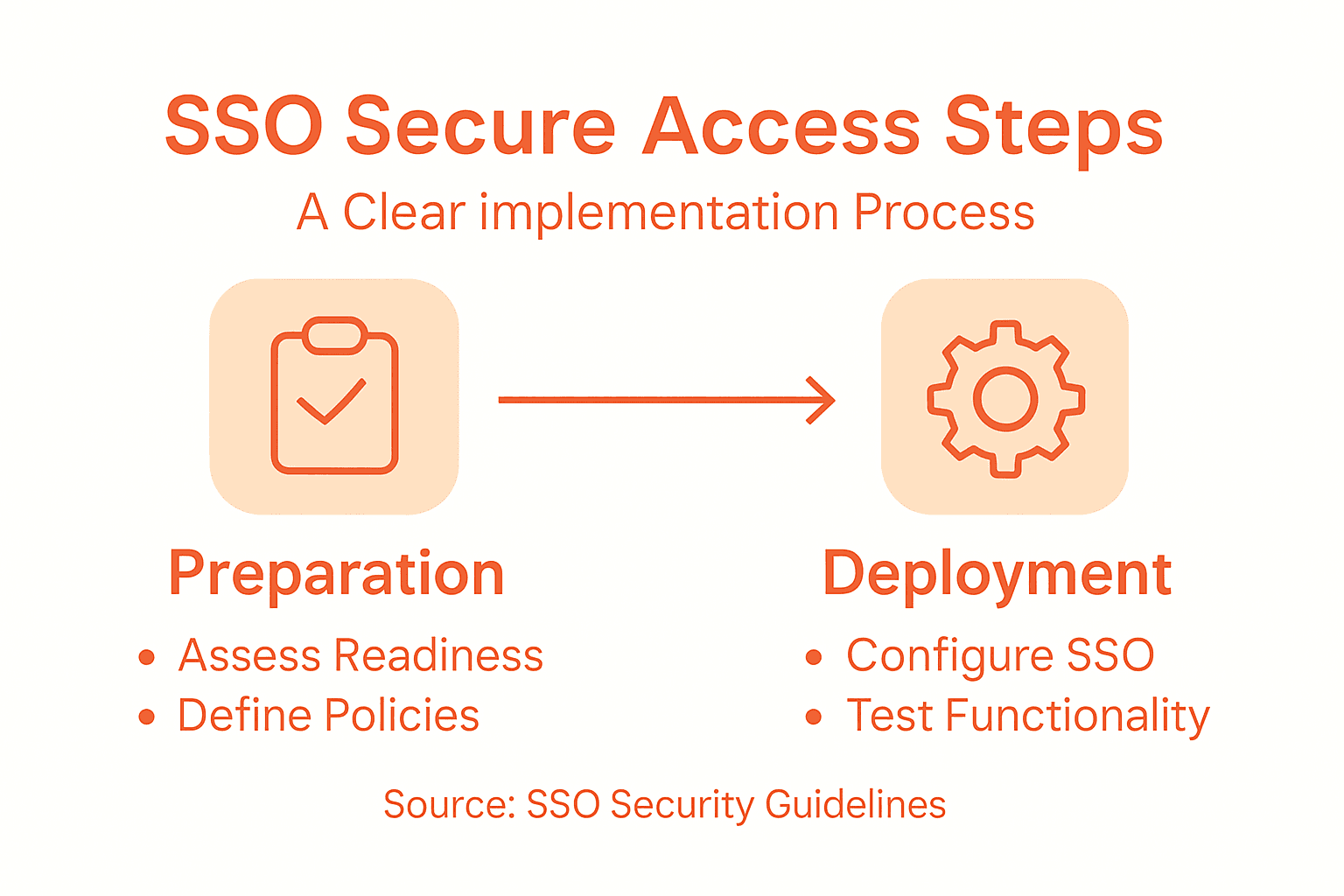
Start by conducting a thorough security requirements analysis using a needs-driven approach. This involves collaborating across multiple departments including IT security, network engineering, and compliance teams to map out existing authentication mechanisms. Look for potential vulnerabilities in current access management systems and identify specific non-functional requirements that will guide your SSO strategy. Pay special attention to authentication protocols, encryption standards, and potential integration challenges with existing enterprise applications.
Your security assessment should include evaluating current identity management practices, analyzing potential attack vectors, and understanding regulatory compliance requirements specific to your industry. Review your organization’s access control policies and determine how SSO will enhance or modify existing security frameworks. Consider conducting a comprehensive risk assessment that examines potential authentication weaknesses and maps out how a single sign on solution can mitigate these risks while improving user experience.
Pro Tip: Engage a third-party security consultant to perform an independent readiness assessment and provide an unbiased perspective on your enterprise’s SSO implementation potential.
Step 2: Select and Configure an SSO Solution
Selecting the right SSO solution requires a strategic approach that balances security, usability, and organizational compatibility. Your goal in this step is to identify and implement an authentication framework that seamlessly integrates with your existing technology infrastructure while providing robust protection against potential security threats.
Begin by evaluating comprehensive SSO protocols that align with your enterprise requirements. This involves carefully examining different authentication methods such as SAML, OAuth, OpenID Connect, and understanding their specific strengths and limitations. Look for solutions that offer multi-factor authentication capabilities, support for cloud and on premises applications, and flexible identity management features. Pay close attention to integration capabilities with your current directory services like Active Directory or LDAP, ensuring smooth user provisioning and access management.
Here’s a summary of leading SSO authentication protocols and their key strengths:
| Protocol | Main Advantage | Typical Use Case |
|---|---|---|
| SAML | Robust enterprise integration | Web-based applications |
| OAuth | Secure API authorization | Mobile and web services |
| OpenID Connect | User identity verification | Consumer-facing platforms |
| LDAP | Centralized user directories | Legacy, internal systems |
During the configuration process, focus on creating a secure and streamlined authentication experience. Map out your user access workflows, define role based permissions, and establish clear authorization protocols. Consider implementing adaptive authentication mechanisms that can dynamically adjust security levels based on user behavior and risk factors. Verify that your chosen SSO solution provides comprehensive logging and monitoring capabilities to track authentication events and detect potential security anomalies.
Pro Tip: Conduct a pilot test with a small user group to validate the SSO solution performance and user experience before full enterprise deployment.
Step 3: Integrate Applications with SSO Provider
Integrating your enterprise applications with a single sign on provider represents a critical phase in establishing a unified and secure authentication ecosystem. Your objective is to create seamless connections between various applications and your chosen SSO infrastructure while maintaining robust security protocols.

Begin by configuring SAML authentication extensions across your application landscape. This process involves downloading and enabling authentication modules for each enterprise application, carefully mapping identity provider metadata, and establishing precise redirect URLs. Pay special attention to configuring authentication priorities and ensuring compatibility across different application types including web based, cloud native, and legacy systems. Verify that each application can successfully communicate with your SSO provider by testing authentication workflows and validating session management capabilities.
During the integration process, develop a comprehensive mapping of user roles and permissions across different applications. Implement attribute based access controls that allow granular management of user authentication and authorization. This approach ensures that users receive appropriate access levels based on their organizational roles while maintaining a consistent and secure authentication experience. Monitor the integration closely and be prepared to troubleshoot potential compatibility issues that may arise during the implementation.
Pro Tip: Create a staged rollout strategy that integrates applications incrementally to minimize potential disruptions and allow for precise configuration adjustments.
Step 4: Establish User Roles and Access Policies
Defining user roles and access policies forms the backbone of a secure and efficient single sign-on implementation. Your goal is to create a comprehensive framework that precisely controls user permissions while maintaining flexibility across your enterprise technology ecosystem.
Begin by developing role-based access controls that map organizational structures and job responsibilities. This involves creating granular permission sets that define exactly what resources and applications different user categories can access. Classify users into distinct groups such as administrators, managers, standard employees, and external contractors. For each group, carefully outline specific access levels ensuring that users have precisely the permissions required to perform their job functions nothing more and nothing less.
The following table highlights common user groups and best-practice access strategies for each:
| User Group | Recommended Access Level | Additional Protections |
|---|---|---|
| Administrators | Full system access | Mandatory multifactor authentication |
| Managers | Advanced resource access | Periodic access reviews |
| Employees | Standard application usage | Context-based access controls |
| Contractors | Limited, temporary access | Time-based access restrictions |
Implement a dynamic authorization model that allows for real-time policy adjustments and contextual access management. This means developing mechanisms that can adapt user permissions based on factors like device type, location, time of access, and individual user behavior patterns. Regularly audit and review these access policies to ensure they remain aligned with changing organizational structures and security requirements. Integrate multifactor authentication and additional verification steps for high-sensitivity roles and critical system access to add an extra layer of protection beyond traditional role-based permissions.
Pro Tip: Create a quarterly review process to validate and update user roles and access policies to maintain alignment with organizational changes and emerging security standards.
Step 5: Test and Validate SSO Functionality
Testing and validating your single sign-on implementation is a critical phase that ensures your authentication system performs securely and seamlessly across your enterprise application ecosystem. Your objective is to systematically verify the SSO solution meets performance, security, and user experience standards.
Begin by rigorously testing SAML security protocols through comprehensive authentication workflow assessments. This involves simulating various login scenarios to validate digital signature verification, assertion encryption, and protection against potential attack vectors like man-in-the-middle and replay attacks. Develop a comprehensive test suite that covers multiple dimensions including user authentication, session management, access control, and token validation across different application types and user roles.
Conduct thorough validation by performing end-to-end testing that examines the entire authentication journey. This includes verifying seamless redirections, validating user permissions, testing multifactor authentication mechanisms, and ensuring consistent access controls across integrated systems. Pay special attention to edge cases such as login attempts from different devices, network conditions, and user permission scenarios. Document any discrepancies or performance issues discovered during testing and develop remediation strategies to address potential security vulnerabilities or user experience challenges.
Pro Tip: Create an automated testing framework that continuously monitors SSO functionality and generates real-time alerts for potential configuration or security anomalies.
Secure Your Enterprise with Expert Single Sign-On Solutions
Implementing Single Sign-On (SSO) is a vital step toward strengthening your enterprise’s security while simplifying user access. If you found yourself navigating complex authentication protocols and wrestling with role-based access controls in the article, you know how critical a seamless and secure SSO integration is to prevent vulnerabilities and reduce friction. Avoid the stress of complicated rollout processes and security gaps by leveraging proven cybersecurity technologies.
Discover how LogMeOnce aligns perfectly with your SSO implementation goals. Our platform offers passwordless multi-factor authentication, adaptive access policies, and encrypted cloud storage that support your need for robust identity management across teams and applications. Integrating with popular protocols like SAML, OAuth, and OpenID Connect is smooth and designed to scale with your enterprise’s demands.

Stop risking weak access controls or deployment delays. Visit our comprehensive cybersecurity solutions now to explore flexible plans and start a free trial. Take the smart step today to secure your enterprise identity management and experience frictionless, safe access that empowers your workforce and safeguards your data.
Frequently Asked Questions
How do I assess my enterprise’s readiness for SSO implementation?
To assess your enterprise’s readiness, conduct a comprehensive evaluation of your current security infrastructure and organizational capabilities. Start by analyzing existing authentication mechanisms, identifying potential vulnerabilities, and engaging cross-departmental teams to ensure a complete security requirements analysis.
What factors should I consider when selecting an SSO solution?
When selecting an SSO solution, consider security, usability, and compatibility with your existing technology infrastructure. Evaluate comprehensive SSO protocols, multi-factor authentication capabilities, and integration options with current directory services to ensure a robust solution that meets your enterprise’s needs.
How do I integrate my applications with an SSO provider?
To integrate your applications with an SSO provider, configure SAML authentication across your application landscape. Map identity provider metadata, establish redirect URLs, and test authentication workflows to ensure seamless communication between your applications and the SSO infrastructure.
What is the best way to define user roles and access policies for SSO?
Define user roles and access policies by developing role-based access controls that align with organizational structures. Create specific permission sets for each user group, ensuring they have the necessary access to perform their jobs while maintaining security through regular audits and updates.
How can I effectively test the functionality of my SSO implementation?
Effectively test SSO functionality by conducting rigorous end-to-end assessments of authentication workflows. Simulate different login scenarios and validate user permissions, session management, and security features to identify any discrepancies or potential vulnerabilities.
What steps can I take to continuously monitor SSO functionality post-implementation?
To continuously monitor SSO functionality, create an automated testing framework that regularly assesses the authentication system. Set up real-time alerts for configuration changes or security anomalies to ensure consistent performance and security across your integrated systems.
Recommended


