


 Password Manager
 Identity Theft Protection

 Team / Business
 Enterprise
 Government
 MSP
MSP

In today's digital landscape, the concept of leaked passwords has become a pressing concern for both individuals and organizations. These breaches often surface on the dark web, where hackers trade stolen credentials from data leaks, exposing countless users to potential identity theft and unauthorized access. The significance of leaked passwords in cybersecurity cannot be overstated; they serve as a gateway for cybercriminals to infiltrate personal accounts, corporate networks, and sensitive information. For users, understanding the implications of these leaks and the importance of robust security measures, such as two-factor authentication, is crucial in safeguarding their online presence and personal data.
Key Highlights
- A 2FA enabler is a tool or software that generates temporary authentication codes for accessing accounts with two-factor authentication.
- 2FA enablers typically use TOTP (Time-based One-Time Password) algorithms to create unique codes that expire after a short period.
- Common 2FA enablers include Google Authenticator, Authy, and Microsoft Authenticator, which sync with various online services and accounts.
- Setup involves scanning a QR code provided by the service you're securing, which establishes a secure connection with the 2FA enabler.
- The enabler generates new codes every 30 seconds, requiring both your password and the current code for successful account access.
Understanding 2FA Enablers
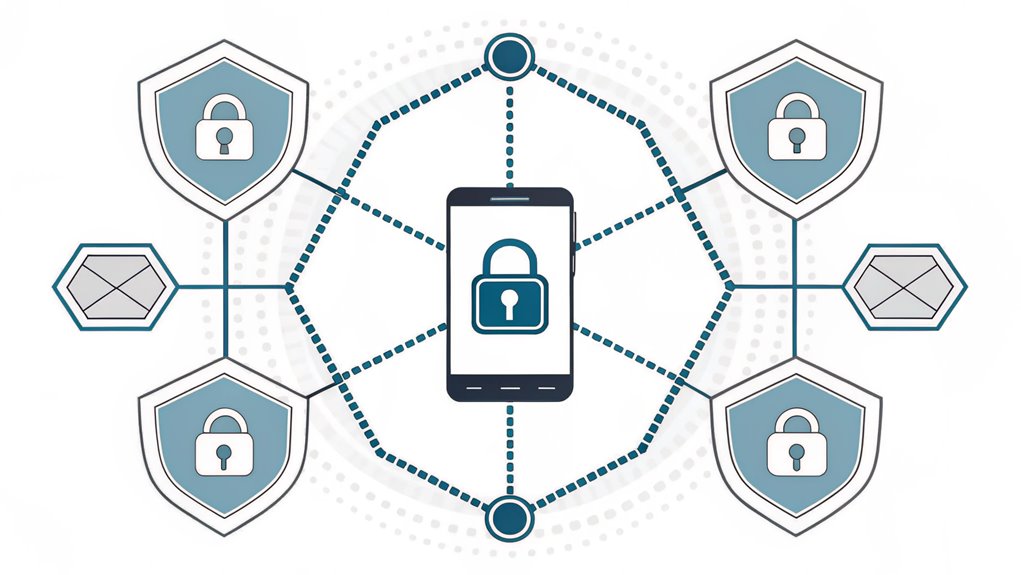
Security systems today demand more than just passwords. Just like how you need both a key and a secret handshake to join your clubhouse, 2FA enablers add an extra layer of security to keep your accounts safe.
I'll tell you what's super cool about 2FA enablers – they're like having two locks on your digital treehouse! The first lock is something you know (like a password), and the second lock is something you have (like your phone) or something special about you (like your fingerprint). MFA codes are often used as the second lock, providing a unique verification method.
Since the late 1980s, two-factor authentication has been protecting our digital lives. Have you ever used a game that sends a code to your phone before letting you play?
These special security helpers work on lots of things, from your favorite games to your parent's work computers. Think of it as wearing both a helmet and kneepads when skating – double protection!
Types of Authentication Methods
Like a detective looking for multiple clues, modern authentication relies on several ways to verify who you are.
Using these different methods helps prevent unauthorized access to important information.
I'll show you three super cool ways we can prove it's really you!
First, there's something you know – like a secret password or your favorite pet's name.
Then there's something you have – maybe a special card or your parent's phone that gets special codes. This method is an example of possession authentication, which is a key factor in enhancing security.
Finally, there's something that's part of you, like your fingerprint or your face (isn't it neat how your phone can recognize you?).
Want to make things extra safe?
We can mix these methods together! It's like having a triple-lock treasure chest – you need the password, the special key, and your fingerprint to open it.
Pretty smart, right?
Setting Up Your 2FA
When you're ready to add an extra layer of protection to your accounts, setting up 2FA is a straightforward process that varies slightly depending on your chosen method.
Think of it like adding a special lock to your favorite toy box!
If you're using a TOTP app (that's like having a secret code maker on your phone), you'll need to scan a funny-looking square pattern called a QR code. TOTP apps are commonly used as a secure method to implement multifactor authentication.
For SMS setup, it's as simple as sharing your phone number – just like telling a friend how to reach you! Carrier rates may apply for receiving authentication codes.
Security keys are like magic wands that you plug into your computer, while passkeys use cool features like your fingerprint or face (just like a superhero scanner!).
Remember to save your recovery codes – they're like spare keys for your digital treehouse!
Common 2FA Security Features
Three core elements define 2FA's security features: verification methods, threat protection, and robust implementation safeguards.
I'll help you understand how 2FA keeps your accounts safe, just like having multiple locks on your treasure chest!
Think of 2FA as your digital bodyguard that uses:
- Two secret codes – like knowing a password AND having a special key
- Anti-bad-guy shields that stop thieves from stealing your stuff
- Smart protection that's easy to use, like putting on your favorite superhero cape
2FA significantly reduces unauthorized access by requiring users to verify their identity through out-of-band channels.
When you use 2FA, it's like having a best friend watching your back.
Even if someone figures out your password, they can't get in without your special second code. Isn't that cool?
It's similar to how you need both a ticket AND a wristband to ride your favorite amusement park rides!
Benefits for Users
Although many people view security measures as inconvenient, 2FA offers users significant benefits that make it worth enabling.
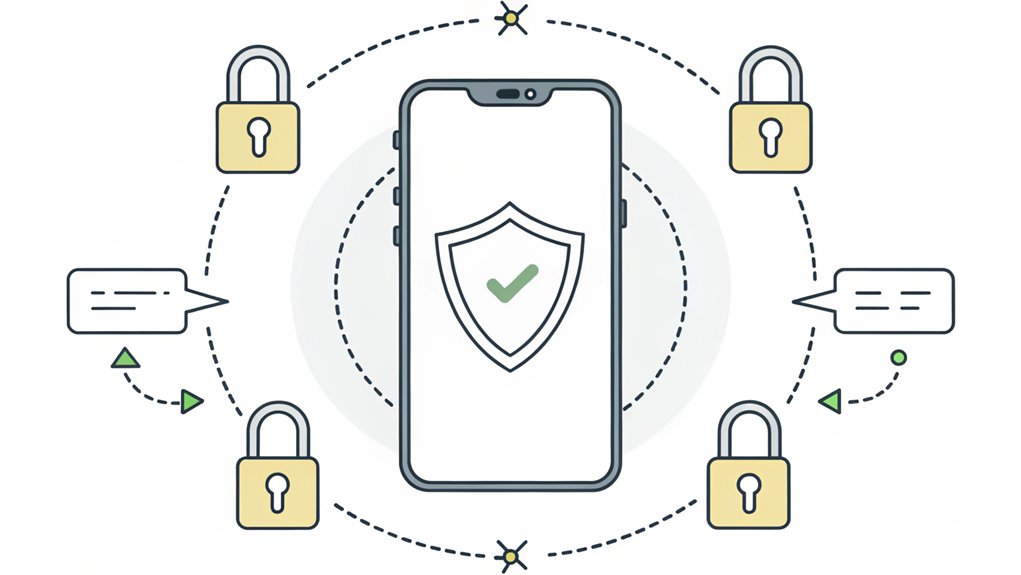
I'll tell you why it's as awesome as having a secret hideout with two special locks! First, it's like having a superhero shield that protects your private stuff from bad guys – even if they guess your password, they can't get in without your special code.
Plus, you can access your accounts from anywhere, just like magic!
Recent studies show multi-factor authentication blocks nearly all automated cyberattacks.
Want to know what's super cool? You won't have to call for help to reset passwords as often, and you'll learn about staying safe online while using it.
It's kind of like having a trusty sidekick that keeps you safe and makes everything easier at the same time!
Risks and Potential Vulnerabilities
Despite its protective benefits, 2FA systems face several significant security risks that users should understand.
Think of 2FA like a castle with strong walls – but even castles can have weak spots! Bad guys are always trying to find clever ways to sneak past our defenses.
Some criminals use SIM card swapping to hijack phone numbers and steal SMS verification codes.
Here are the main ways attackers try to trick 2FA:
- They send fake messages pretending to be your bank or favorite game, asking for your special login codes.
- They create copies of real websites that look just like the ones you trust.
- They use smart computer programs to grab your login information while you're typing.
I want you to be extra careful when using 2FA.
Always double-check website addresses and never share your special codes with anyone – even if they say they're your best friend!
Best Practices for Implementation
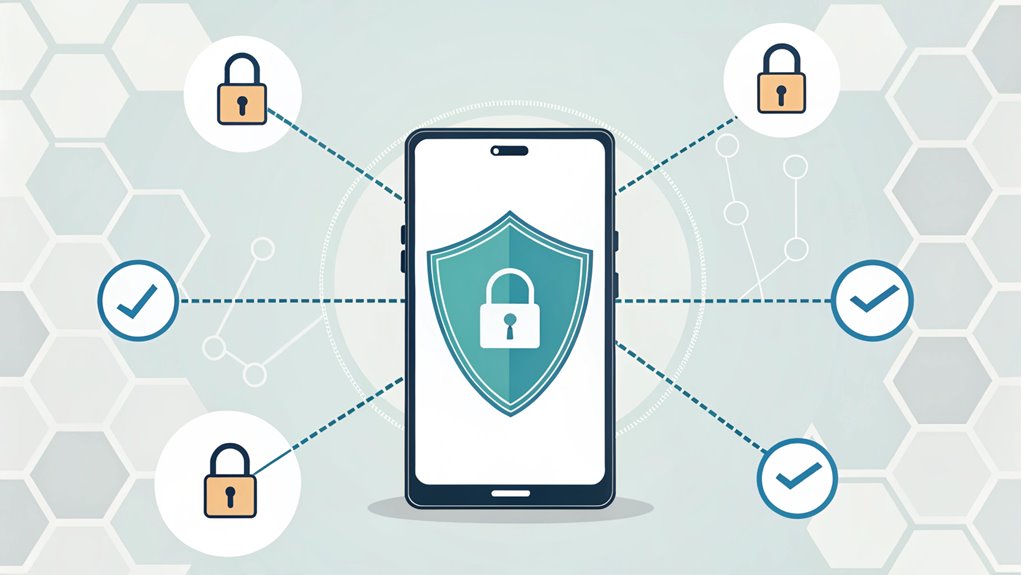
When implementing 2FA effectively, you'll need to take into account several key factors that guarantee both security and usability. I'll help you understand how to make 2FA work like a charm – just like how you need both a key and a secret password to open your treasure chest! Implementing strong backup options ensures you never lose access to your accounts.
| Best Practice | What It Means | Why It's Important |
|---|---|---|
| Choose the Right Method | Pick between SMS, apps, or special keys | Like picking the right superhero for the job! |
| Make It Easy | Simple steps to set up 2FA | So everyone can do it, just like tying shoes |
| Keep It Safe | Protect all the secret codes | Like keeping your lunch box combination private |
Remember to update your 2FA settings regularly, just like changing your favorite game's password. This helps keep the bad guys out!
Business Applications and Use Cases
Today's businesses rely heavily on 2FA to safeguard their most sensitive data and operations.
I've seen it used everywhere from hospitals protecting patient records to banks keeping your money safe! Have you ever wondered how different companies use 2FA?
Here are three cool ways businesses use 2FA:
- Doctors use it to check patient information securely on their phones and computers.
- Banks use it to make sure only you can access your piggy bank money online.
- Schools use it to keep student grades and information private, just like keeping a secret!
You'll find 2FA in stores, government buildings, and even on your favorite social media apps.
Major companies like Facebook, Google, and Twitter use 2FA to protect their users.
It's like having a special lock that needs two keys – isn't that neat?
What places do you think should use 2FA to stay extra safe?
Future of 2FA Technology
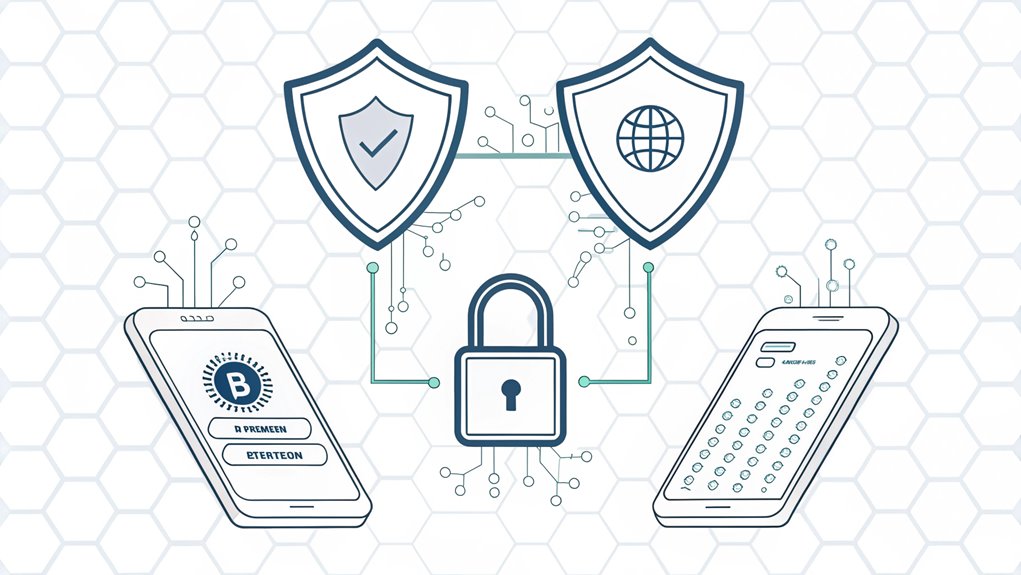
As 2FA technology rapidly evolves, we're witnessing a shift toward more sophisticated authentication methods like biometrics and passwordless systems.
Think of it like having a super-smart door that knows it's you by looking at your face or hearing your voice – pretty cool, right?
I'm excited to tell you that in the future, you mightn't need to remember any passwords at all! Just like how your fingerprint is unique (no two are the same!), new 2FA systems will use special features about you to keep your accounts safe. Machine learning algorithms are making authentication processes smarter and more secure than ever before.
Your face, voice, or even the way you type could be your key to access everything.
But here's the tricky part – these new methods need fancy devices and can be expensive.
Still, they're making our digital world safer every day!
Frequently Asked Questions
Can I Use 2FA on Multiple Devices Simultaneously?
Yes, I'll help you use 2FA on multiple devices! You can set up 2FA on your phone, tablet, and computer all at once using apps like Google Authenticator.
It's like having spare keys to your house – each device can show the same security code.
I recommend using TOTP apps instead of text messages because they're safer and work across all your gadgets.
What Happens to 2FA if I Change My Phone Number?
When you change your phone number, you'll need to update your 2FA settings right away.
I'll walk you through it! First, go to your account settings and add your new number. You'll get a special code to verify it's really you.
Don't forget to remove your old number to keep things safe. Your 2FA will keep working – just make sure you've switched everything to your new number.
How Long Do Backup Recovery Codes Remain Valid?
I want to tell you something cool about backup recovery codes – they stay valid forever until you use them!
Think of them like special tickets: once you use one, it's gone for good.
But here's the important part: if you ever make new recovery codes, all your old ones stop working right away.
It's like getting a new key – the old one won't work anymore!
Does Using 2FA Slow Down the Login Process Significantly?
I'm happy to tell you that 2FA doesn't slow things down much at all!
According to real studies, it only adds about 3 seconds to your login time. That's like counting "1-2-3" – pretty quick, right?
Think of it as putting on your safety helmet before riding your bike. Sure, it takes a tiny moment, but it keeps you super safe!
The extra seconds are totally worth the protection you get.
Can Employers Legally Require Employees to Use Personal Devices for 2FA?
No, employers can't legally require you to use your personal phone for 2FA.
I know it might seem like a simple request, but it's actually against privacy laws!
Think of it like someone asking to borrow your favorite toy – you get to say no.
If your company needs 2FA, they should provide alternatives like hardware tokens or special apps that don't use your personal device.
The Bottom Line
Now that you understand the importance of 2FA enablers in securing your online accounts, it's crucial to take your security a step further with robust password management. Strong, unique passwords are your first line of defense against unauthorized access, and managing them effectively is paramount. Consider utilizing password management tools that not only store your passwords securely but also help generate strong ones. In addition, the shift towards passkeys offers a more secure and convenient alternative to traditional passwords.
To enhance your online security, I encourage you to check out LogMeOnce, a comprehensive solution for password and passkey management. Sign up for a free account today at LogMeOnce and take control of your digital security. Don't wait until it's too late—secure your online life now!

Mark, armed with a Bachelor’s degree in Computer Science, is a dynamic force in our digital marketing team. His profound understanding of technology, combined with his expertise in various facets of digital marketing, writing skills makes him a unique and valuable asset in the ever-evolving digital landscape.


