


 Password Manager
 Identity Theft Protection

 Team / Business
 Enterprise
 Government
 MSP
MSP

With the rise of online security breaches, the topic of leaked passwords has become increasingly significant in the realm of cybersecurity. Passwords can often be found in various data leaks, such as those resulting from major hacks of popular websites and services. These leaks typically expose millions of user credentials, making it crucial for individuals to understand the risks involved. The significance of leaked passwords lies in their potential to compromise personal accounts, leading to identity theft and unauthorized access to sensitive information. For users, being aware of these leaks and taking proactive measures, such as implementing strong passwords and enabling Two-Factor Authentication (2FA), is essential to safeguard their online presence in an increasingly threatening digital landscape.
Key Highlights
- Two-Factor Authentication (2FA) is a security measure requiring two different forms of verification: a password and a secondary proof of identity.
- 2FA protects sensitive information by creating an additional security layer that makes unauthorized access significantly more difficult for cybercriminals.
- Rising cyber attacks (30% annual increase) make 2FA essential for safeguarding accounts against password breaches and automated hacking attempts.
- Human error causes 68% of data breaches, making 2FA crucial for protecting businesses and individuals from security vulnerabilities.
- 2FA options include push notifications, security keys, software tokens, and biometric authentication, providing flexible security solutions for different needs.
Understanding Two-Factor Authentication
While passwords alone are no longer enough to protect our digital lives, two-factor authentication (2FA) provides an essential second layer of security.
Think of it like having a special secret handshake plus a magic password – you need both to get in!
Have you ever used a locker at school? You need two things: the right locker number and the correct lock combination.
That's exactly how 2FA works! First, you enter your password (something you know). Then, you'll need a second proof that you're really you – maybe a special code sent to your phone or even your fingerprint (something you have or are).
Authenticator apps generate unique time-based codes that expire quickly for extra protection. Multi-Factor Authentication is recommended by organizations like NIST for best practices in security.
It's like having a superhero sidekick for your password, making sure the bad guys can't sneak into your accounts!
Common Types of 2FA Methods
Today's digital world offers several reliable ways to implement two-factor authentication, each with its own strengths and ideal use cases.
Think of 2FA like having a special secret handshake – but for your computer!
I'll tell you about my favorite methods.
Push notifications are like getting a tap on the shoulder from your phone saying "Hey, is this really you?" Super easy! These notifications expire after 15 minutes to keep your account secure.
Security keys are like magic keys that plug into your computer – how cool is that?
Have you ever used an app that creates special codes? That's called a software token, and it's like having a digital combination lock that changes every minute.
There's even a way to use your fingerprint or face, just like a superhero's secret identity scanner!
How 2FA Protects Your Accounts
Think of 2FA like having a secret clubhouse with two locks – one's your password, and the other's a special code only you can get!
When someone tries to break into your account (like a sneaky cookie thief!), they'd need both your password and your special code. Even if they guess your password, they can't get in without that second key!
With cyber attacks increasing by 30% each year, protecting your accounts with 2FA has never been more important. MFA enhances security by requiring additional information beyond passwords, safeguarding sensitive information like banking and payment data.
It's like wearing both a helmet and knee pads when skating – double the protection!
Your special code might come from your phone, fingerprint, or a tiny security device. These codes change all the time, so bad guys can't copy them. Cool, right?
Security Benefits of 2FA
Since cybercriminals have become increasingly sophisticated, 2FA's security benefits provide essential protection for your digital life.
MFA blocks 99.9% of unauthorized login attempts, making it incredibly effective at stopping criminals.
Think of it like having two locks on your front door instead of just one – it's way harder for bad guys to break in!
When you use 2FA, even if someone figures out your password (kind of like finding your house key), they still can't get in without the second factor. This extra layer of security significantly reduces the risk of data breaches and unauthorized access.
It's like having a special secret handshake that only you know! Plus, it stops those pesky automated attacks – imagine robots trying to guess your password millions of times.
With 2FA, they just can't get through!
I love how 2FA helps keep your private stuff safe, just like how you keep your favorite toys in a special box.
It works everywhere – at school, doctor's office, or when you're playing your favorite online games.
Setting Up 2FA
When you're ready to set up two-factor authentication, you'll have several secure options to choose from, including TOTP apps, SMS verification, passkeys, or security keys.
As of 2023, GitHub now requires 2FA for all code contributors to enhance security.
Think of TOTP apps like a special decoder ring that creates secret codes just for you!
Want to try SMS? It's like getting a special text message with a secret code – just like passing notes in class, but safer!
If you're feeling fancy, passkeys work like a magic wand that only you can use.
And security keys? They're like tiny treasure keys that grant access to your account!
The setup is super easy – just follow the steps like you're following a recipe for your favorite cookies.
Pick your favorite method, and I'll help you protect your account like a superhero shields their secret identity!
Business Applications for 2FA
Many businesses across industries have embraced 2FA as an essential security measure to protect sensitive data and maintain customer trust. Think of it like having a special secret handshake – you need to know two moves to get in!
I've seen 2FA work wonders in places like hospitals, banks, and even your school. It's like having a super-strong lock on your treehouse – you need both the password AND a special key to enter. Isn't that cool? Human error and weaknesses cause 68% of data breaches, making 2FA crucial for businesses.
When businesses use 2FA, they're keeping important information safe from sneaky hackers, just like you'd protect your favorite trading cards from getting stolen.
The best part? It's really simple to use! You just type in your password, then check your phone for a special code – kind of like solving a fun puzzle.
2FA Vs Traditional Password Security
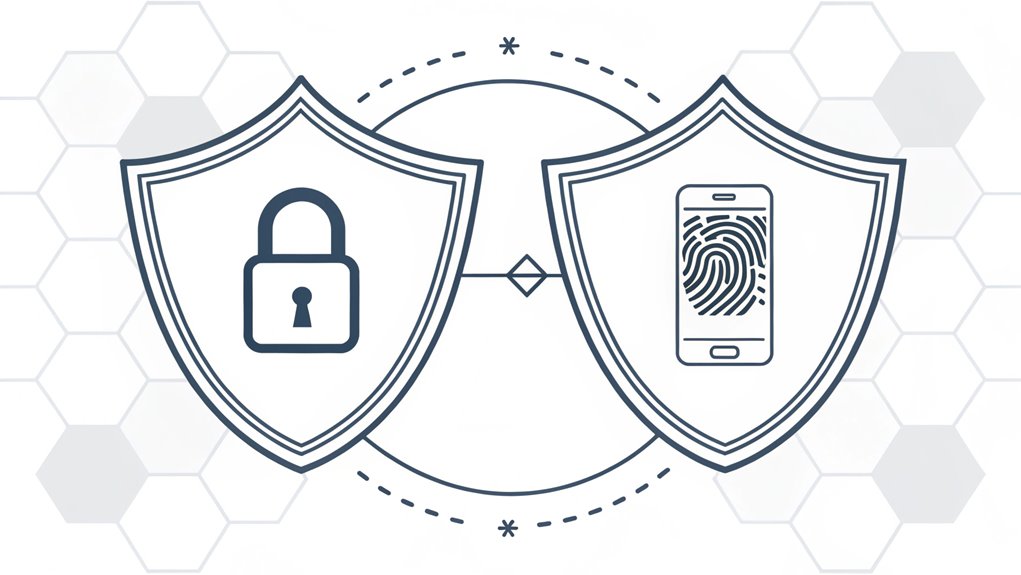
While traditional passwords served as the cornerstone of digital security for decades, they've become increasingly vulnerable to modern cyber threats.
Think of a password like a single lock on your treehouse – if someone figures out how to pick it, they're in! But 2FA is like adding a secret handshake and a special badge.
I love how 2FA works – it's like having two superpower shields instead of one! When you log in, you'll need your password (something you know) plus a special code sent to your phone (something you have). Password managers assist with managing multiple complex passwords securely.
Even if a bad guy steals your password, they can't get in without that second piece. It's similar to how you need both a ticket AND a wristband to ride the coolest rides at an amusement park!
Potential Vulnerabilities in 2FA
Despite its enhanced security features, 2FA isn't immune to vulnerabilities that clever attackers can exploit.
Think of it like having a super-secret clubhouse with two locks – if someone tricks you into giving them both keys, they can still get in! Bad guys use tricks called "phishing" (like fishing, but with fake emails!) to steal your passwords and codes. They might send you messages pretending to be your favorite game or app.
Sometimes, mean computer programs called "malware" can sneak onto your device and steal your secret codes, just like a sneaky cat stealing cookies from the cookie jar! Social engineering tactics are commonly used to trick users into revealing their 2FA information.
That's why it's important to be extra careful about which links you click and what you download. You wouldn't share your lunch password with a stranger, right? The same goes for your online passwords!
Mobile Authentication Solutions
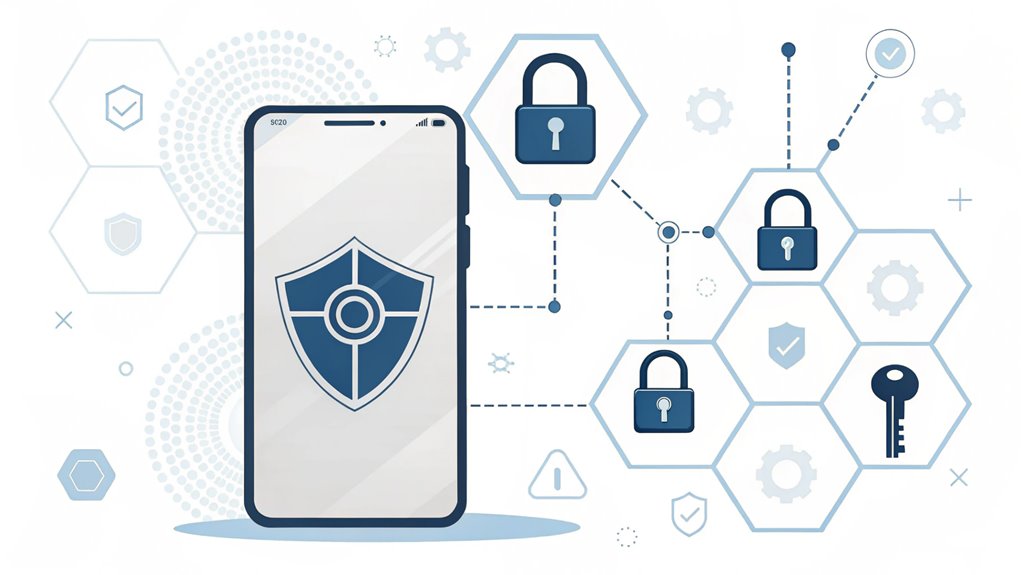
As technology evolves, your phone has become a powerful key to gaining access to the world of 2FA security.
Think of your phone as a special superhero sidekick that helps keep your online world safe! It can verify it's really you in different cool ways.
Want to know how? Your phone might send you a secret code by text message (like passing notes in class), or use a special app that creates magic numbers that change every minute.
Some phones even use your fingerprint or face – just like in spy movies! The best part? It's super easy to use and doesn't cost much.
Have you ever played "secret password" with your friends? This is kind of like that, but way more secure!
This extra layer of security helps protect against phishing attacks that try to steal your password.
Future of 2FA Technology
The future of 2FA technology looks far beyond simple codes and text messages. I'm excited to tell you about some amazing new ways we'll keep our digital stuff safe – it's like having a super-secret hideout with multiple locks!
Soon, your phone might recognize your face or fingerprint (just like your parents' phones do now), and computers might even learn how you type or move your mouse to know it's really you. Cool, right? Security experts are working on machine learning algorithms to make these systems even smarter.
Think of it like having a best friend who knows exactly how you skip on the playground!
I bet you'll love this: instead of remembering tricky passwords, you might just need to tap a button when your phone asks "Is this you?"
It's getting easier and safer every day – just like learning to ride a bike with training wheels!
Frequently Asked Questions
What Happens if I Lose My Phone With My 2FA Authentication Apps?
Don't worry! If you lose your phone with 2FA apps, you've got options.
I'd first use backup codes I saved earlier – they're like special passwords just for emergencies.
Then I'd quickly unlink my lost phone from all my accounts.
Next, I'd set up 2FA on my new phone using those backup codes.
Remember to contact customer service if you need extra help!
Can I Use 2FA Across Multiple Devices Simultaneously?
Yes, I can help you use 2FA on lots of devices at once!
Think of it like having the same house key that works on different doors. You can set up your authenticator app on your phone, tablet, and computer – they'll all show the same code at the same time.
It's super handy when you need to log in from different places but still want to stay safe.
Does 2FA Slow Down the Login Process Significantly?
I know you might worry about 2FA taking forever, but it's super quick!
Think of it like putting on your shoes – just one extra quick step to keep you safe. It only adds a few seconds to your login time. That's as fast as saying "1-2-3!"
While you might notice the extra step, it's totally worth it for keeping your accounts safe from bad guys.
How Much Does Implementing 2FA Typically Cost for Small Businesses?
For small businesses, I'd say 2FA costs can vary like ice cream flavors!
Using an API solution (that's like a ready-made recipe) might cost around $2-15 per person monthly.
If you're building it yourself, expect to spend $15,000-22,000 upfront – that's like buying a small car!
Most small businesses find API solutions more budget-friendly, just like getting a scoop instead of buying the whole ice cream shop.
Can I Temporarily Disable 2FA When Traveling Internationally?
I don't recommend disabling 2FA while traveling, as it's like removing your bike's safety lock in a busy park!
Instead, I've got some safer tricks for you. Before your trip, set up multiple 2FA methods like backup phone numbers or authentication apps.
You can also carry your home country's SIM card or use trusted devices.
Think of it as having spare keys to your house – always better to be prepared!
The Bottom Line
As we explore the importance of 2FA, it's crucial to recognize that it's just one piece of the puzzle in securing your online accounts. Password security, management, and the use of passkeys are equally vital in protecting your personal information. With cyber threats evolving, relying solely on strong passwords isn't enough. You need a comprehensive approach to keep your accounts secure.
That's why I encourage you to take your password security to the next level. Consider signing up for a Free account at LogMeOnce. This platform helps you manage your passwords and passkeys efficiently, ensuring that you have a robust defense against potential breaches. By taking action now, you can enhance your online safety and enjoy peace of mind. Don't wait for a security breach to happen—protect yourself today!

Mark, armed with a Bachelor’s degree in Computer Science, is a dynamic force in our digital marketing team. His profound understanding of technology, combined with his expertise in various facets of digital marketing, writing skills makes him a unique and valuable asset in the ever-evolving digital landscape.


